Will Not Acquire GPS Signal - PetSafe® GPS Customizable Dog Fence
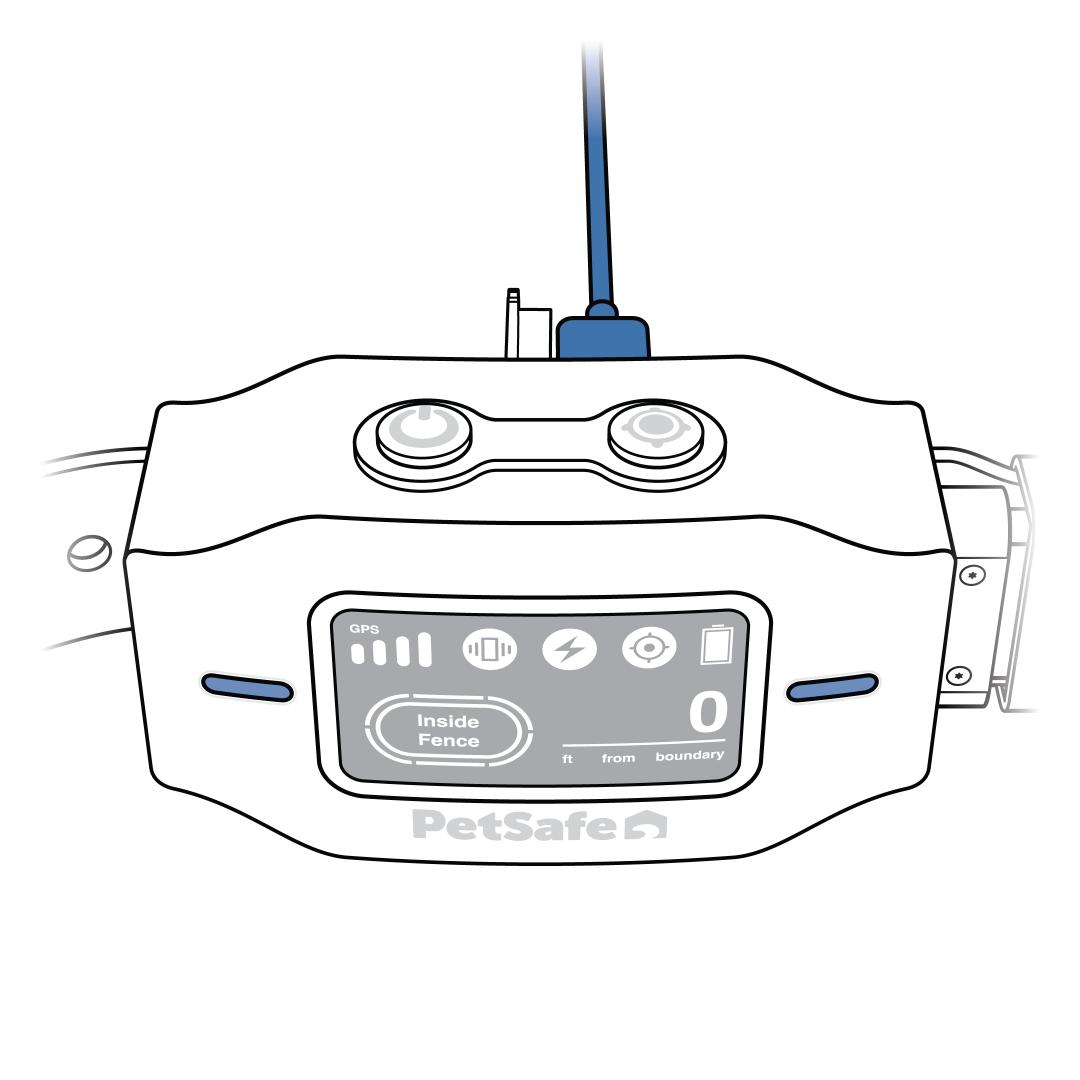
Check the battery status icon to ensure the collar is charged. If the collar has low battery or will not turn on, start by charging the collar.
- For more information on charging, visit How To Turn On, Turn Off and Charge My PetSafe® GPS Customizable Dog Fence.
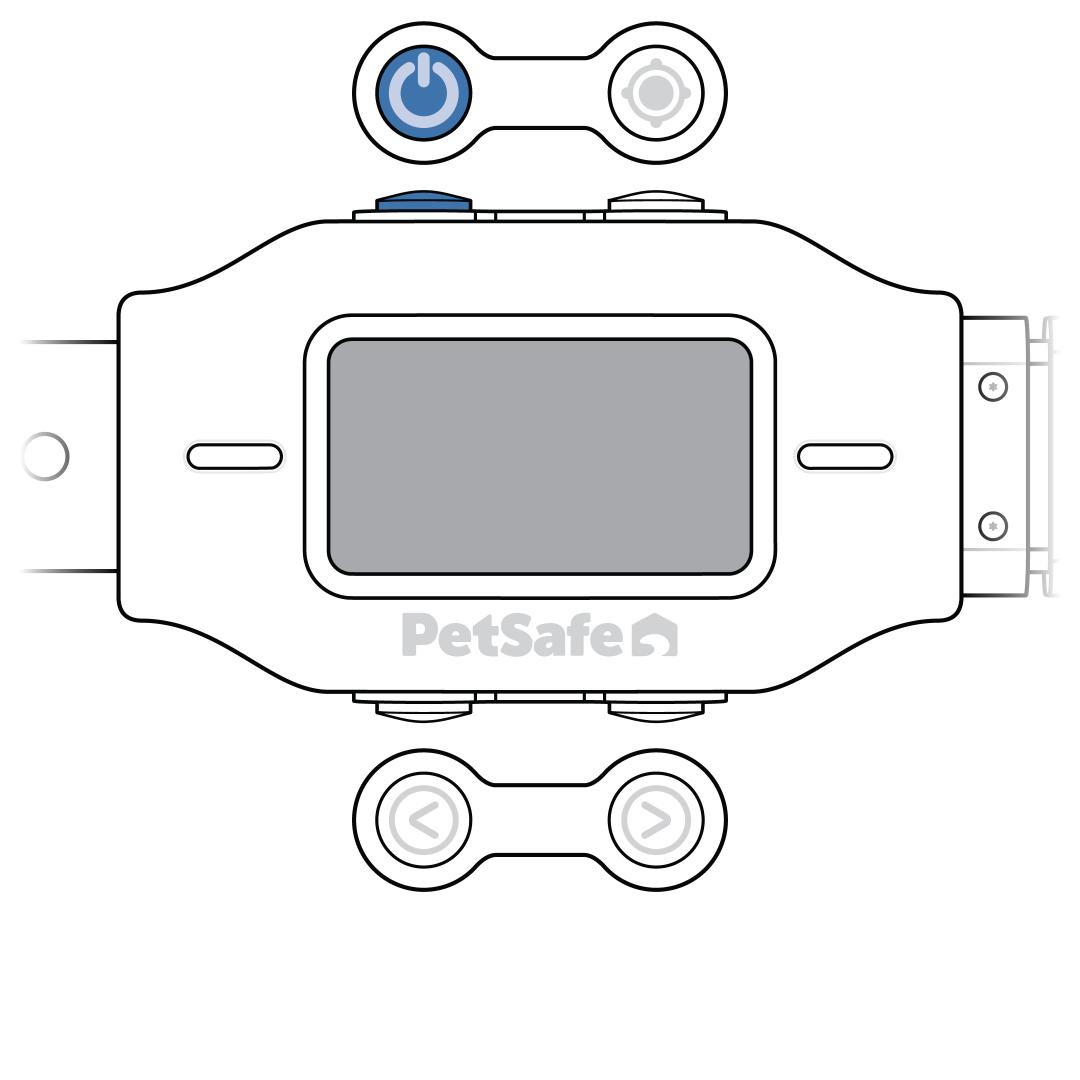
Go outside to an open area and press and release the power button to turn the collar on.
- Avoid standing within 25 feet of buildings, trees or covered patios.
- Poor weather conditions and cloudy skies can also interfere with the GPS connection.
- Hold the antenna (located on the collar strap) to the sky to get a quicker GPS fix.
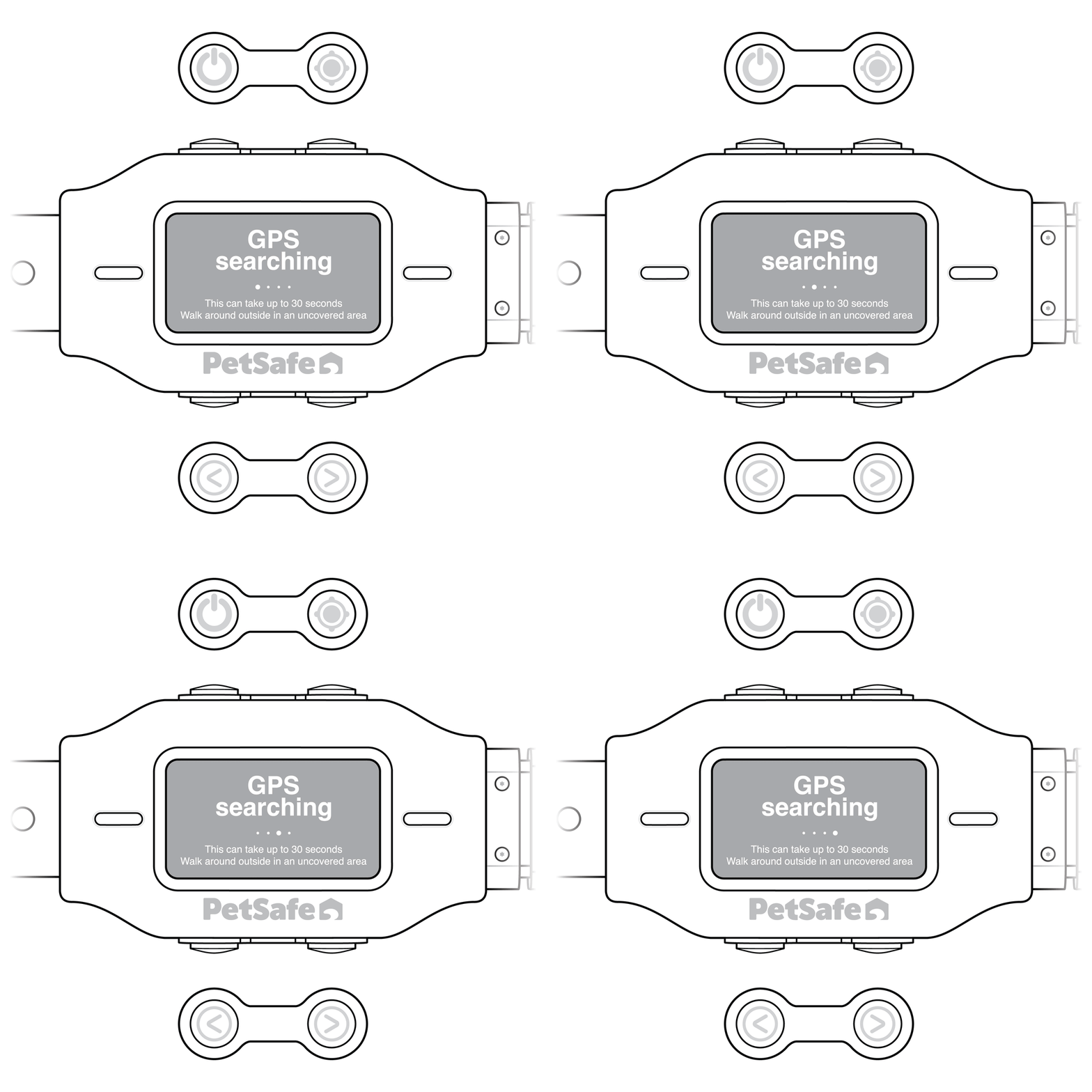
Wait while the collar searches for GPS signal.
- In an uncovered area with a clear view of the sky, the collar acquires a GPS signal in about 30 seconds.
- Acquiring a GPS signal for the first time may take longer.
- If the collar displays “GPS Searching” for more than 30 seconds, walk to another part of your yard to try to find a stronger GPS signal.
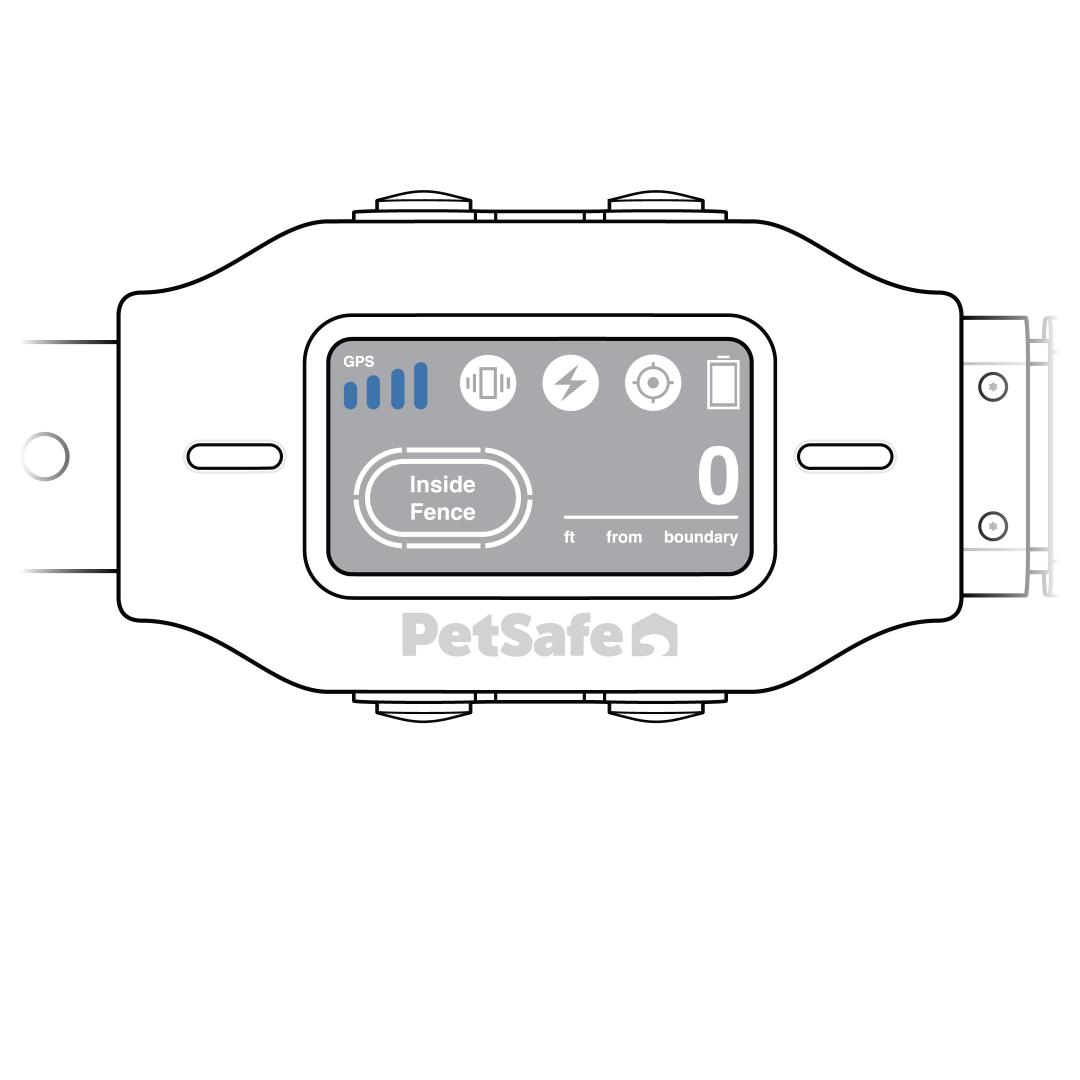
If the collar acquires GPS signal, the issue is resolved.
- If the collar previously acquired a GPS signal but now will not acquire signal after more than 5 minutes in an appropriate environment, contact customer care.
- If the collar has never acquired GPS signal, contact customer care to discuss potential alternatives in case your location is not suitable for GPS use.