What Are the Lights and Buttons for on My PetSafe® Hydrosphere™ 60oz Stainless Steel Fountain?
Filter Light and Button
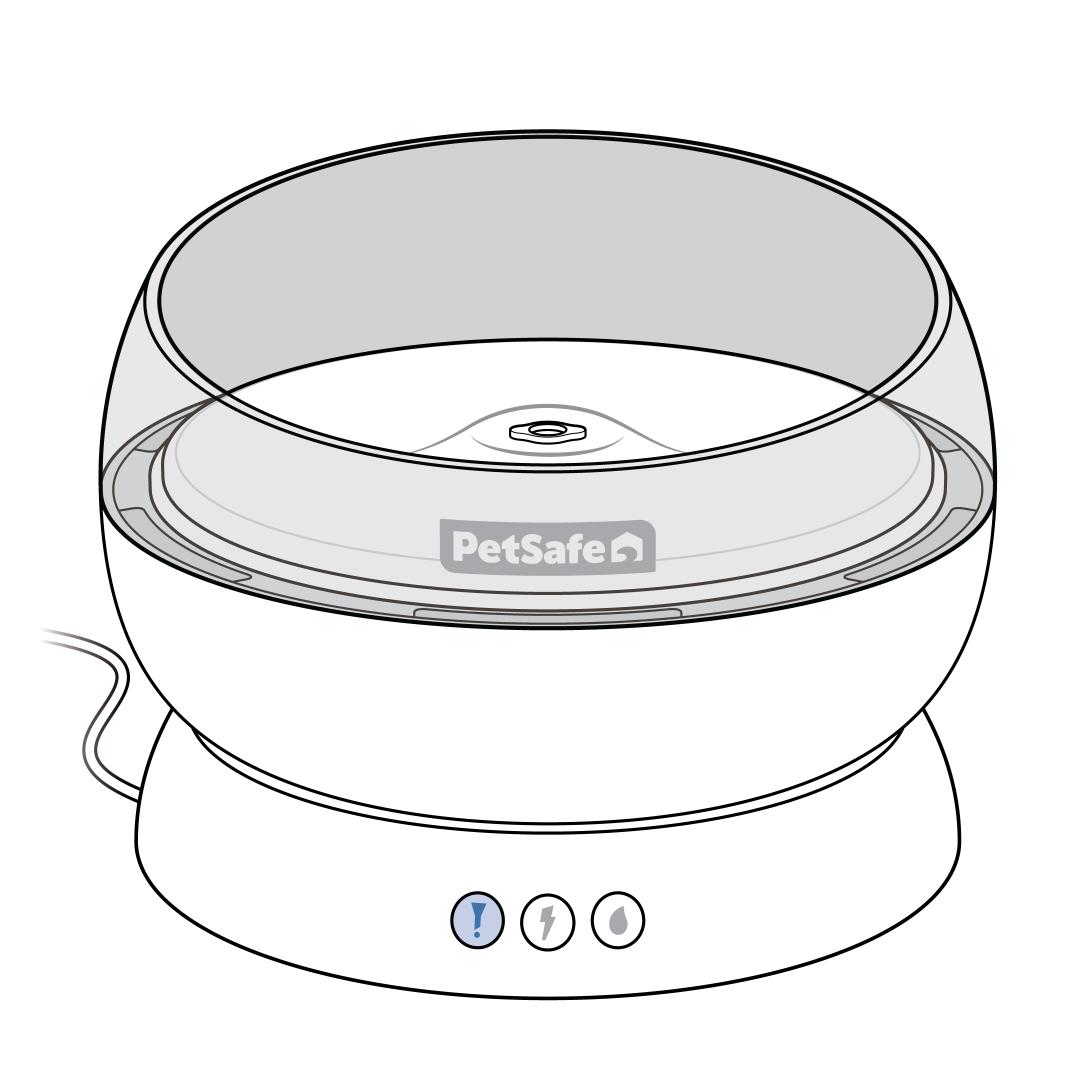
The filter reminder light helps you track filter life.
- No light: The filter life is sufficient or the filter reminder is off.
- Pulsing red: The filter has been in use for three weeks or more and it is time to replace it. For more information, visit How To Reset the Reminder and Replace the Filter in My PetSafe® Hydrosphere™ 60oz Stainless Steel Fountain.
The filter button lets you reset the filter reminder after replacing the filter or turn the reminder off.
- To reset or turn on the filter reminder, press and hold the filter button for 3 seconds. Release the button when the light flashes blue three times to indicate the reminder has been reset. After 3 weeks of use, the light will indicate the filter needs to be replaced.
- To turn off the filter reminder, press and hold the filter button for 10 seconds. After 3 seconds, the light will flash blue three times. Continue holding the button until the light flashes red three times to indicate the reminder has been turned off. The light will no longer give you an indication that the filter needs to be replaced.
Power Light and Button
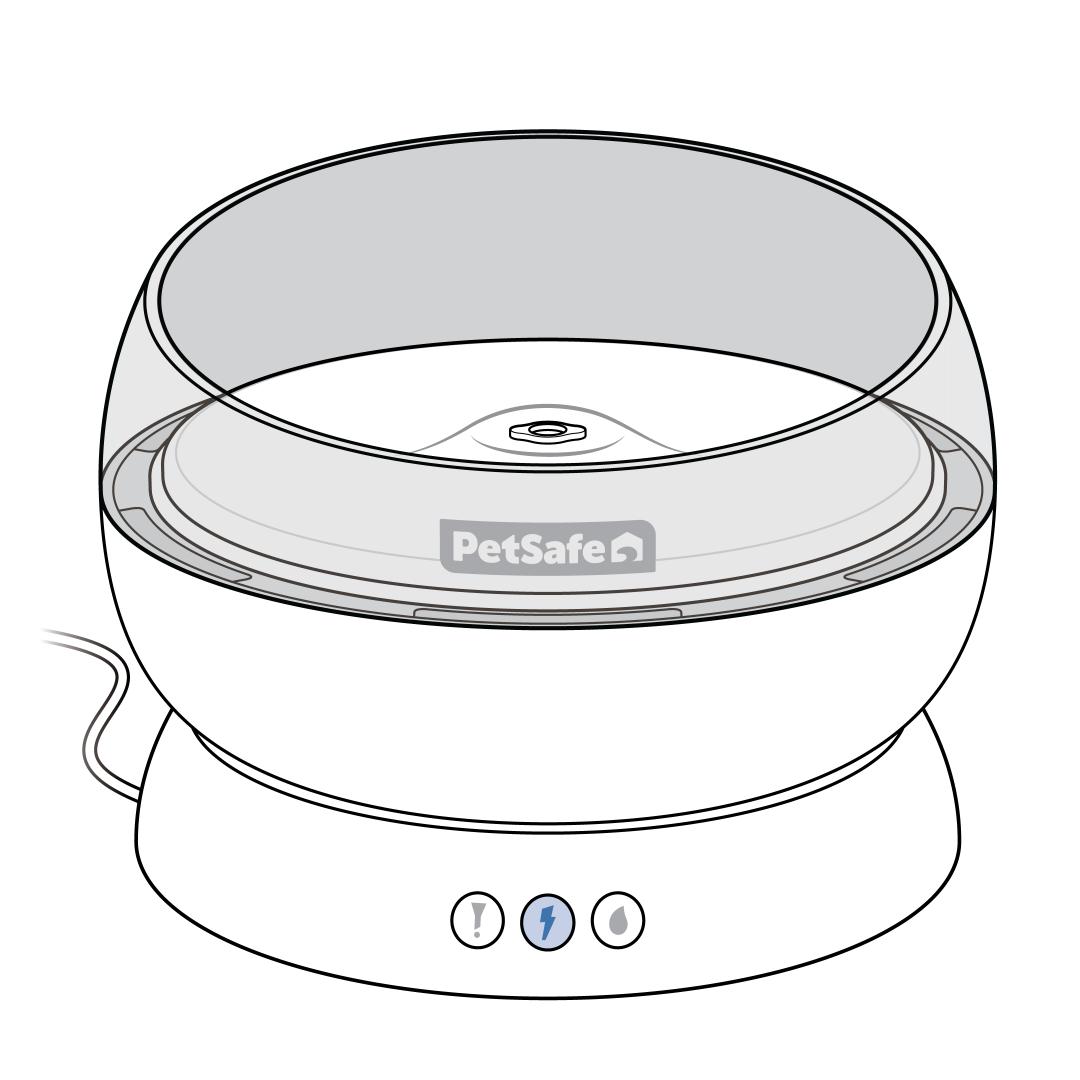
The power light indicates the power status.
- No light: The fountain is powered off or unplugged.
- Solid blue: The fountain is powered on.
The power button allows the fountain to be turned on and off.
- To power on the fountain, press and release the power button. The power light will glow solid blue.
- To power off the fountain, press and release the power button. No lights will show on the fountain.
Water Level Light
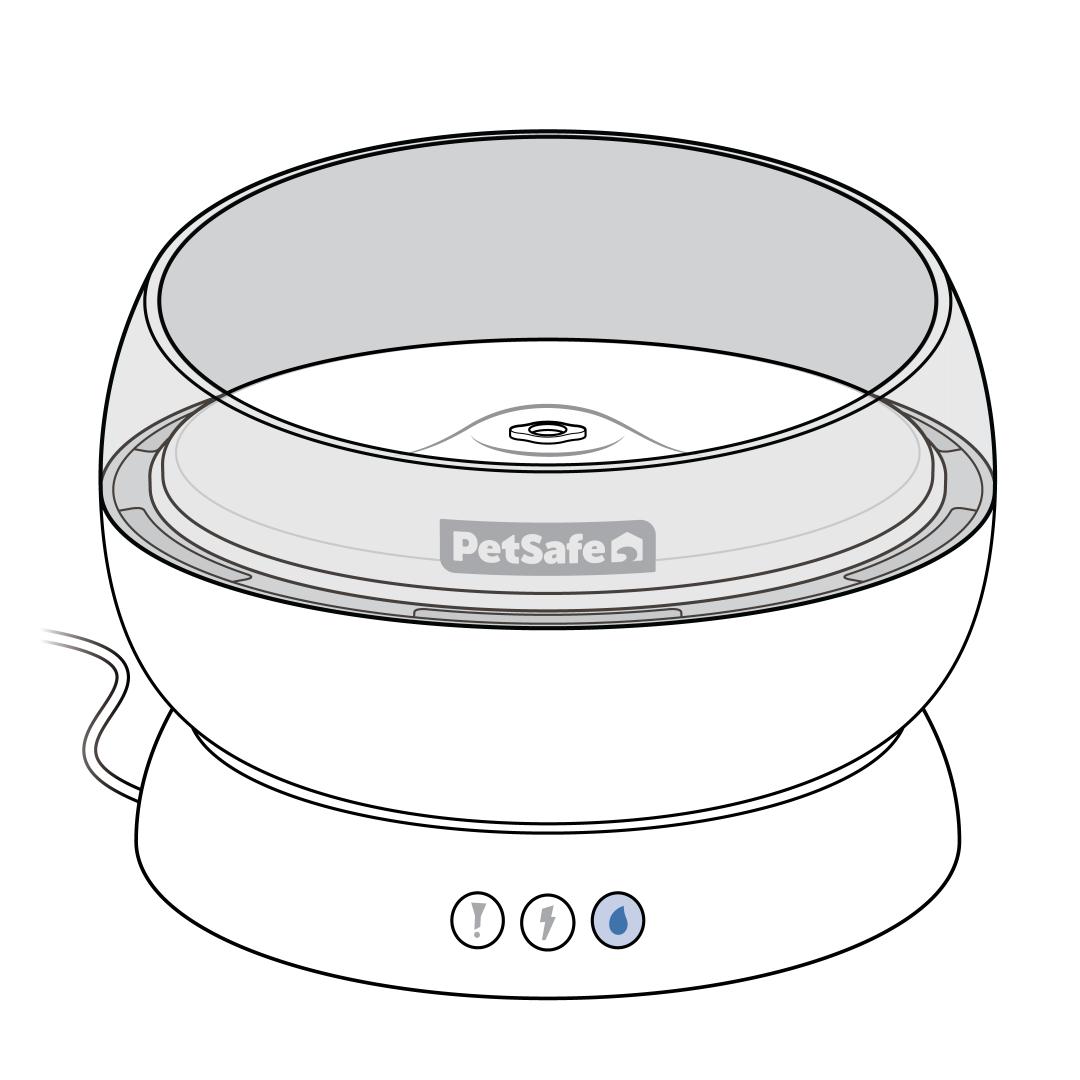
The water level light indicates the status of the water level and alerts you when the level is low (this is a light only, not a button).
No Light: The water level is sufficient.
Pulsing Red: The water level in the bowl is low and the fountain should be refilled immediately, even if there is water in the tray. The water level must remain above the pump for the fountain to properly flow. Refill the fountain.
- If you have just filled the fountain with water and powered it on, the water level light will briefly pulse red while the pump primes with water, then turn off and the water will start to flow.
- If there is sufficient water in the bowl and the red light still pulses, visit My PetSafe® Hydrosphere™ 60oz Stainless Steel Fountain Has a Red Light.