The PetSafe® Pawz Away® 2.0 Indoor Wireless Pet Barrier Collar Is Not Correcting or My Dog Is Not Responding
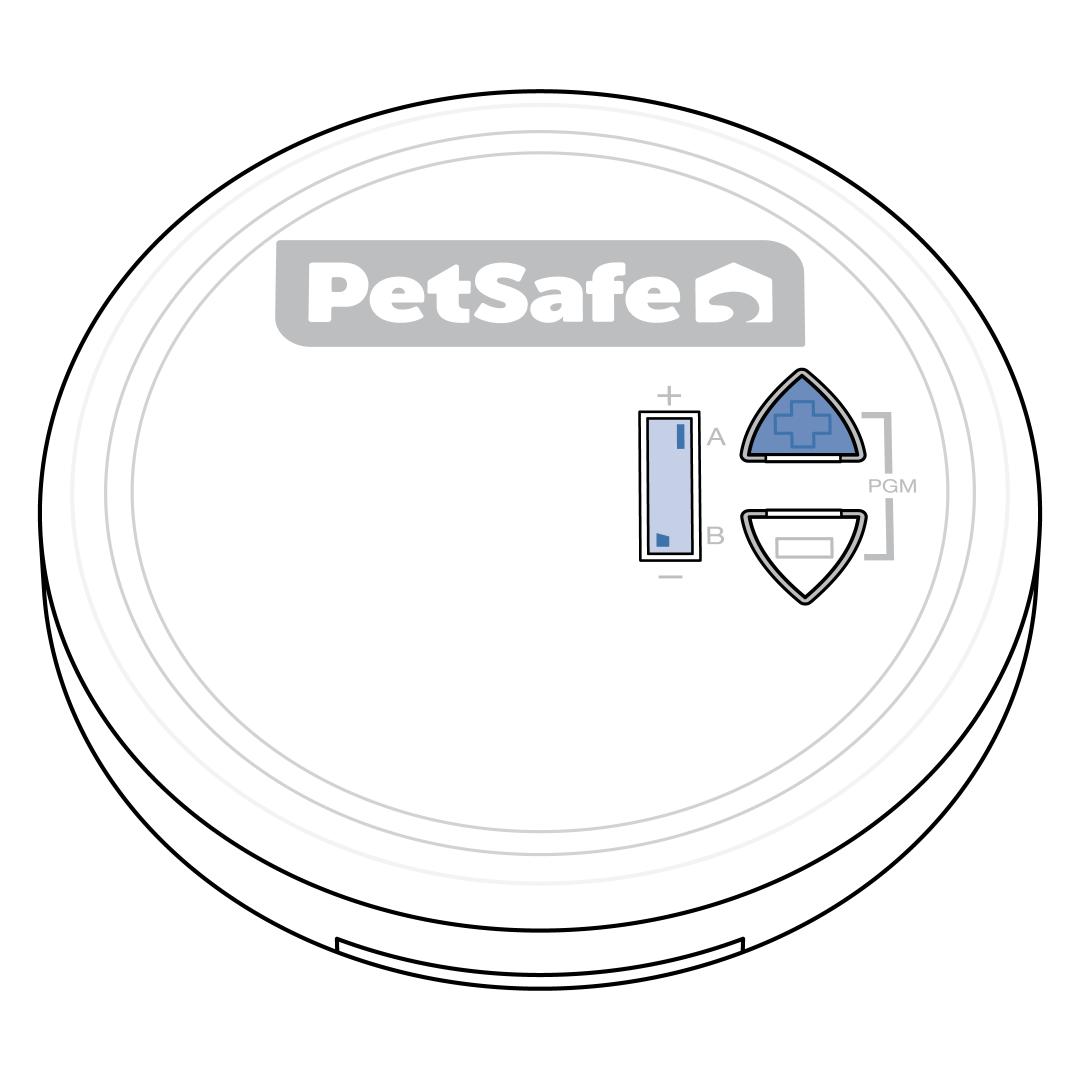
Ensure the indoor base puck is powered on. The screen is blank when the indoor base puck is powered off. Press the up (+) button one time. The screen on the indoor base puck will display the mode and range bars.
If the screen will not power on, visit My PetSafe® Pawz Away® 2.0 Indoor Wireless Pet Barrier Does Not Have Power.
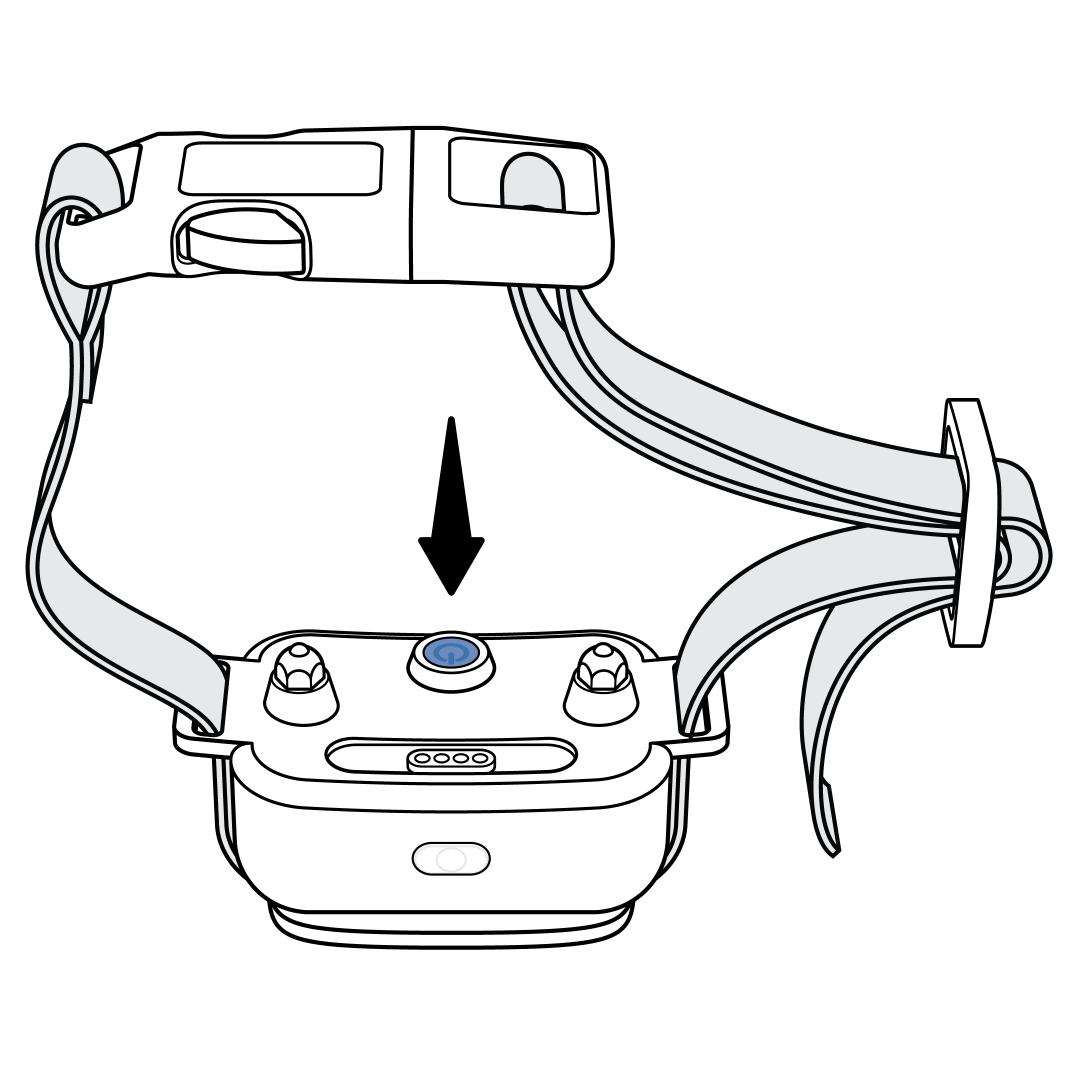
Ensure the collar is charged and powered on. To power it on, press the power button for 1 second until the light is green, then release. The collar will tone and the light will remain solid green for 5 seconds. Then the light will indicate the battery status by blinking either a green or red light once every 5 seconds.
If the light is red, charge the collar fully before continuing. For more information, visit How To Charge My PetSafe® Pawz Away® 2.0 Collar.
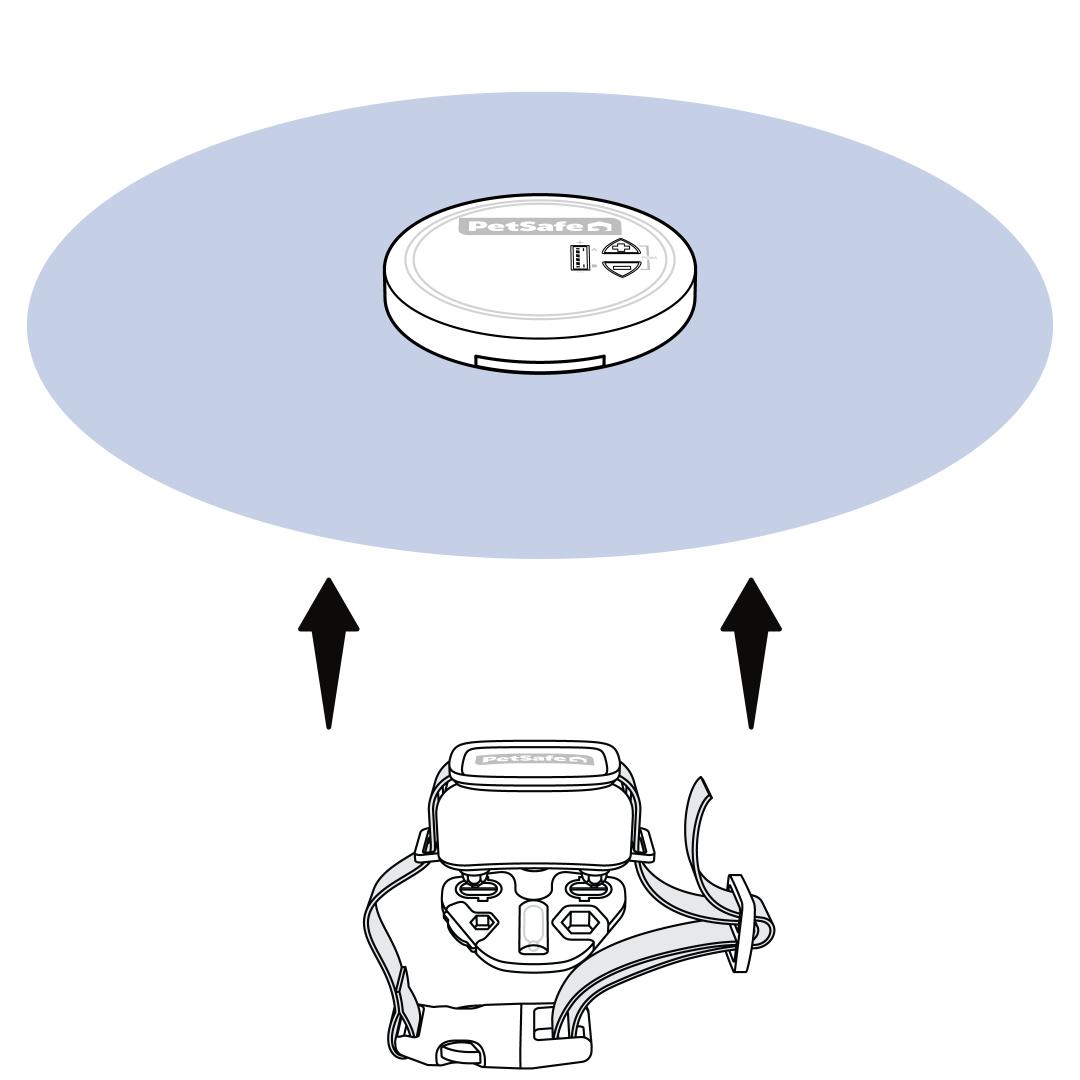
Test the collar by placing the Contact Points on the contacts of the Test Light Tool and approaching the indoor base puck. Be sure to hold it at the height of your dog's neck.
As the collar approaches the off-limits zone, the collar will sound a warning tone. Once the collar enters the zone, it will tone, vibrate and deliver static correction, indicated by an amber flash at the center of the Test Light Tool.
The collar uses Variable Pulse™ technology which starts on the lowest static correction level and pulses in progressively increasing levels of correction strength to the maximum level as the collar stays in the area, up to 15 seconds. The Test Light Tool will increase in brightness as the correction level increases. If the collar times out after 15 seconds of continuous correction, you will need to leave the signal area to allow it to reset before testing again.
If you do not have the Test Light Tool, you can place the Contact Points in your palm and walk toward the off-limits zone to feel for the correction.
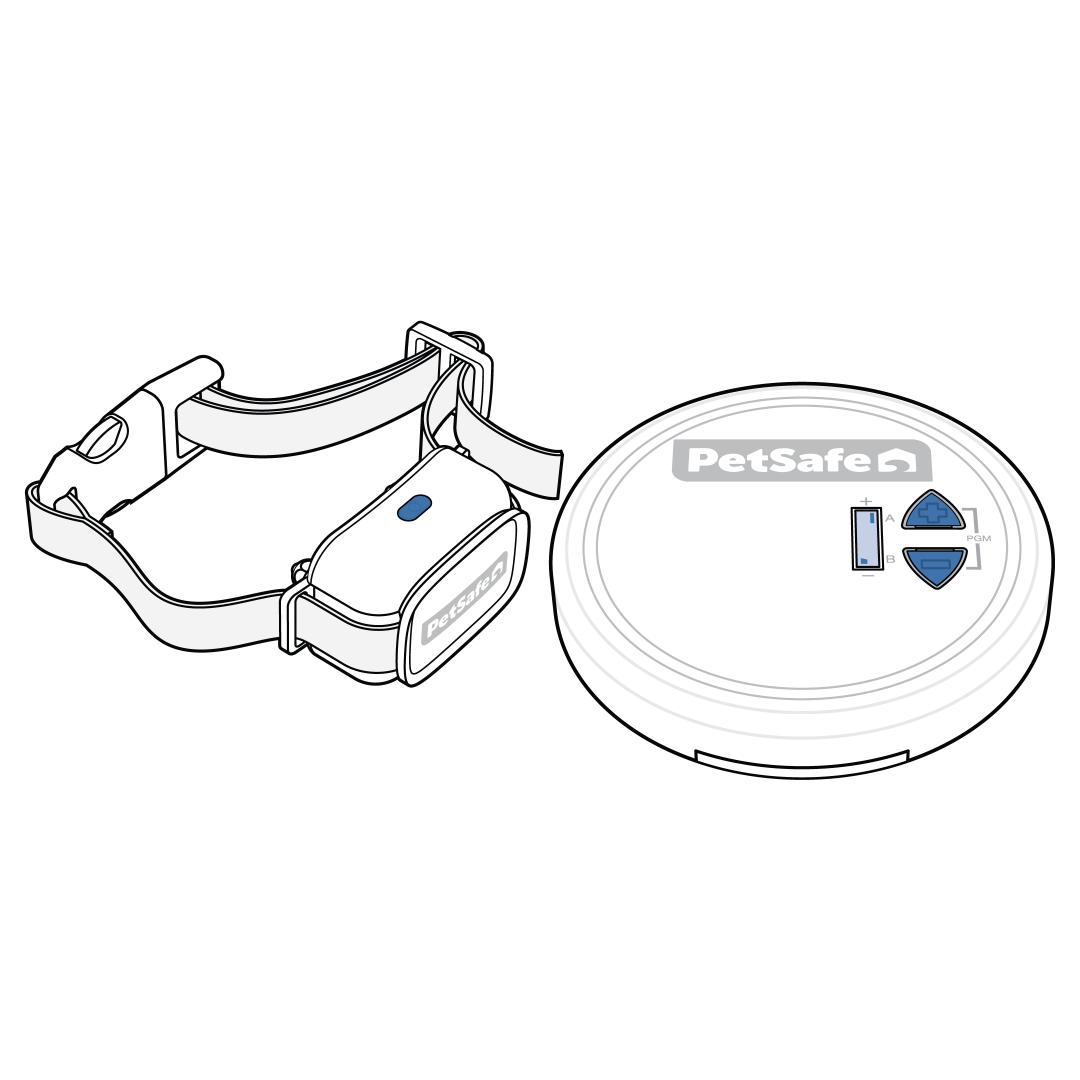
Reprogram the collar to the indoor base puck if it was not activating the Test Light Tool. For instructions, visit How To Pair My PetSafe® Pawz Away® 2.0 Collar to the Indoor Wireless Pet Barrier.
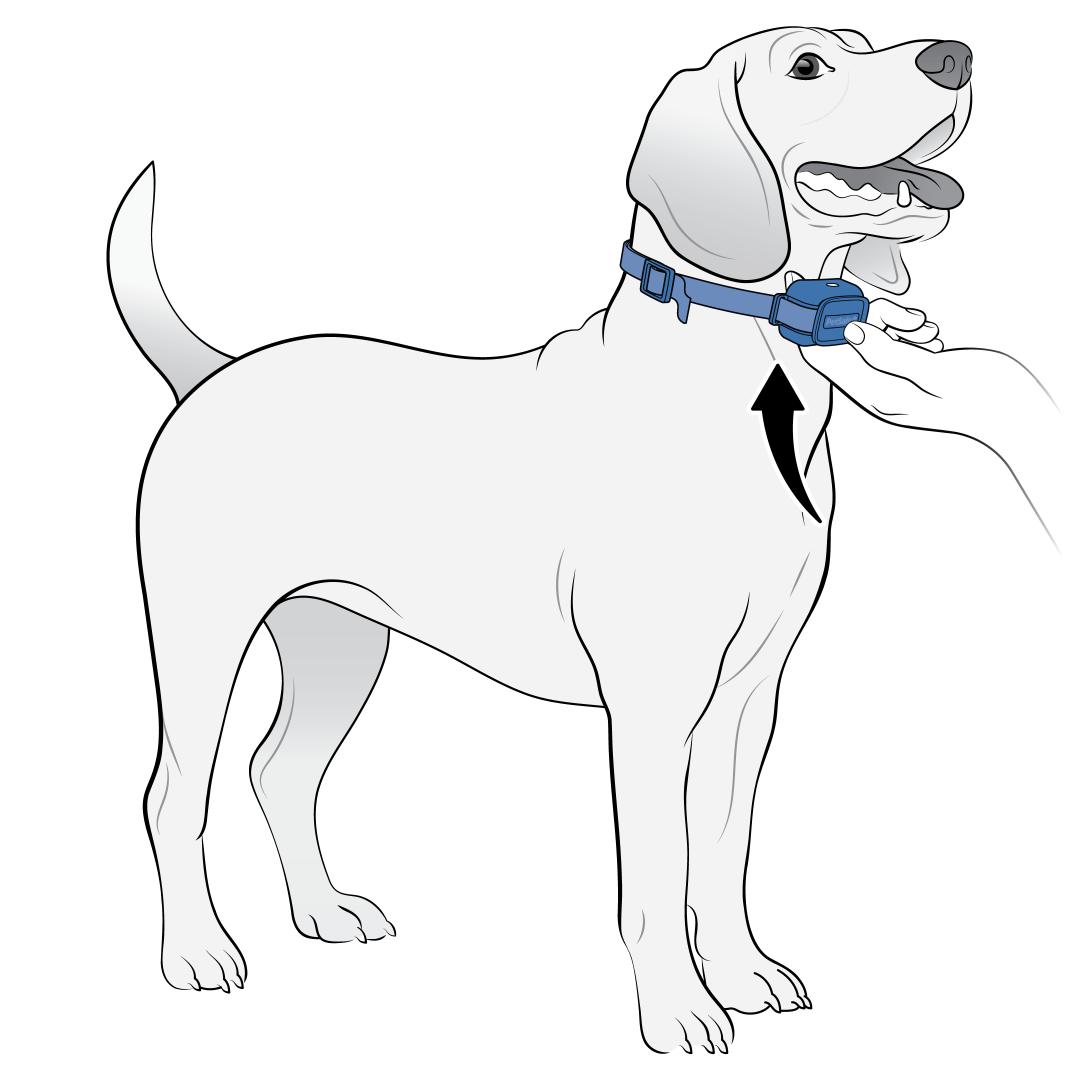
If the collar activates and correction is delivered, ensure the collar is properly fit to your dog. If the collar is not fit correctly, your dog will not feel the correction.
The collar should be tight enough so that you can fit only one finger between a Contact Point and your dog’s neck. For more information on fit, visit How To Fit the PetSafe® Pawz Away® 2.0 Collar on My Dog.
Revisit the training with your dog once proper fit is confirmed. For more information on training, visit How To Train My Dog to the PetSafe® Pawz Away® 2.0 Indoor Wireless Pet Barrier.