Stay & Play® Wireless Fence for Stubborn Dogs Set Up
Table of Contents
Welcome
Welcome to your new PetSafe® wireless fence!
What to Expect:
Setting up the wireless fence will take approximately one day.
A minimum of 14 days of training is recommended.
Environmental factors, such as metal sheds, may effect the fence signal.
Step 1: Prepare
Materials
Please have the following contents from the box.
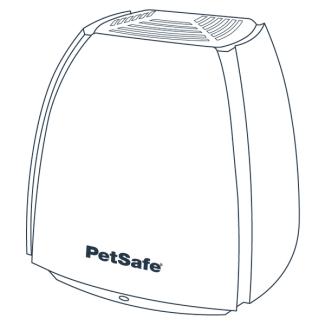
Base Unit
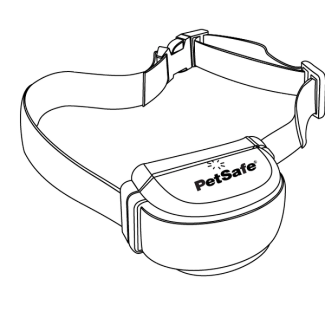
Collar
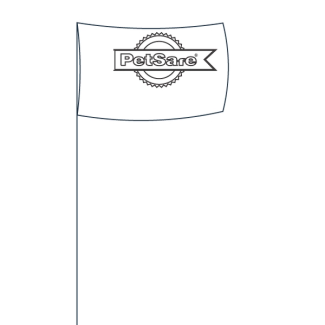
Flags
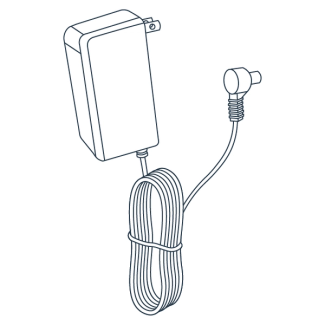
Base unit power adapter
RFA-67 battery
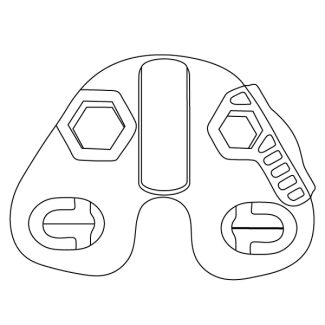
Test Light Tool
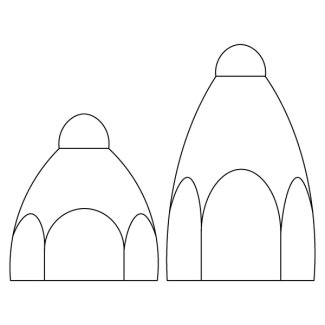
Probes
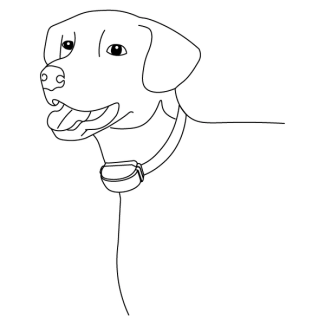
Your enthusiastic pet
Charge Your Collar
Plug in the collar so it can start charging.
Power
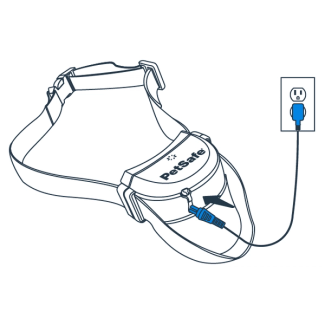
Connect the adapter to the power jack under the strap on the front of the collar.
Plug the adapter into a standard electrical outlet.
Unplug when a solid green light appears on the collar indicating a full charge.
A full charge may take up to 3 hours. Each charge can last up to 3 weeks depending on the frequency of use.
Step 2: Set up Your Base Unit
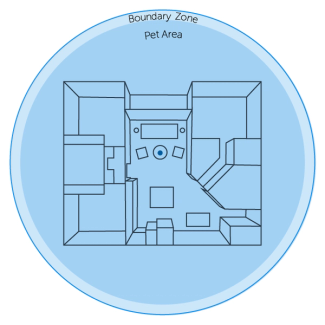
The base unit sends out a circular signal to create the wireless fence. Before placing the base unit, it is important to determine the desired pet area.
Base Unit Functions
High and low switch
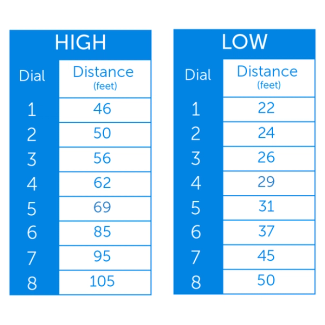
Correlates with the amount of coverage needed for the pet area.
Low: Less than 45 feet
High: More than 45 feet
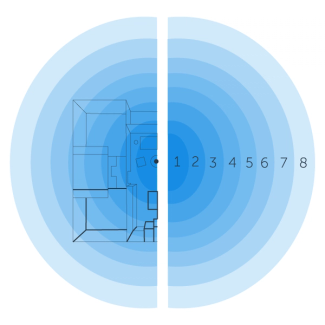
Boundary control dial
Controls the distance between the boundary and base unit depending on the chosen high or low switch.
Check out our fencing planning tool if assistance is needed
Base Unit Placement
Once the size of the fence is determined, the base unit needs to be placed in the middle of your desired area to form the fence.
Make sure the location for the base unit is:
Near an outlet
Indoor and weatherproof area
2-4 feet above the ground
3 feet from metal or appliances
Note: Do not place in a metal building.
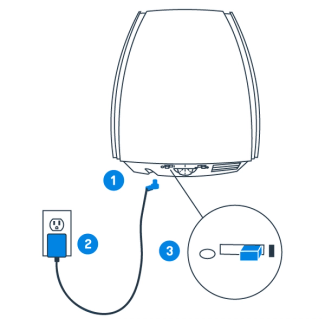
Connect the adapter to the power jack on the bottom of the base unit.
Plug the adapter into a standard electrical outlet.
Turn the base unit on.
Note: To mount the base unit, use the included mounting bracket.
Step 3: Set Up Your Collar
Once the collar is charged, unplug it and follow the instructions below to set up the collar.
Power
Press and hold the button on the collar for seven seconds to turn on the collar. The light will flash green, then red to indicate the collar level and then back to green.
Change levels
Press the button, the light will flash red. The number of flashes on the collar indicates the current collar level.
Press again quickly to increase the collar level. To set lower levels, continue through all levels until 1 flash indicates level 1.
Step 4: Test Your System
To ensure that the system is working properly, follow the instructions below to test the collar and boundary.
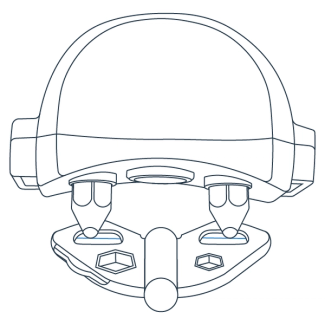
Hold the collar probes against the wire on the test light tool.
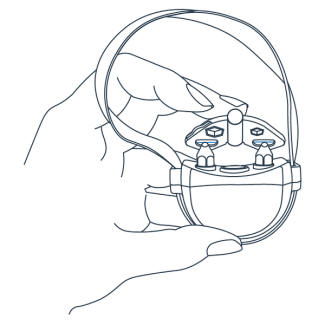
Position the collar under the tool and at the height of your pet.
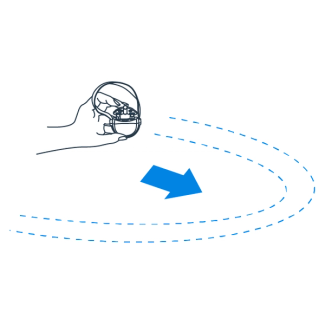
Walk toward the boundary until a beep is heard and the test light tool flashes.
Step 5: Place Flags
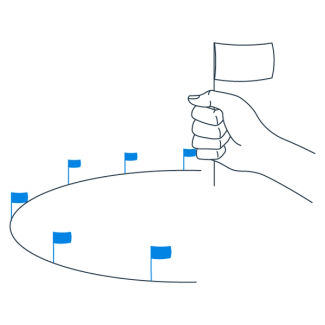
Hold the collar at the height of your dog’s neck and slowly approach the boundary. Listen for where the collar beeps and flashes to find the boundary zone.
Place a flag where the collar beeps. Step back away from the boundary zone to avoid the safety time out on the collar, then take 5 steps to the side and repeat.
Repeat steps 1 and 2 until all flags have been placed around the boundary zone.
Step 6: Fit Your Collar
How to change the probes on the collar
For proper use, the collar must be adjusted to fit your pet. To make sure the fit is correct, turn the collar off and follow these steps:
Swap the short probes for the long probes on the collar if your pet has long or thick fur.
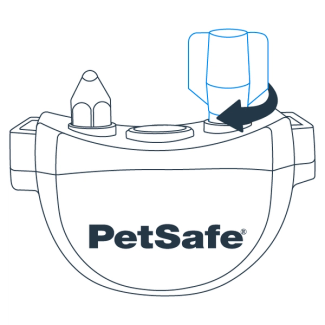
Tighten the probes using the wrench until resistance is felt.
Important: Periodically check the tightness of the probes to keep the collar secure.
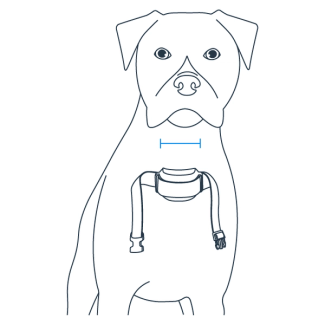
With your pet standing, center the probes on the neck.
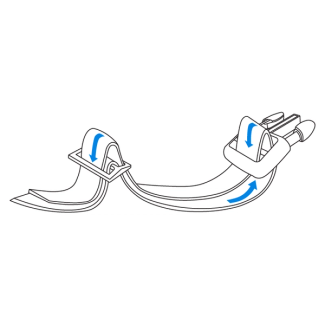
Adjust the strap until the collar is snug.
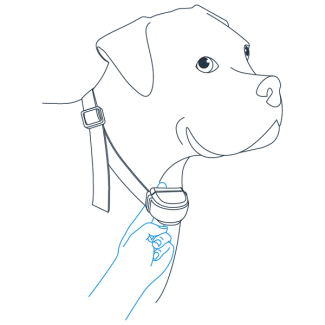
Put the collar on your pet and ensure only one finger fits between the probe and your pet’s neck.
Important: Both probes must be touching skin for correction to be felt.
Trim Your Collar
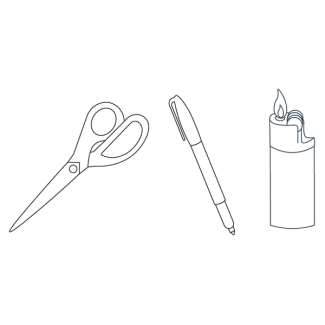
If the strap is too long for your pet, follow the instructions below to trim the excess. The above materials will be needed to begin.
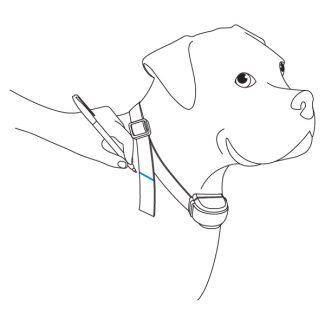
Mark the strap at least two inches past the slide buckle.
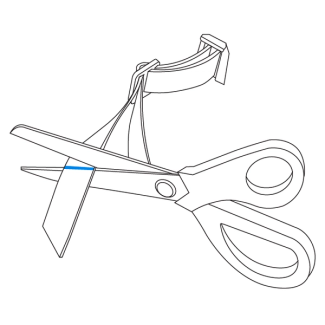
Remove the collar from your pet and trim the strap.
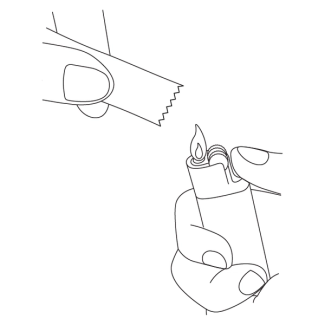
Apply a flame to seal the cut edge.
Next Up: Train Your Pet
Training is essential so your pet becomes familiar with the pet area successfully. Training will allow your pet more freedom to play and enjoy your yard!
What to Expect:
Sessions will last 10-15 minutes each, 3 times a day.
A minimum of 14 days of training is recommended
Spend at least 5 minutes of play time at the end of each training session.