Solid Red Light and Continuous Tone - PetSafe® GPS Dog Tracker
Important Information
If the Tracker has a solid red light accompanied by a continuous tone, the Tracker is experiencing a critical failure.
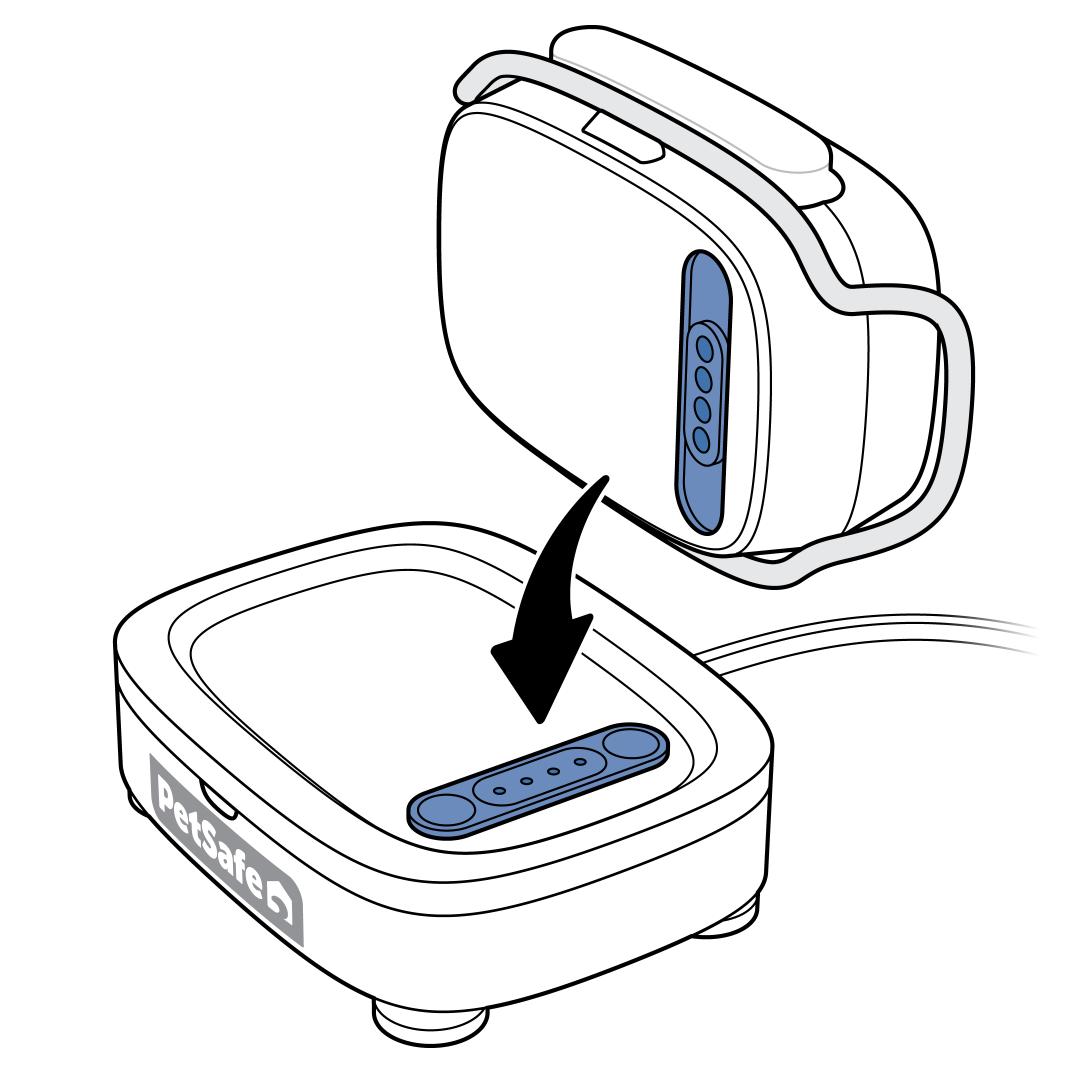
Silence the tone by placing the Tracker on the Charging Base for at least 5 minutes.
- Important: If there are any firmware updates, the Charging Base will apply them to the Tracker while it is charging. The Tracker LED will slowly pulse white if an update is in progress. Do not remove the Tracker from the Charging Base until the light is solid green. Doing so will cause the update to fail, and the process will need to begin again.
Remove the Tracker from the Charging Base.
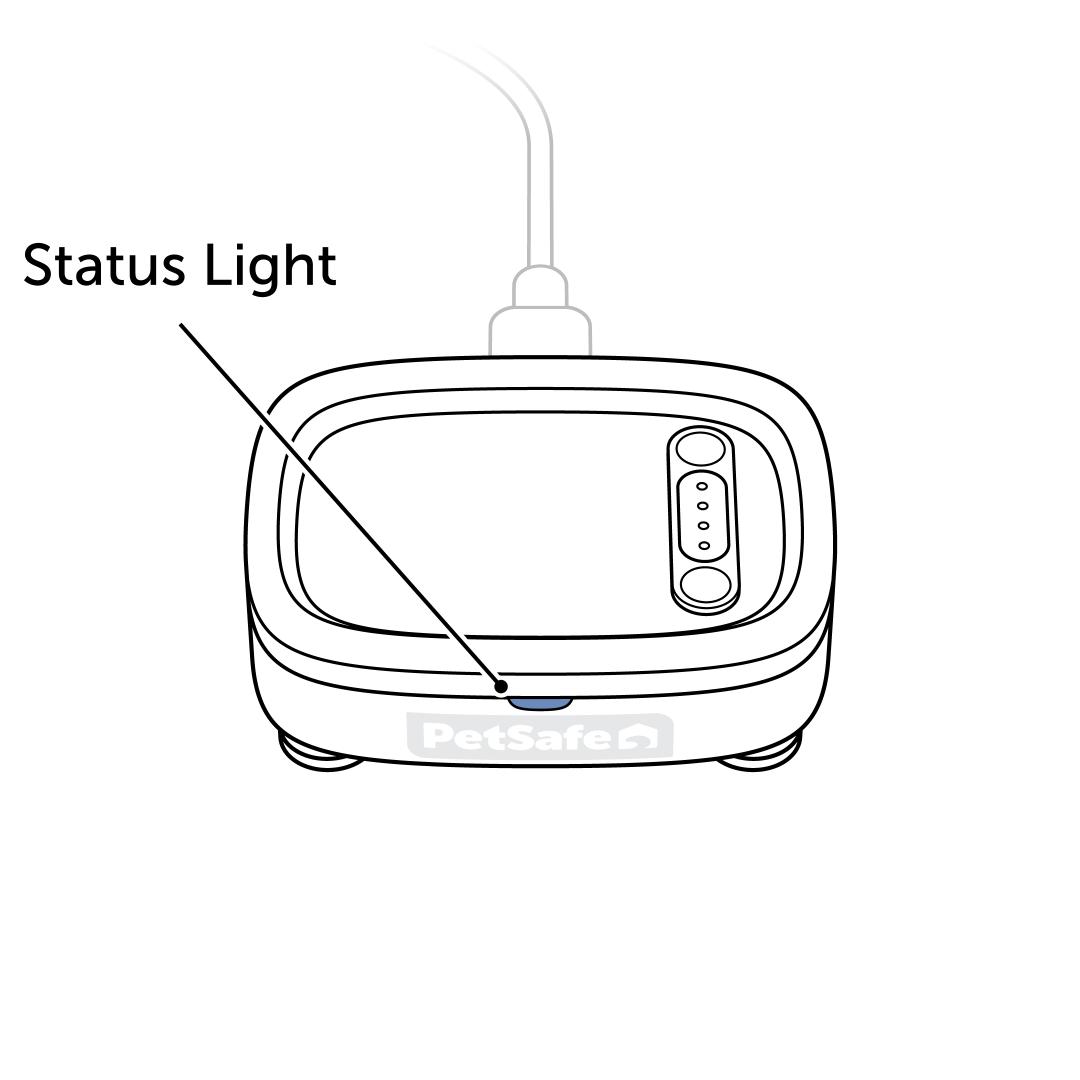
Ensure the Charging Base has a solid green light.
- If the Charging Base has no power, visit Tracker or Charging Base Has No Lights or Power - PetSafe® GPS Dog Tracker.
- If the light is not solid green, visit What Do the Lights Mean on My PetSafe® GPS Dog Tracker and Charging Base?
Place the Tracker back on the Charging Base.
Perform a factory reset on the Tracker and Charging Base. A factory reset requires Wi-Fi credentials to be reentered. A factory reset restores the Tracker to factory settings and erases the Wi-Fi credentials (pet information will be saved). Afterward, the Tracker must be set up again.
- Press and hold the reset button on the back of the Charging Base for 10 seconds.
- The Charging Base will blink red at the 5-second mark. Continue to hold through the red blinking light and the green blinking light.
- Release the button when the Charging Base light is solid red.
- Important: If the button is released too soon, unplug the Charging Base and plug it back in to begin the process again.
- When the reset is complete, the Charging Base LED pulses blue.
- Once the reset is complete, the Tracker needs to be set up again to track the pet. Follow the in-app instructions by tapping Start Setup.
- For help with setup, visit How To Set Up My PetSafe® GPS Dog Tracker.
- For more information on how to reset the Charging Base, visit How To Factory Reset My PetSafe® GPS Dog Tracker and Charging Base.
If the Tracker still has a solid red light accompanied by a continuous tone, contact our customer care.