Not Receiving Notifications - PetSafe® Dog Tracker App

Open the My PetSafe® app on your phone and select GPS Tracker, if prompted.
- In most cases, the app will open directly to the Live Dashboard.
If the Live Dashboard is not visible on the screen, tap LIVE in the bottom-left corner of the app screen.
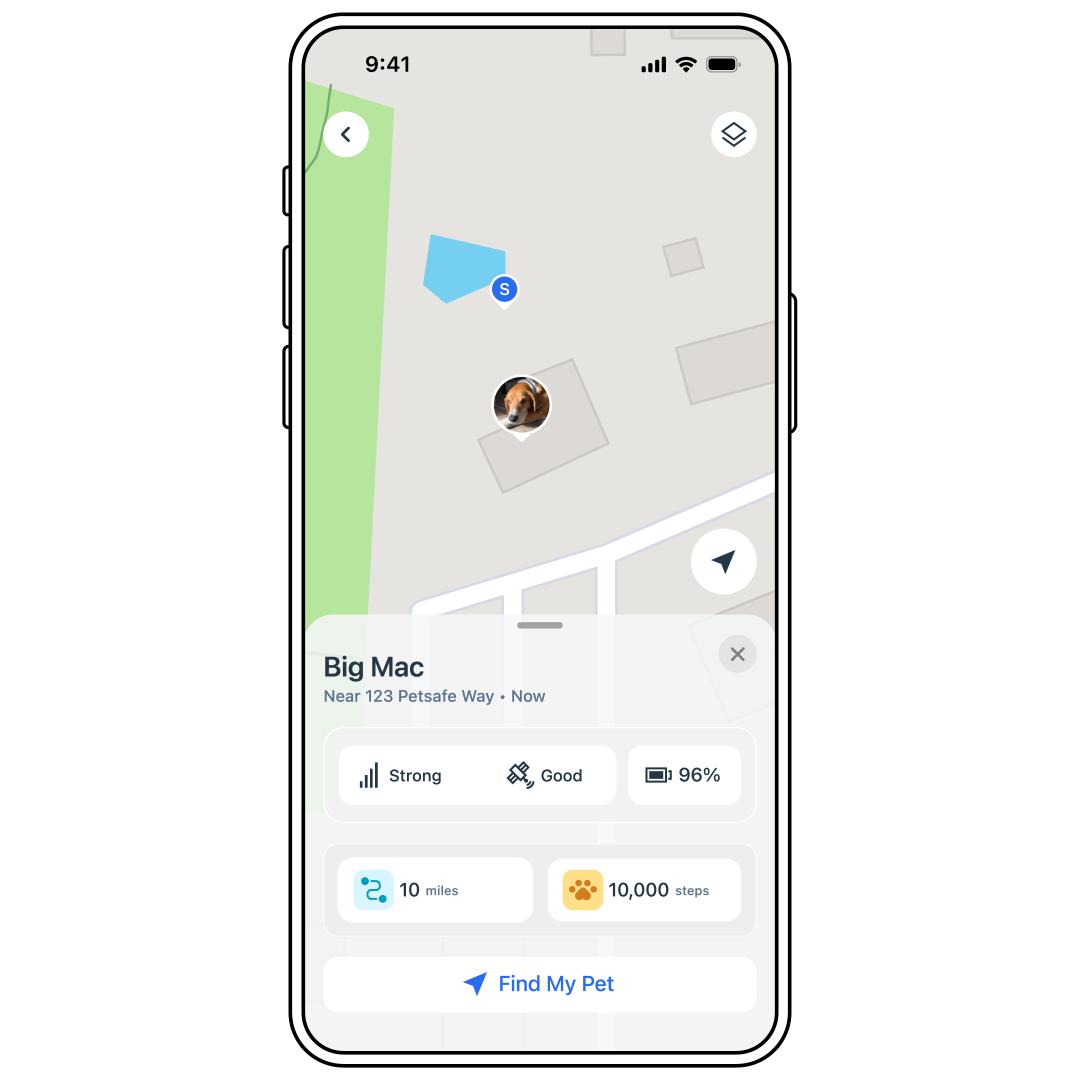
From the Live Dashboard, check the LTE signal. If there is a weak signal strength, it may delay notifications.
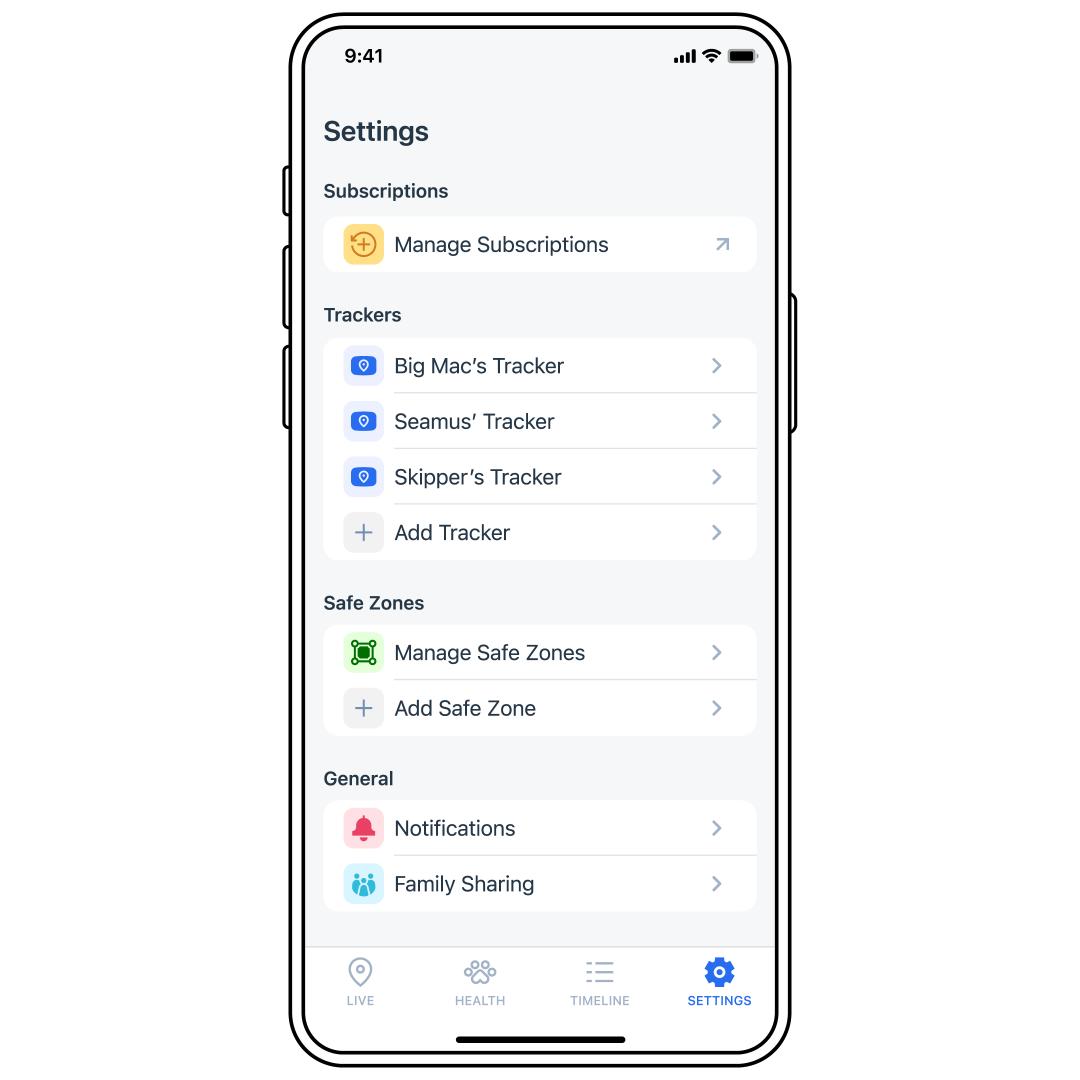
Select SETTINGS.
Tap Notifications.
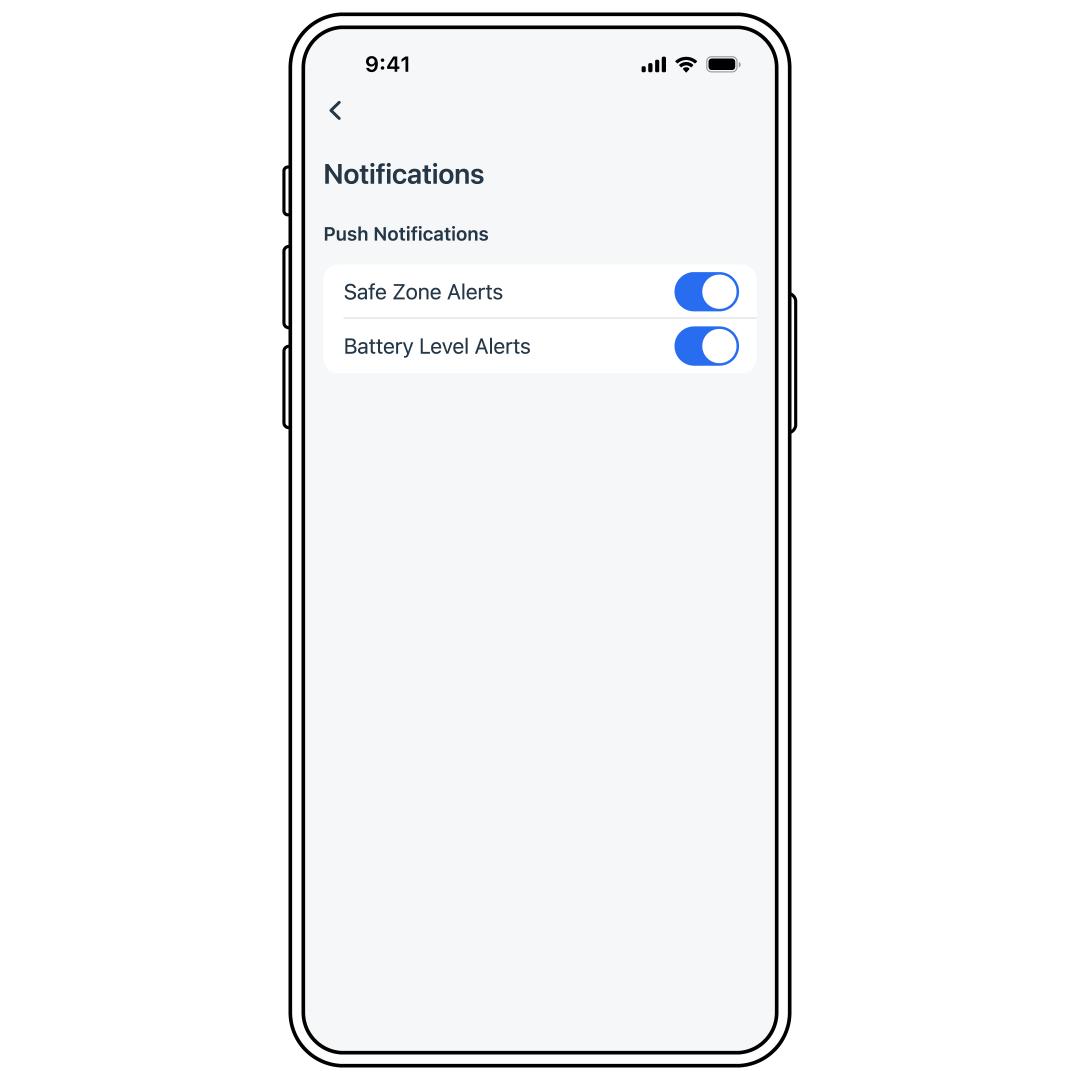
Make sure the desired notifications are toggled to blue.
Check your phone’s notification settings as well to confirm the app has permission to send notifications.
Ensure that Do Not Disturb, Theater or Sleep Mode is not enabled on your phone. You won't receive push notifications if these modes are active. These modes override any previously selected notification settings and prevent notifications from being sent.
Ensure the Charging Base has a solid green light, and there is no light on the Tracker.
- If you see any other lights, visit What Do the Lights Mean on My PetSafe® GPS Dog Tracker and Charging Base?
- If the Charging Base does not have power, visit Tracker or Charging Base Has No Lights or Power - PetSafe® GPS Dog Tracker.
Confirm that the My PetSafe® app has permission to use Bluetooth in your phone settings.
If this does not solve the issue, contact our customer care.