How To View My PetSafe® GPS Dog Tracker’s Safe Zone History
View Safe Zone Activity from the Timeline

Open the My PetSafe® app and select GPS Tracker if prompted.
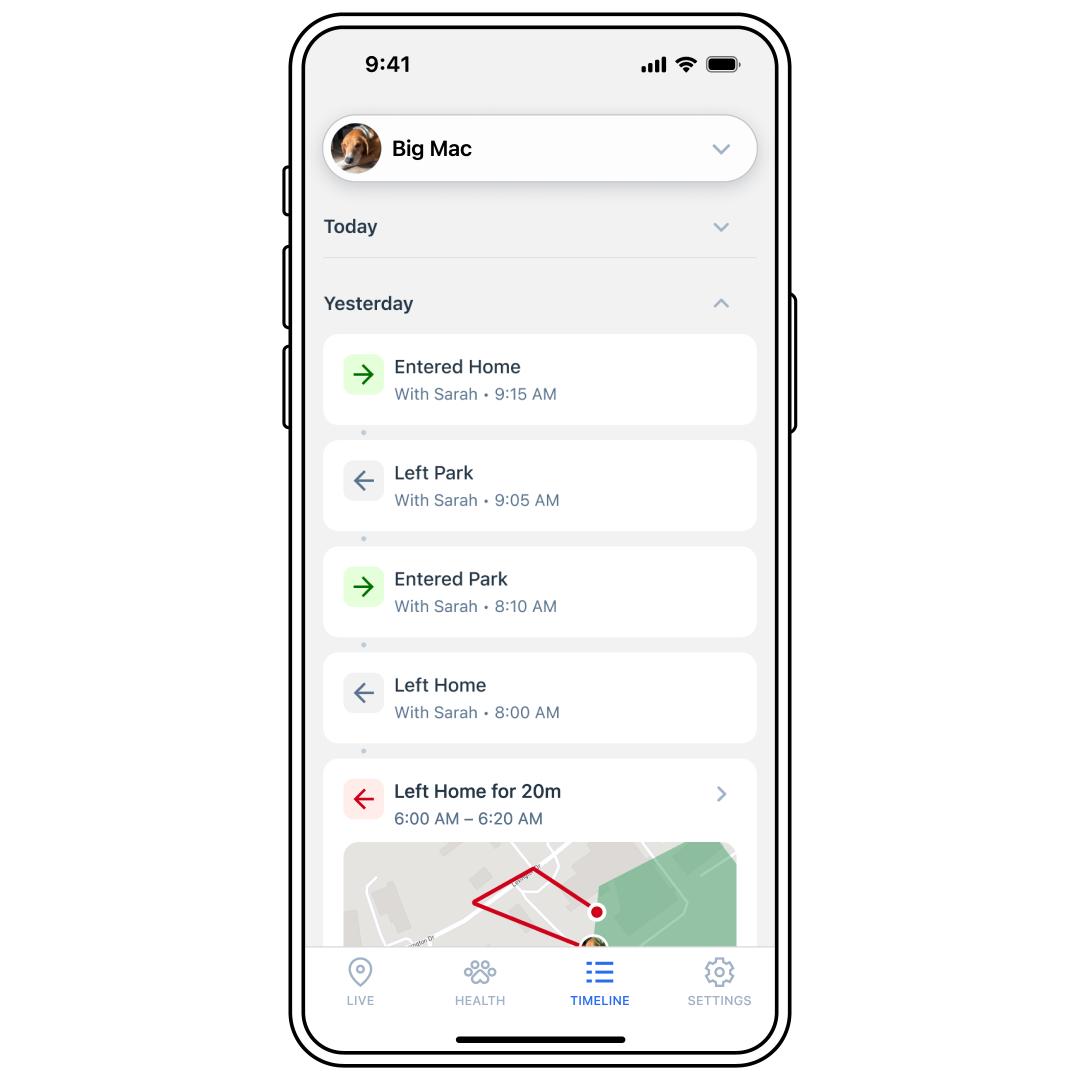
Tap TIMELINE at the bottom of the app screen.
Tap a day (Today, Yesterday, etc.) to see the expanded view.
Scroll to see the details of each event.
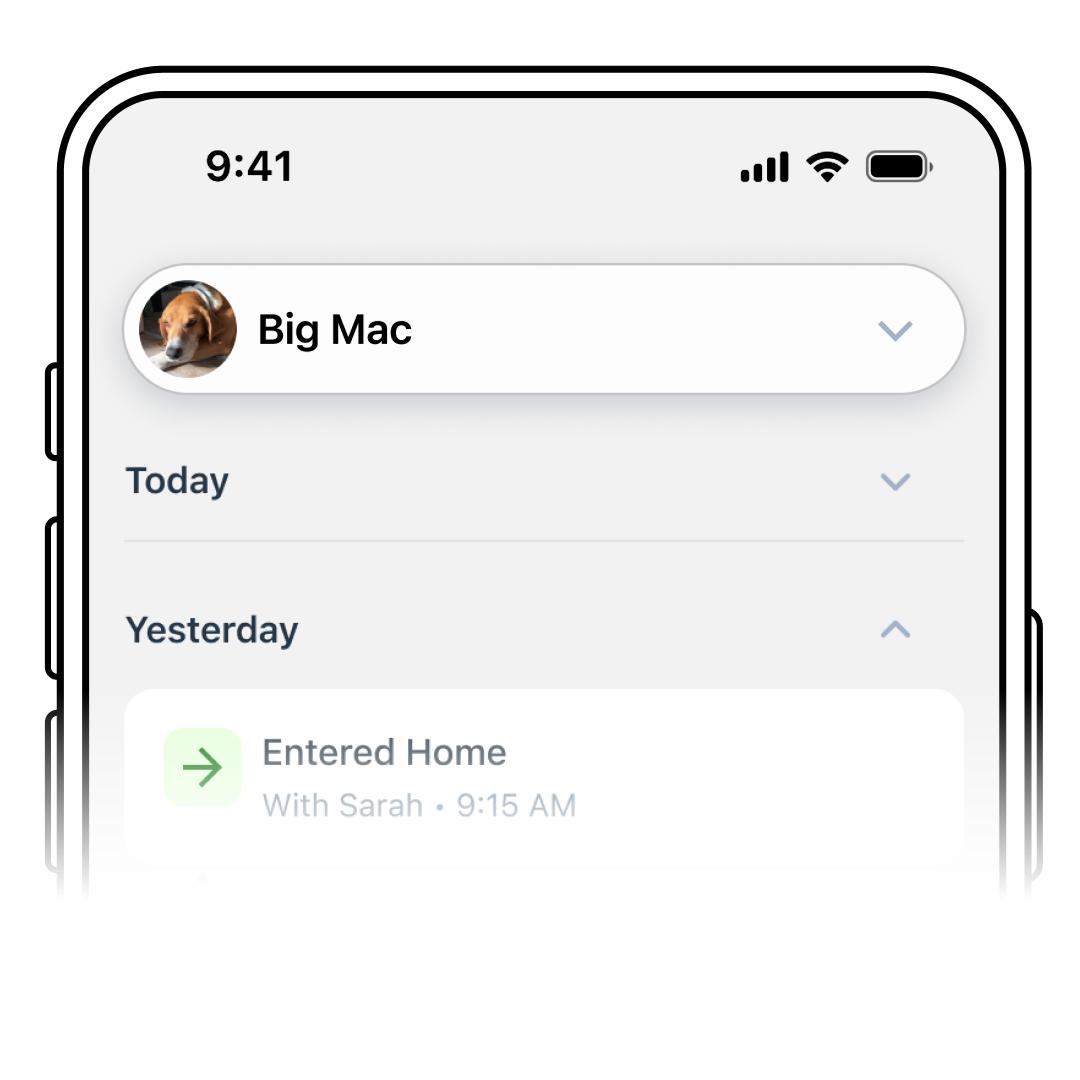
To view a different Tracker’s history, use the pet selector drop-down menu at the top to select another pet.