How To View My PetSafe® GPS Cat Tracker’s Safe Zone History
To view your Safe Zone History, open the Timeline. There, you can see every event within the past 30 days. An event occurs when your GPS Cat Tracker leaves and re-enters a Safe Zone, including the time spent outside the zone.

Open the My PetSafe® app and choose GPS Tracker from the product list if prompted.
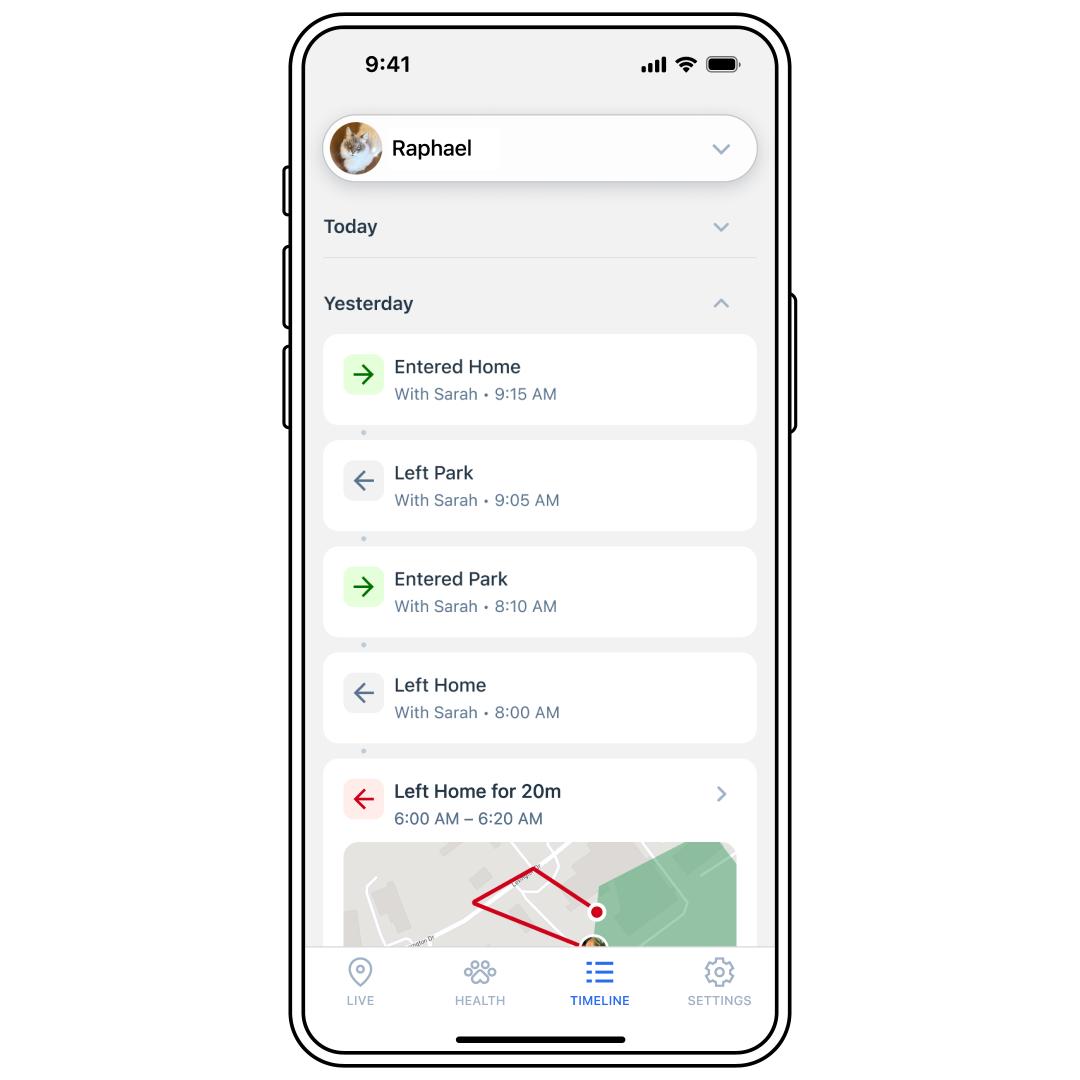
Tap TIMELINE at the bottom of the app screen.
Tap a day (Today, Yesterday, etc.) to see the expanded view.
Scroll to see the details of each event.
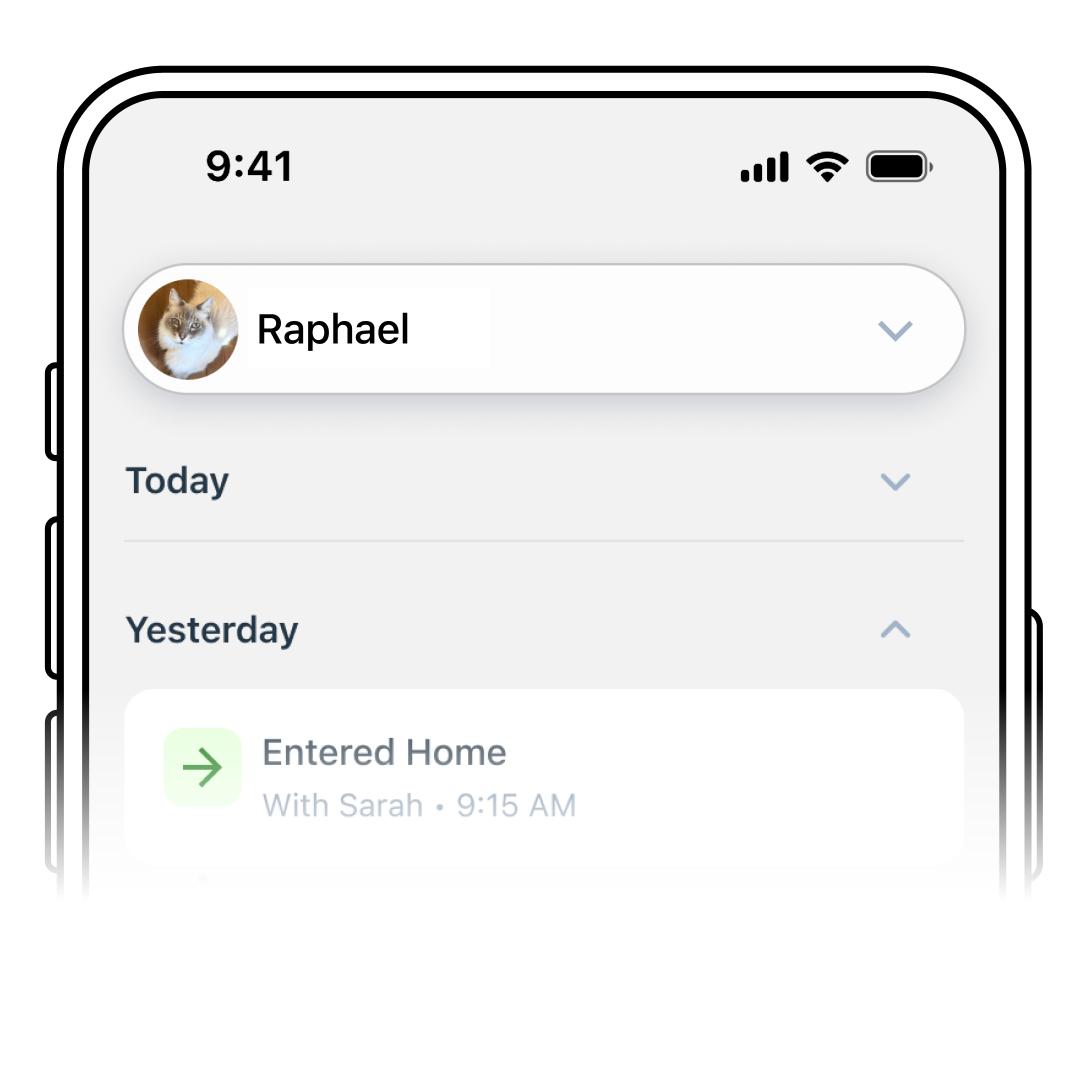
To view a different Tracker’s history, use the pet selector drop-down menu at the top to select another pet.