How To Use Find My Pet Mode on the PetSafe® GPS Cat Tracker
What is Find My Pet Mode?
This function gives the option to open directions to the pet’s last-updated location in your default map app like Google or Apple Maps.
Please note that Find My Pet Mode is only available with an active subscription.
How To Use Find My Pet Mode

Open the My PetSafe® app and choose GPS Tracker from the product list if prompted.
- In most cases, the app will open directly to the Live Dashboard.
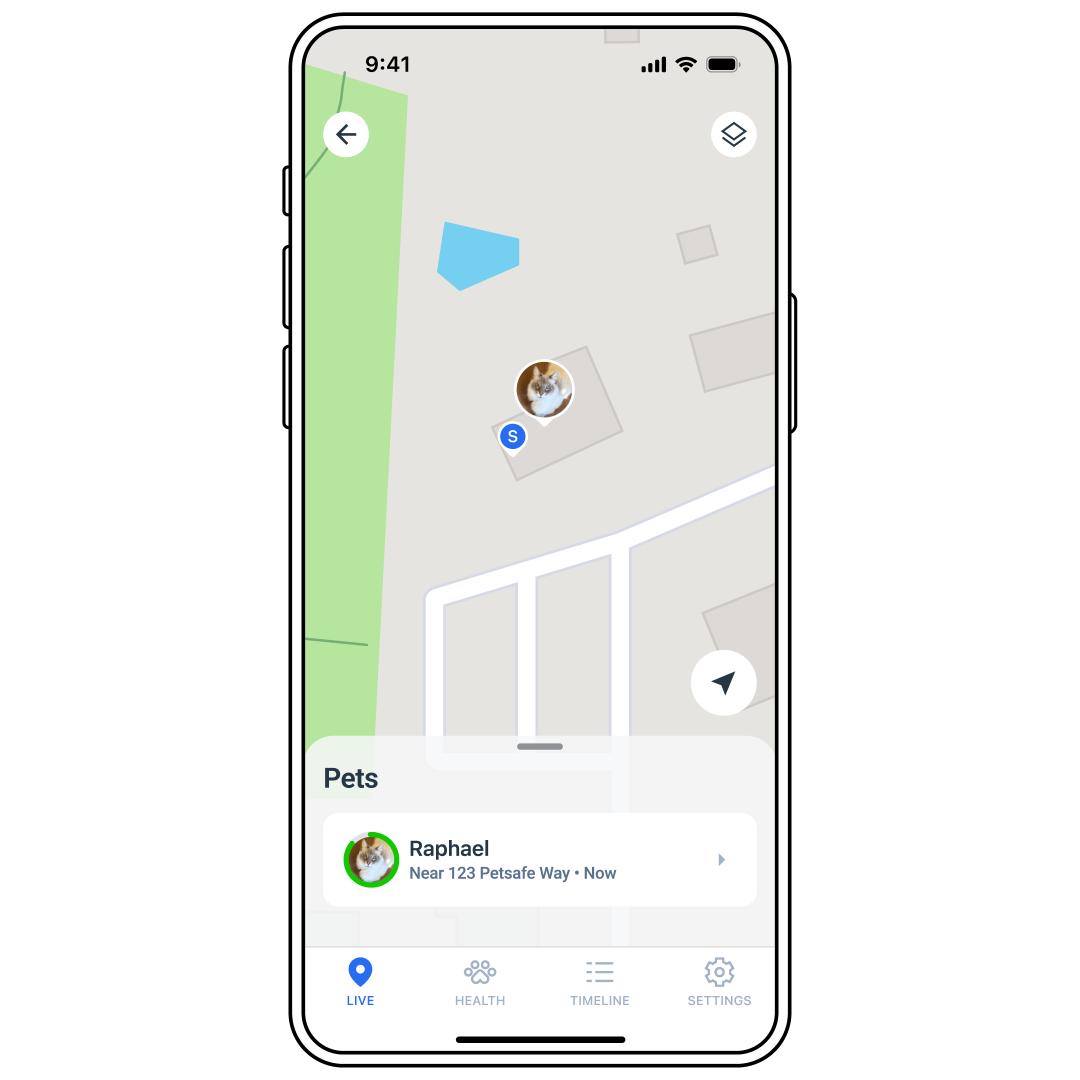
If you do not see the Live Dashboard, tap LIVE at the bottom of the app screen.
Tap on the Tracker you want to find.
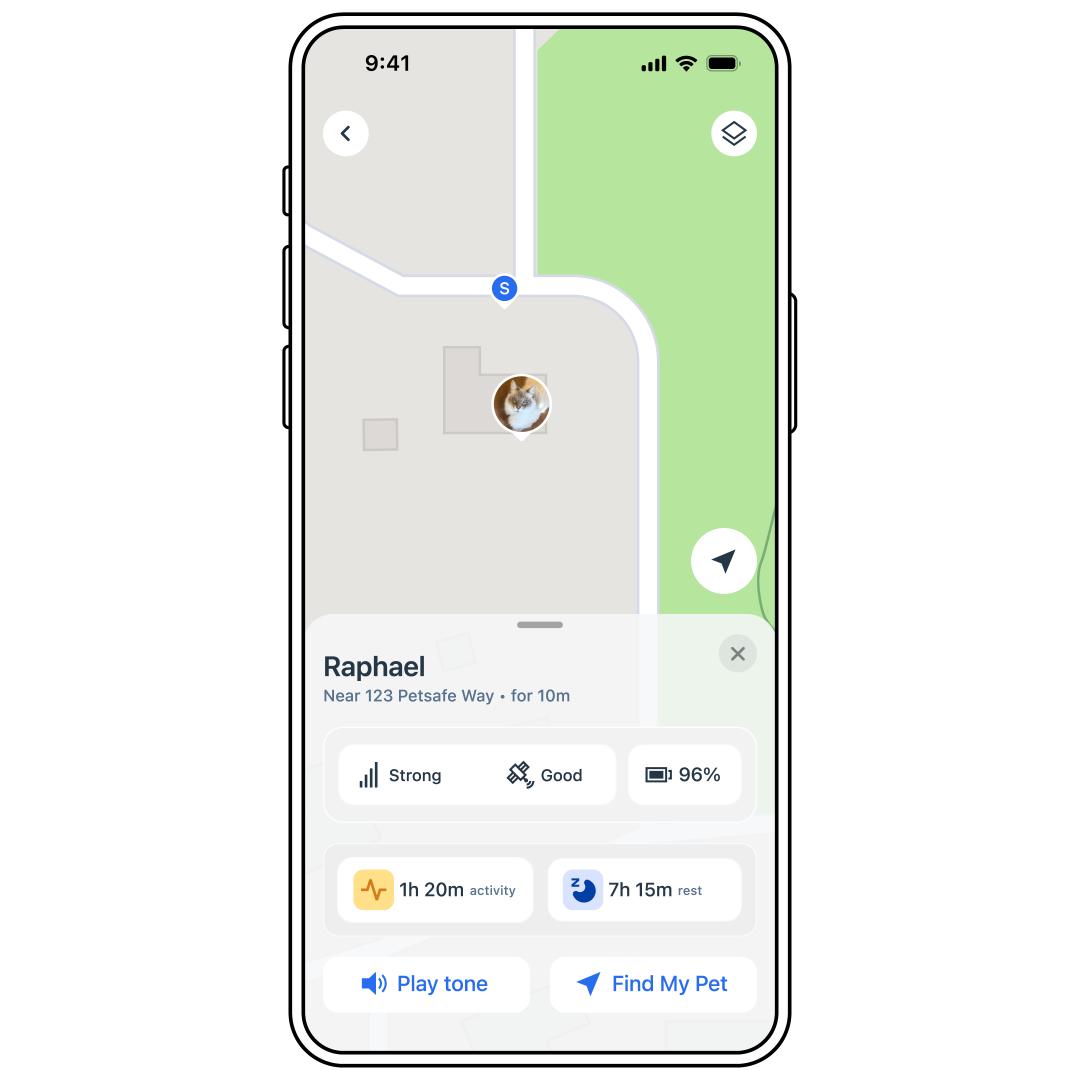
Select Find My Pet.
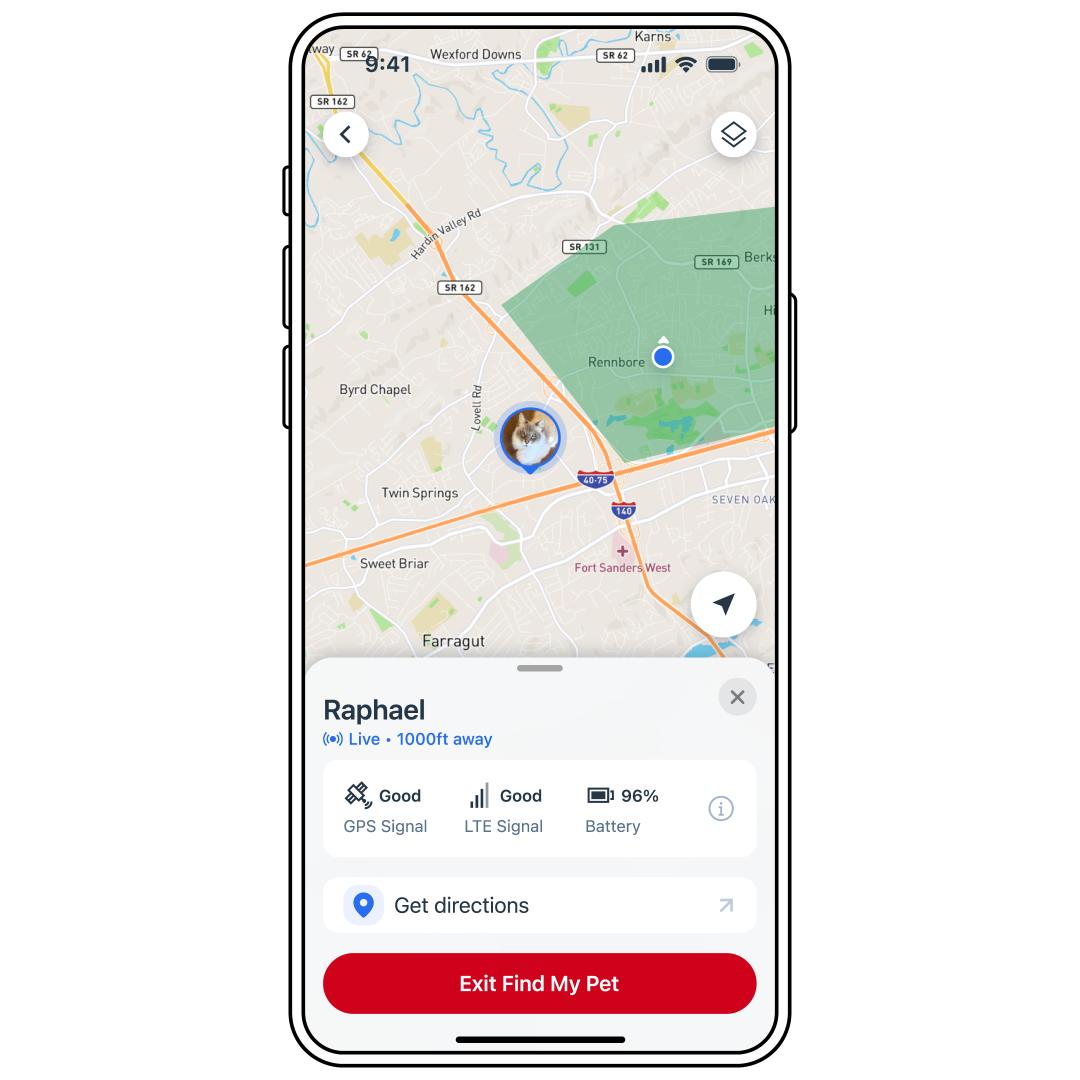
The app will show your Tracker’s current location on the map. Tap Get Directions to open directions on your phone’s map app.
Please note that because this opens directions in a different app (Apple Maps, Google Maps), you will not get real-time updates. It will instead take you to the last-known location. To find your pet’s updated location, you will have to navigate back to the My PetSafe® app.
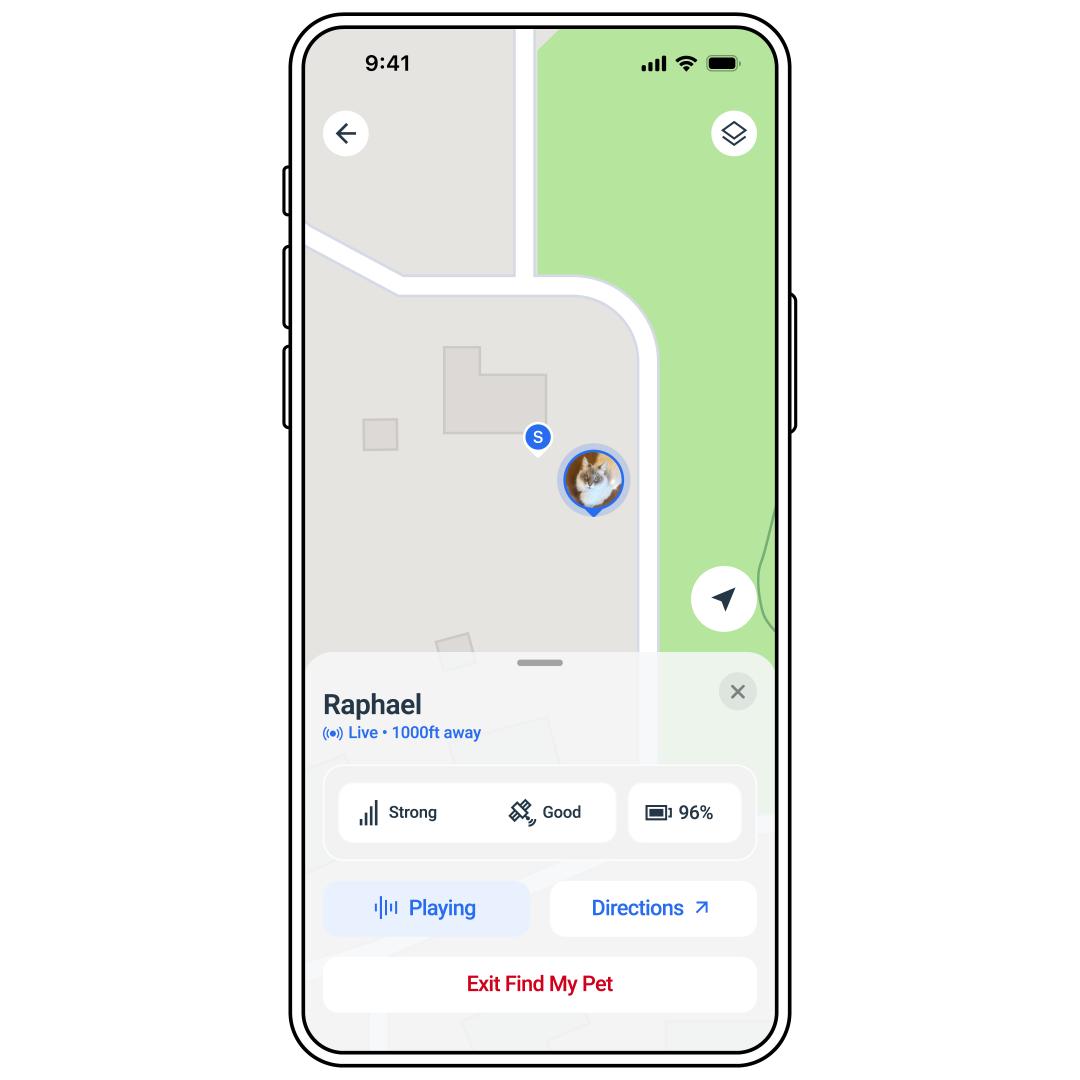
Tap Exit Find My Pet Mode or Yes, I found my cat when finished. Alternatively, if the Tracker reenters a Safe Zone or Base Sync, the app will automatically end Find My Pet Mode.