How To Update the Wi-Fi on My PetSafe® GPS Cat Tracker
You may need to update your Wi-Fi if you have changed Wi-Fi providers, updated your Wi-Fi password, etc.
Reset the Wi-Fi

Open the My PetSafe® app and choose GPS Tracker from the product list if prompted.
- In most cases, the app will open directly to the Live Dashboard.
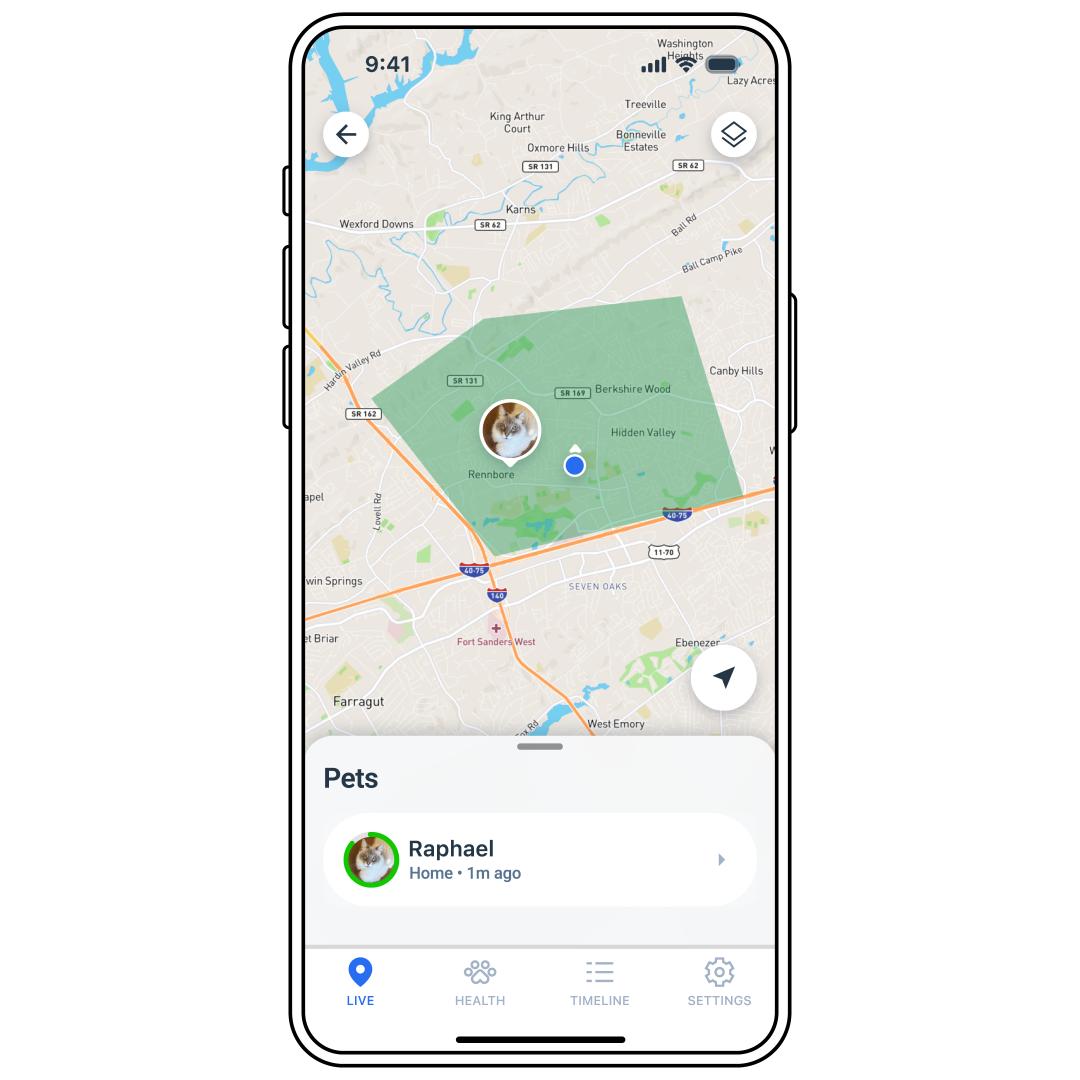
If the Live Dashboard is not visible on the screen, tap LIVE in the bottom left corner of the app screen.
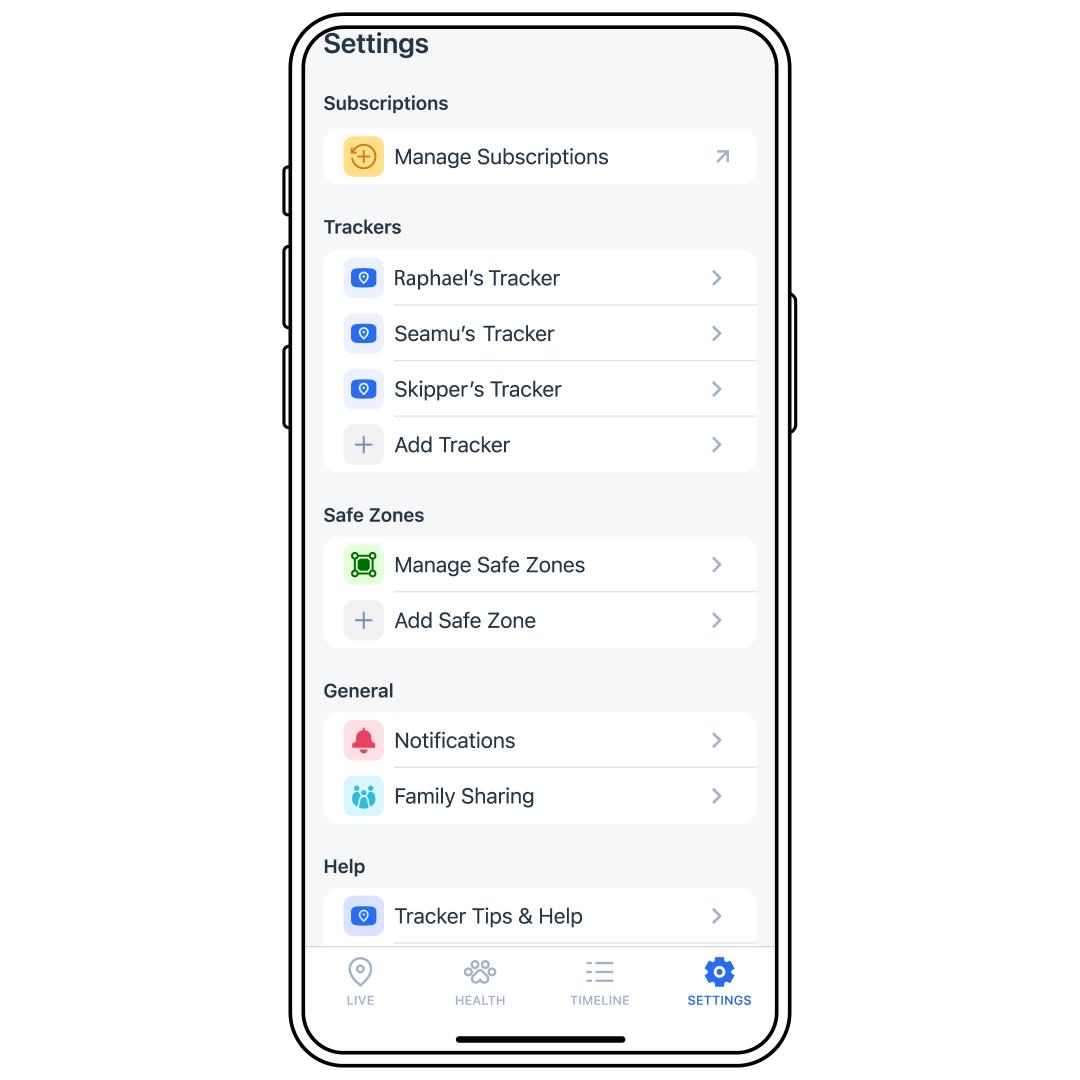
Tap SETTINGS in the bottom-right corner of the screen.
Select the Tracker to which the Charging Base belongs.
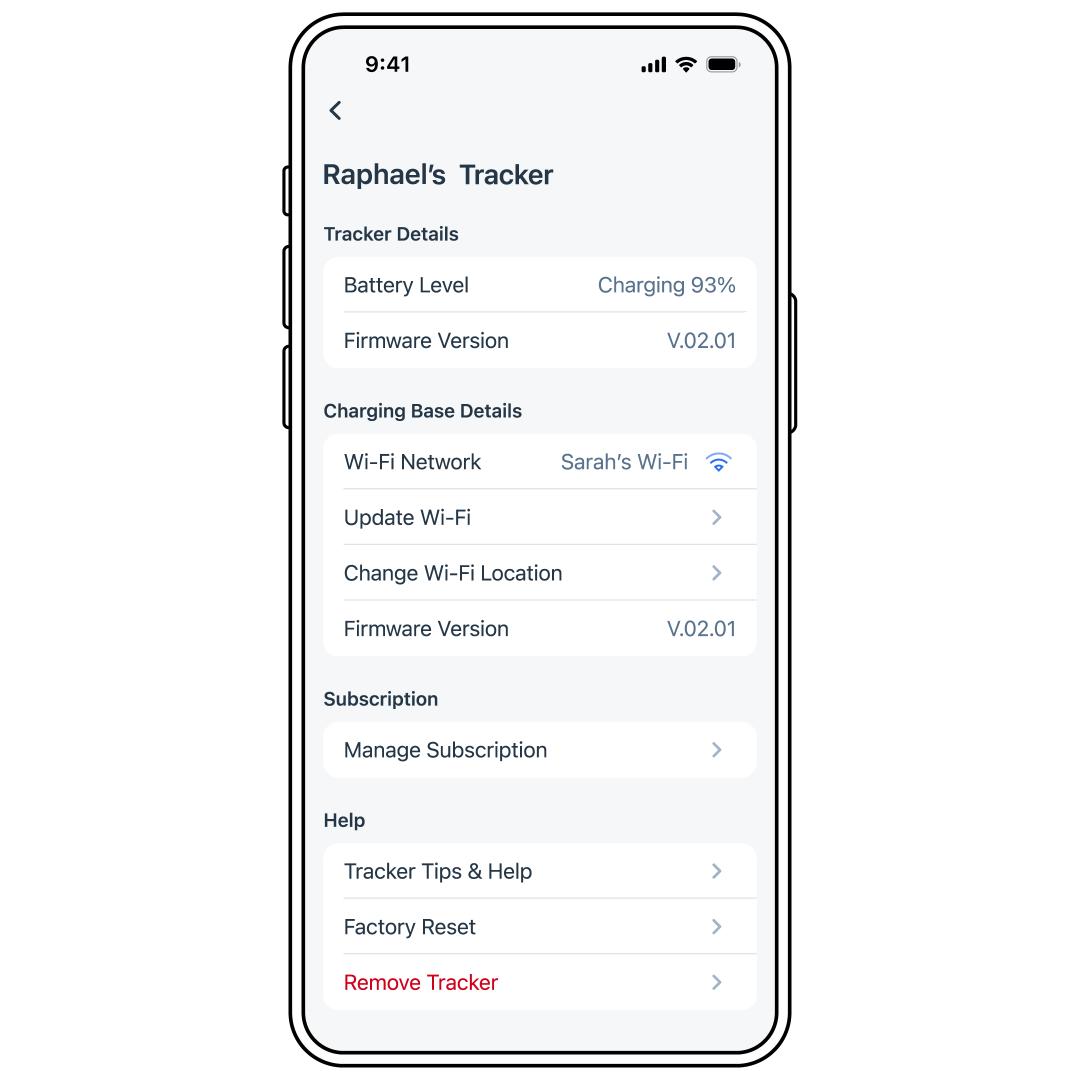
Tap Update Wi-Fi.
Follow the in-app instructions to reset the Wi-Fi. It will prompt you to place the Tracker on the Charging Base so that the devices can sync. This needs to be done before the Tracker is used or the app will not locate the Tracker.
- If there are issues, visit Tracker or Charging Base Won’t Connect to the Internet or Wi-Fi - PetSafe® GPS Cat Tracker.