How To Turn On, Turn Off and Charge My PetSafe® GPS Customizable Dog Fence
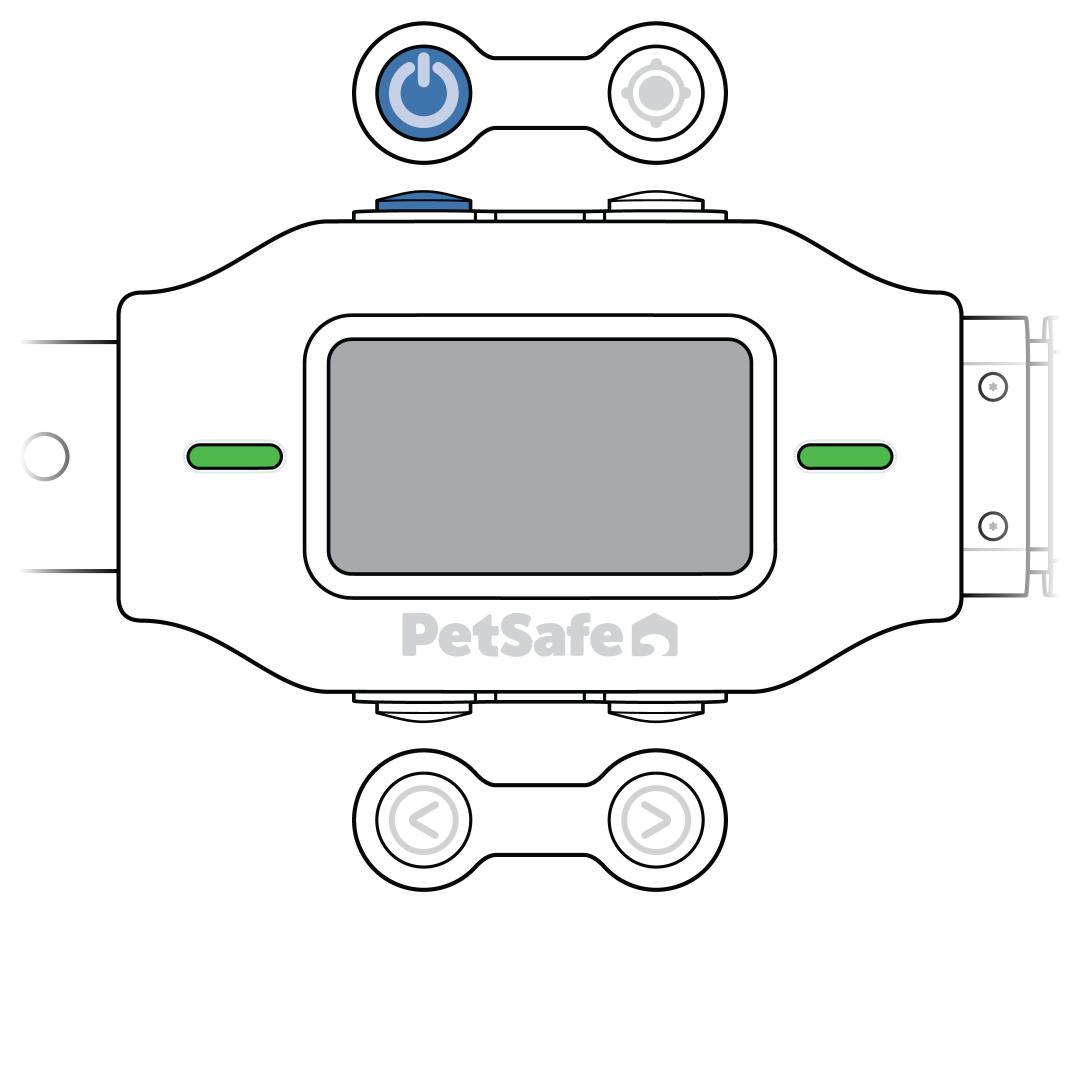
Power On
Press and release the power button on the top-left corner of the collar. The collar tones, vibrates once and flashes green to confirm power.
Power Off
Press and hold the power button for 2 seconds. The collar tones and vibrates twice to confirm it is powering off.
Charge
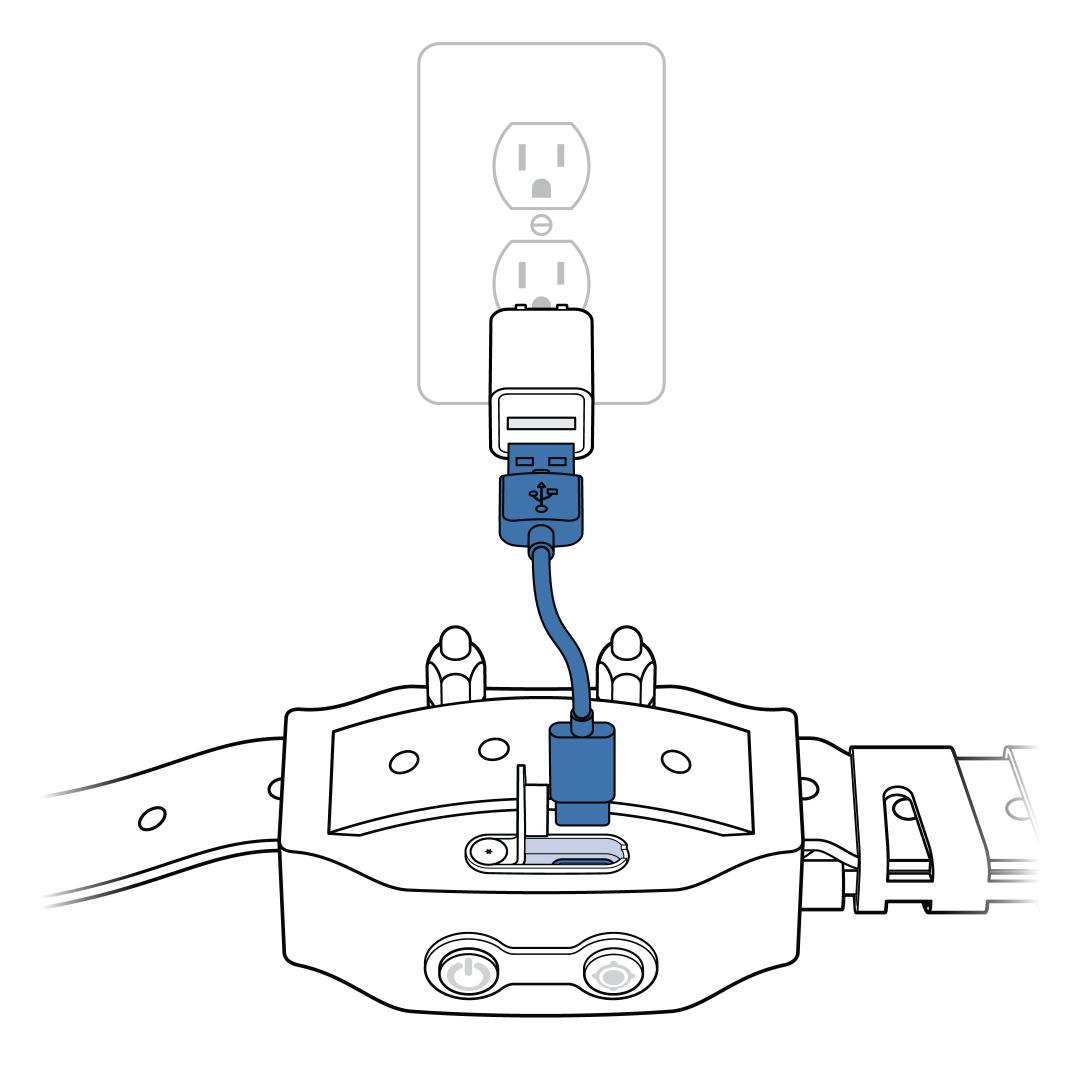
Plug the USB-C cord into a 5V 1A power adaptor (not included).
Plug the adaptor into the wall.
Pull back the silicone charging port cover and plug the USB-C cord into the collar.
- The display lights up, and the battery icon in the top right shows a filling battery.
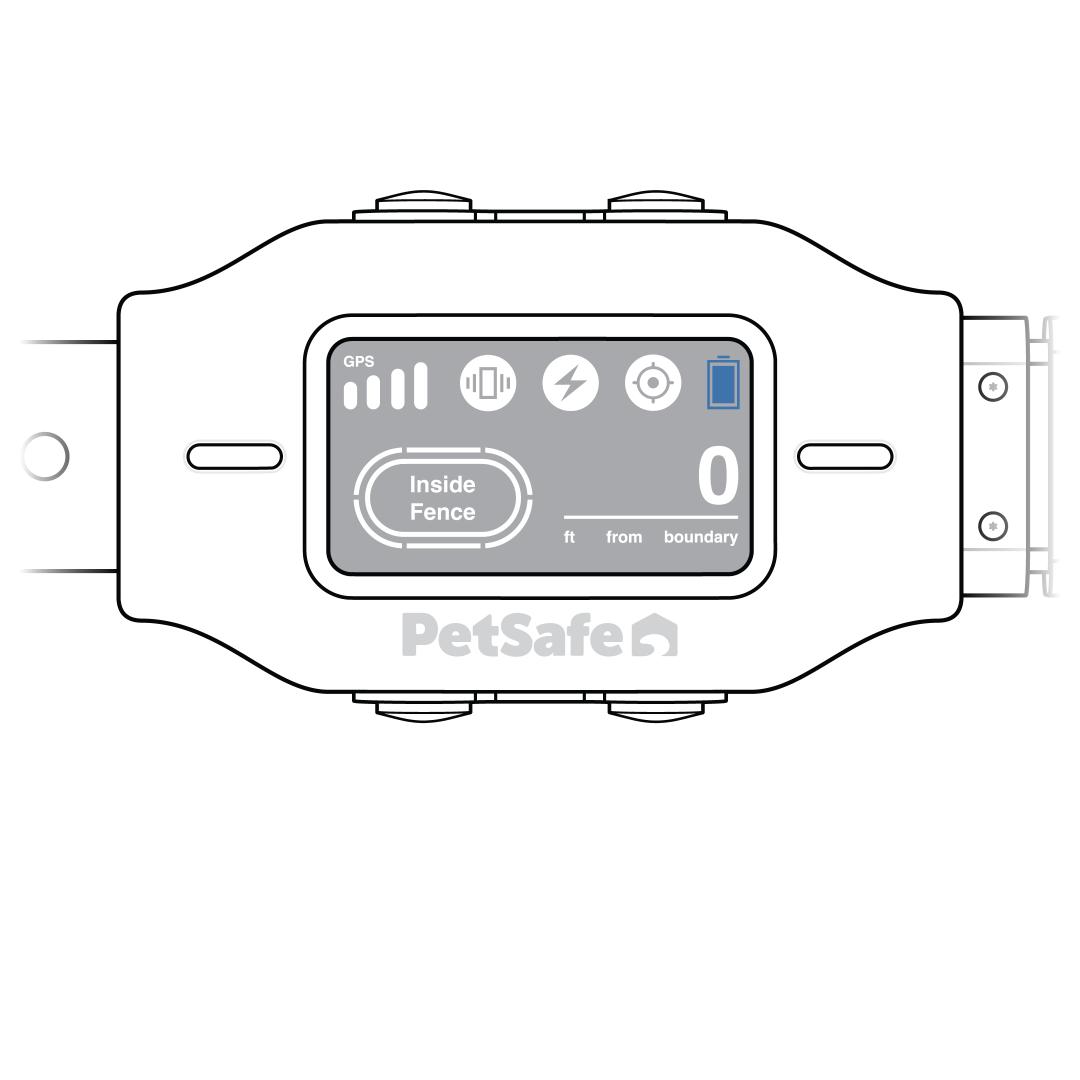
When fully charged, the icon changes to a full battery and the collar is ready to use.
Get the Most Out of the Battery
- Turn the collar off between charges to preserve the battery.
- Only charge the collar when the collar indicator lights flash red. Overcharging the collar can shorten the battery life.
- Allow the battery to fully charge each time it is on the charger.
- Each charge can last up to 24 hours, depending on frequency of use. During training and periods of high boundary activations the battery depletes at a faster rate.
- When storing the collar for long periods, fully charge the collar every 4-6 weeks to help prevent the battery from degrading.