How To Test My PetSafe® Guardian® GPS + Tracking Fence Collar and Boundary
Always remove the collar from your pet before testing.
Open the My PetSafe® app and select GPS + Tracking under the products list.
Power the collar off.
To turn the collar off, press and hold the power button for 3 seconds. When the collar beeps high to low, the collar LED will flash red once, then power off.
Take the collar outside and clear of buildings, dwellings, and overhead coverage such as trees, but still within your boundary.
Power the collar on by pressing and holding the power button for 1 second. The collar will beep low to high, and the collar LED will flash blue once to indicate the collar is turned on.
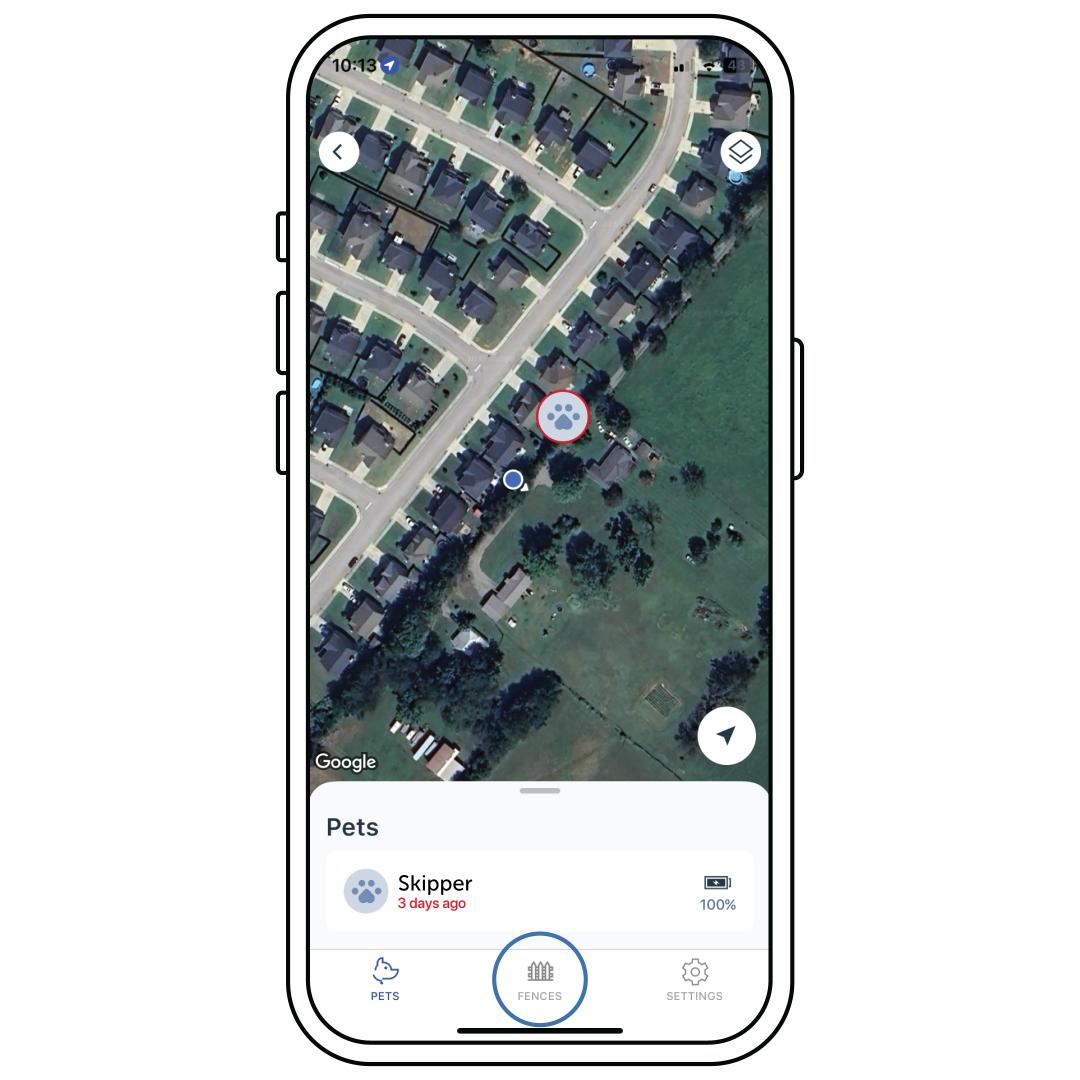
In the app, select Fences at the bottom of the screen and select the fence from the Fence List.
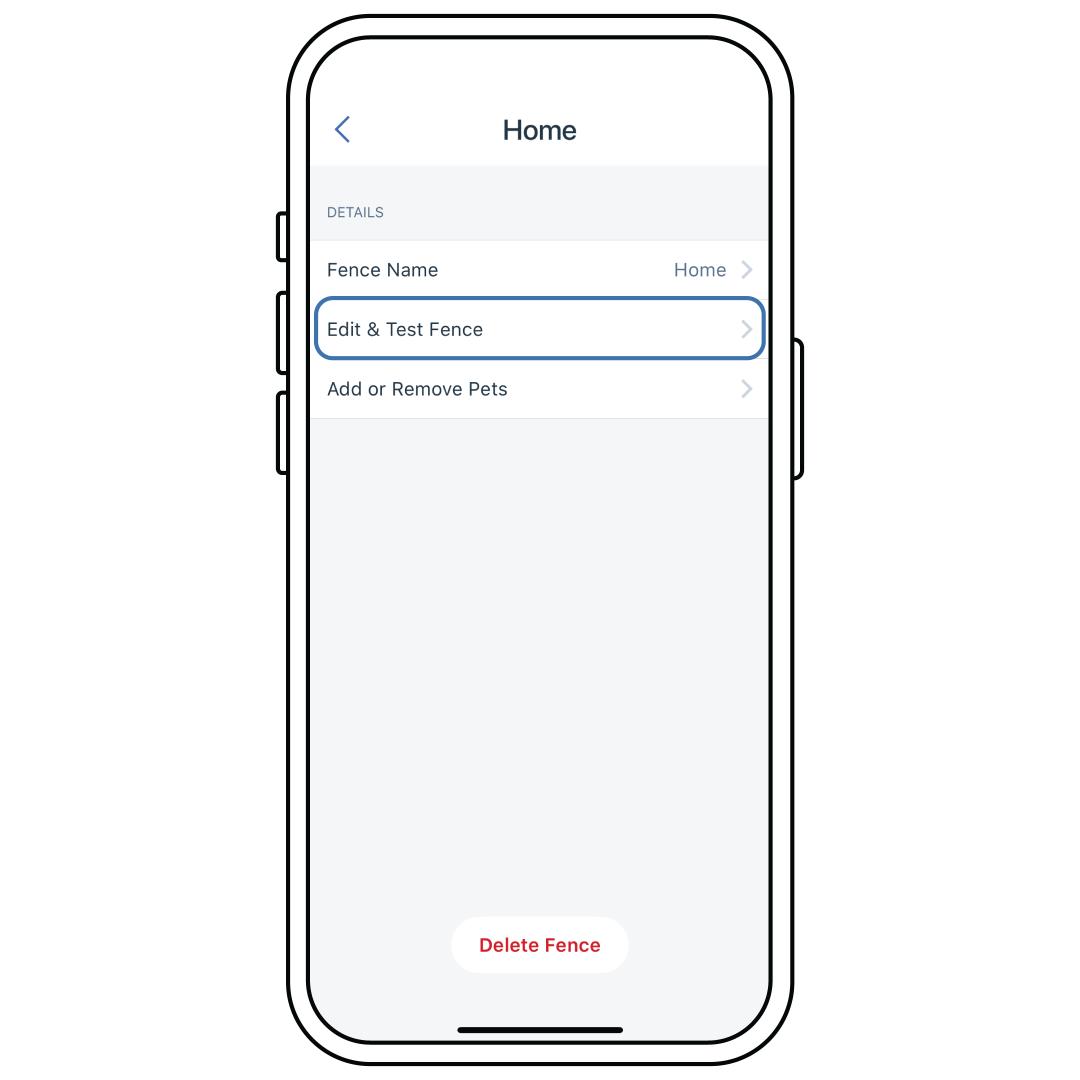
Select Edit & Test Fence.
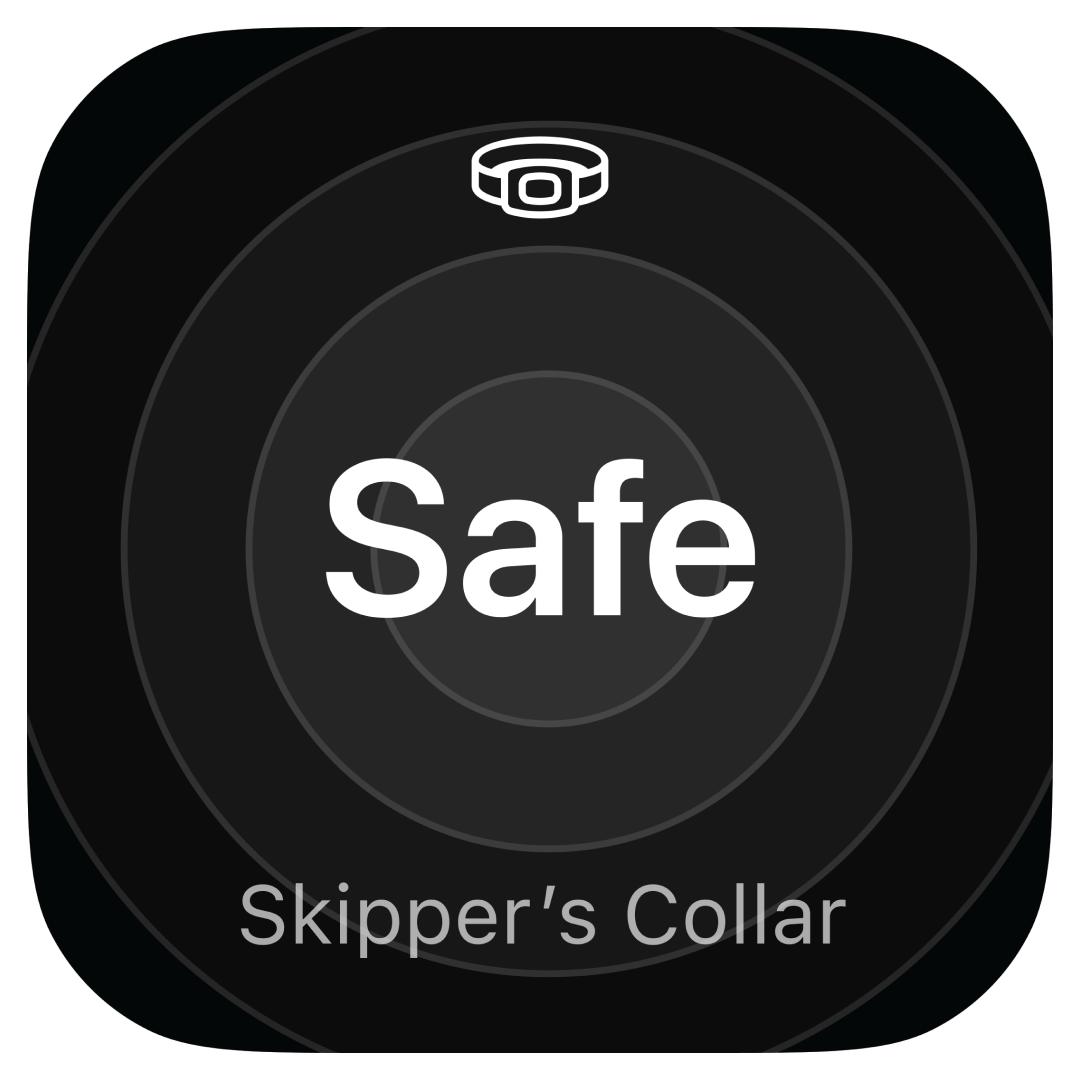
Ensure that the collar status widget states “Safe”. This icon indicates you are within the fence boundary with the collar.
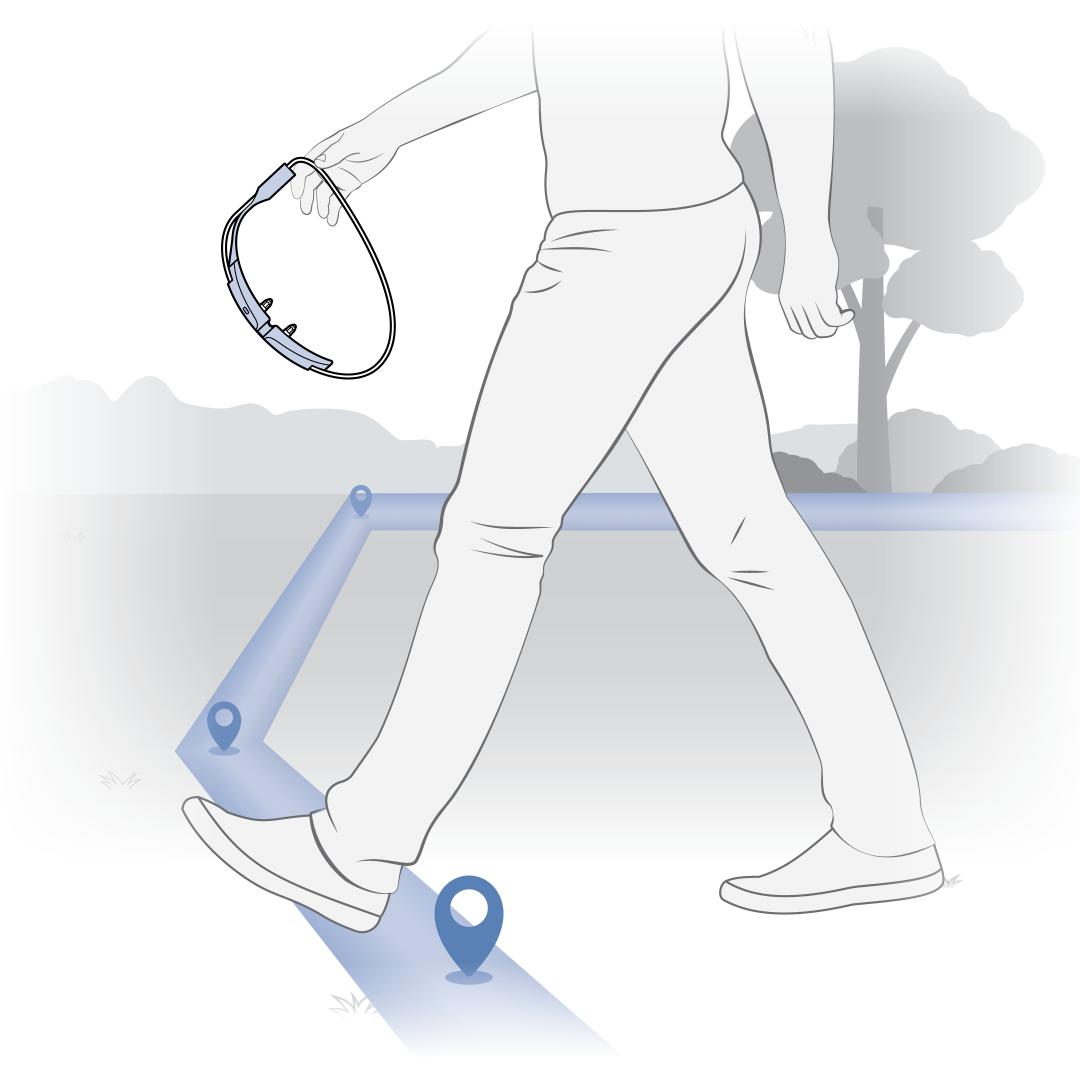
Walk toward the boundary at a brisk pace until you hear the collar(s) beep or feel the vibration. The beeping and vibration indicate correction.
Make sure not to touch the contact points to avoid feeling a correction.
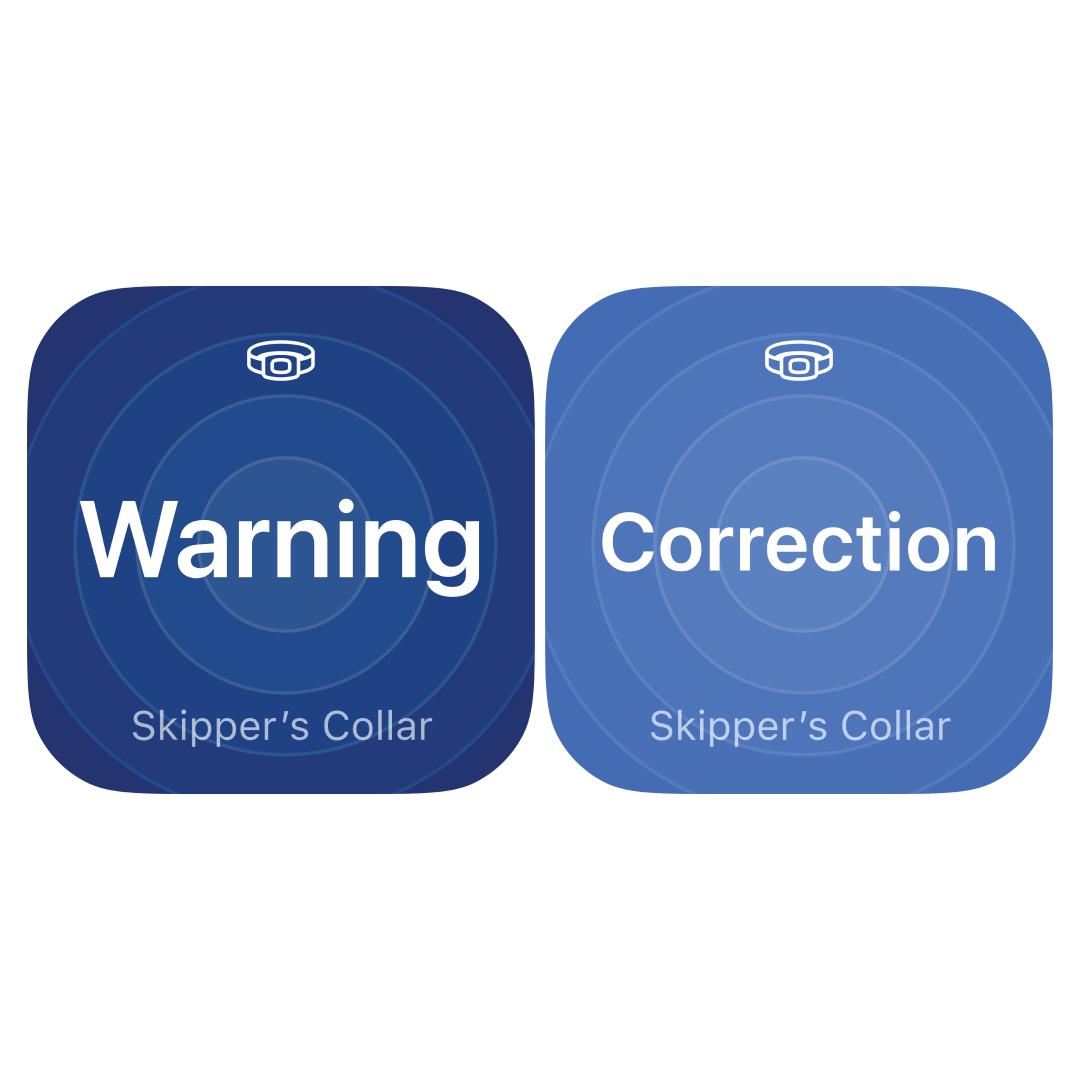
If you see the “Warning” or “Correction” widget icon, the collar is activating, and you may hear a beep. You can edit the boundary if you do not like where it currently activates. Visit How To Edit a Fence on My PetSafe® Guardian® GPS + Tracking System.
If you see any other collar status widgets, see our troubleshooting section at the end of this article.
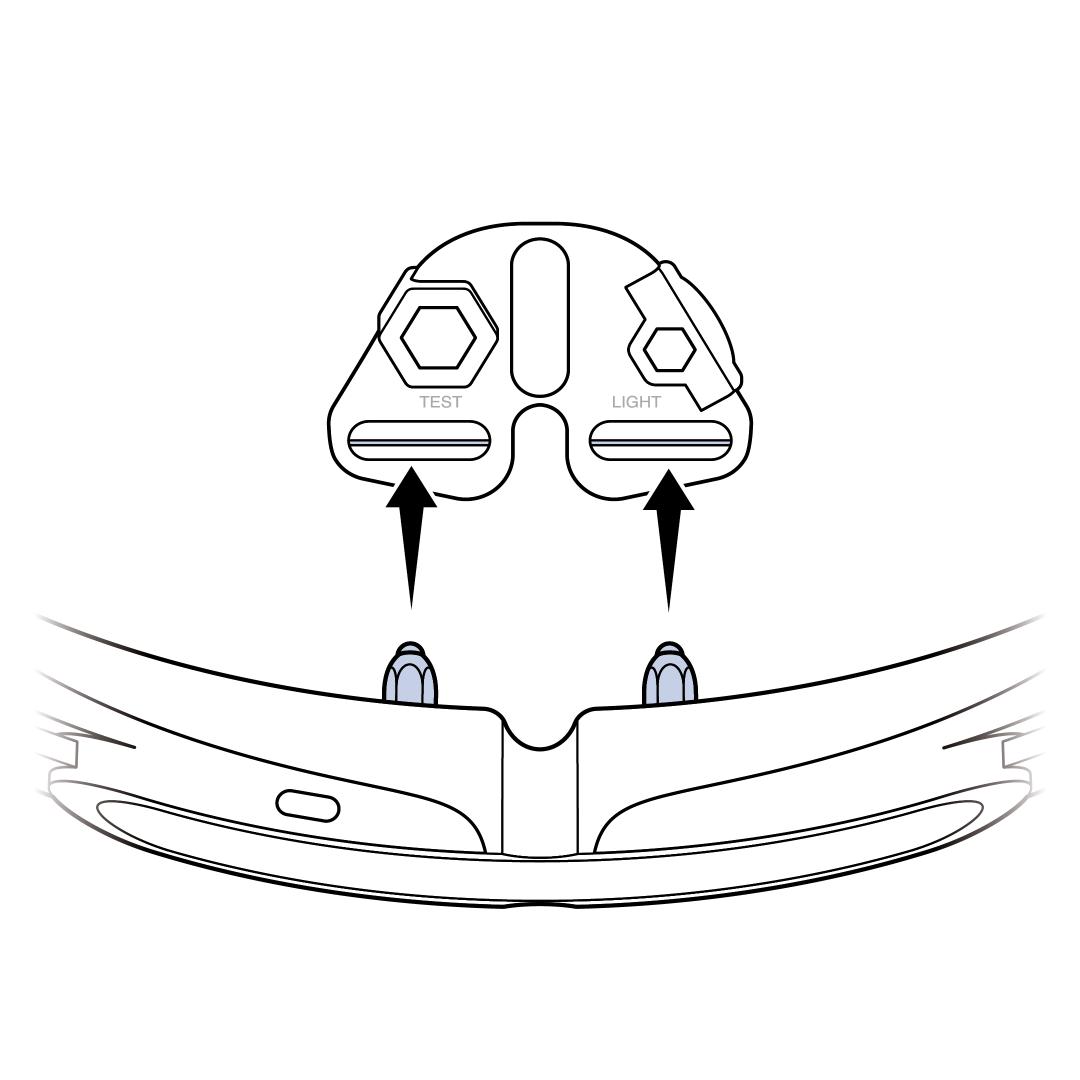
Use the provided Test Light Tool on your collar(s) contact points and the collar set to the highest correction level to confirm the collar is providing static stimulation.
If you wish to feel the correction, we recommend turning the correction level to a low level. Place both contact points in your palm and walk briskly toward the boundary. It is not uncommon to be unable to feel the lowest levels of correction. For assistance with changing the correction level, visit How To Change the Correction Levels on My PetSafe® Guardian® GPS + Tracking Fence Collar.
Troubleshooting
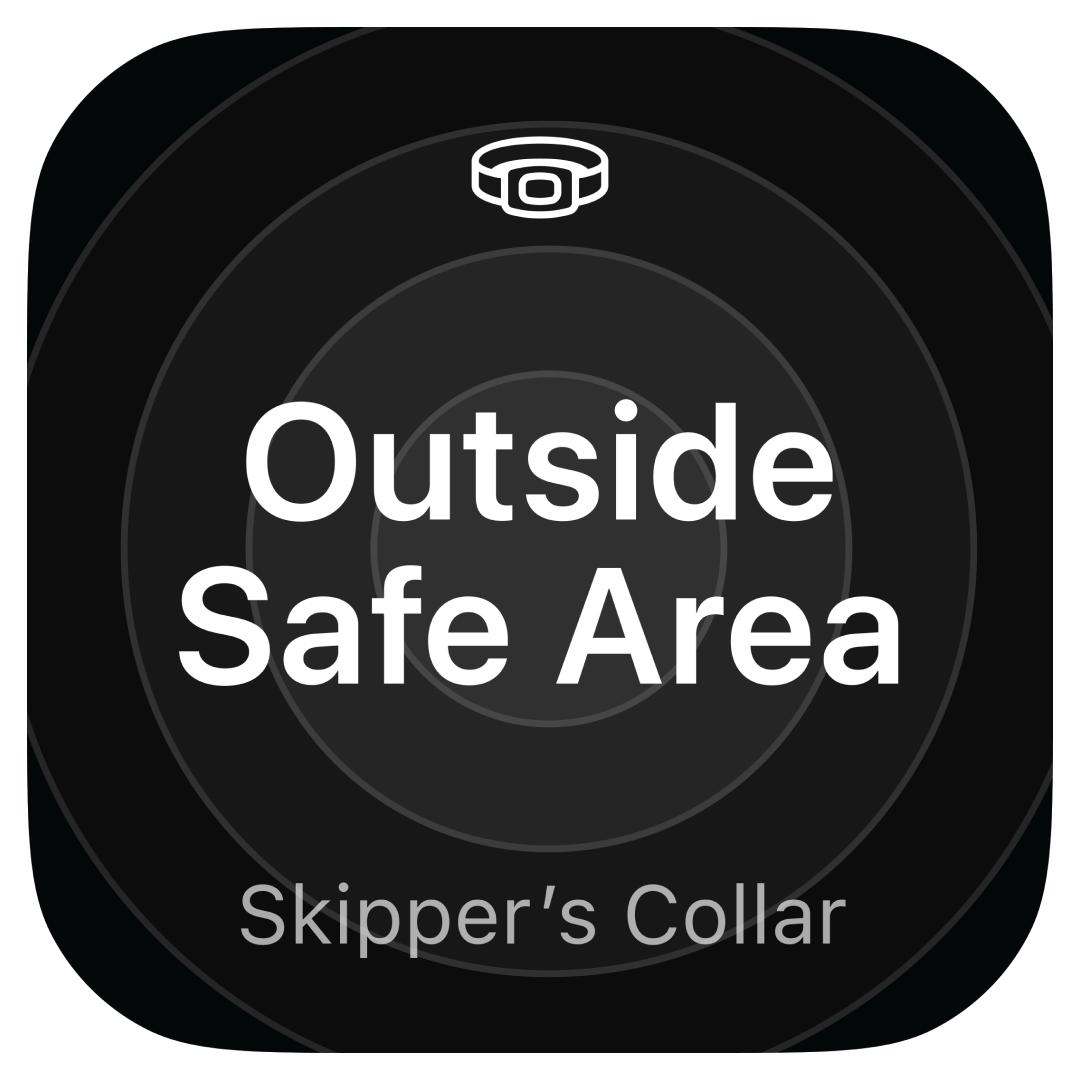
You are not within the boundary of your fence. To start testing, please move to the area where you created the fence. If the area you are in needs to be within the boundary, you will need to edit your fence. Visit How To Edit a Fence on My PetSafe® Guardian® GPS + Tracking System.
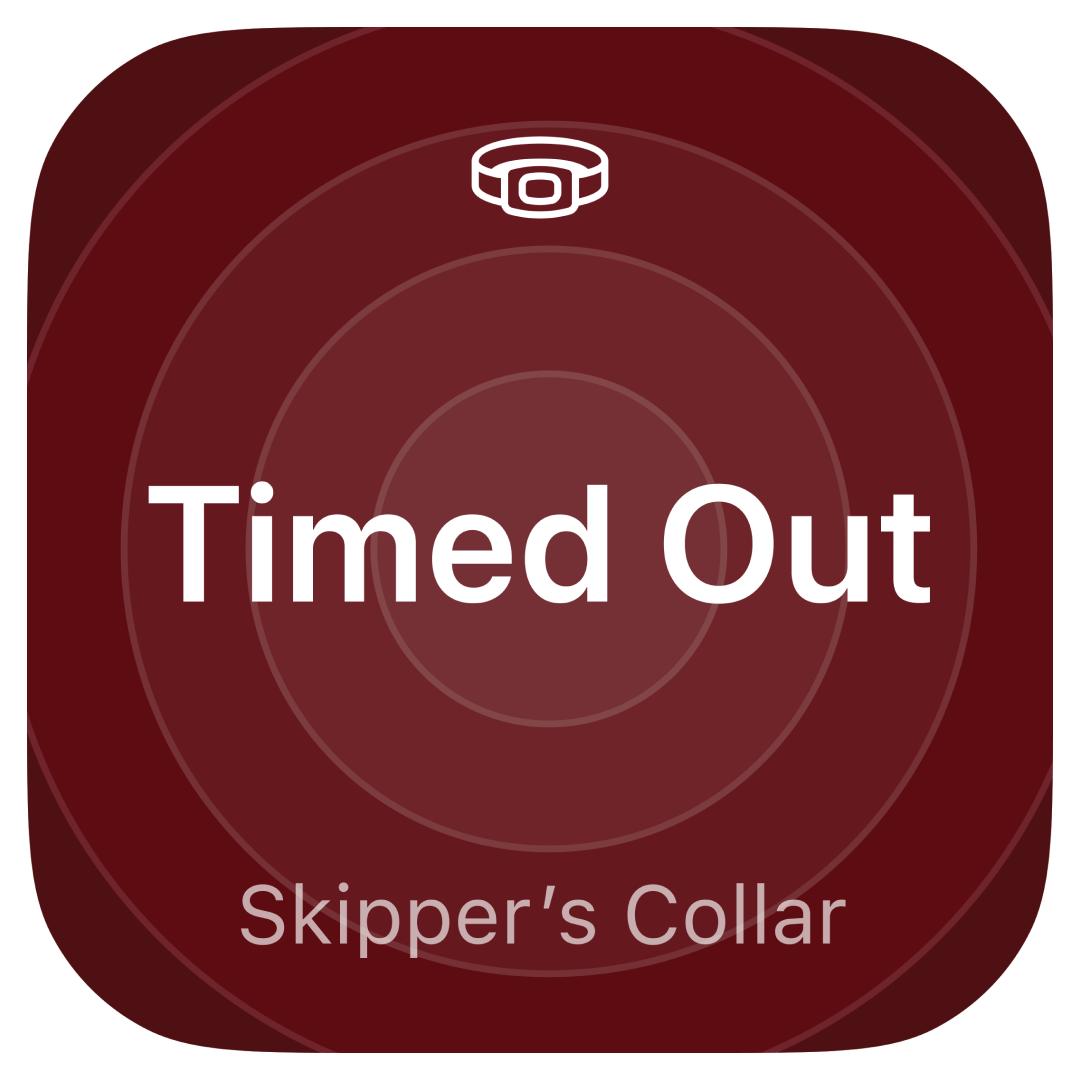
Your collar has timed out for safety. Your collar will time out after 15 seconds of delivering a correction. You will need to move 15 feet back within the boundary for at least 30 seconds before testing again.
Make sure you are outside with a clear view of the sky and not under a roof, in a vehicle, or in a heavily wooded area. The antenna needs to be facing toward the sky. Make sure you are walking around, as movement helps connect the collar. Please note that it can take up to 30 seconds to establish a connection. It will take longer if the battery is low. Visit How To Plug in My PetSafe® Guardian® GPS + Tracking Fence Base and Charge the Collar.
Bring your collar closer to your phone. If the collar still does not connect, make sure the Bluetooth on your phone hasn’t been turned off.