How To Reset the Reminder and Replace the Filter in My PetSafe® Hydrosphere™ 60oz Cordless Fountain
Important Information
- The filter reminder light pulses red to indicate it is time to replace the filter. Replace it every three weeks.
- We recommend disassembling and cleaning your fountain and pump when you change the filter.
Replace the Filter
Press and release the power button to turn the fountain off.
Lift the splash guard to remove it and the tray together.
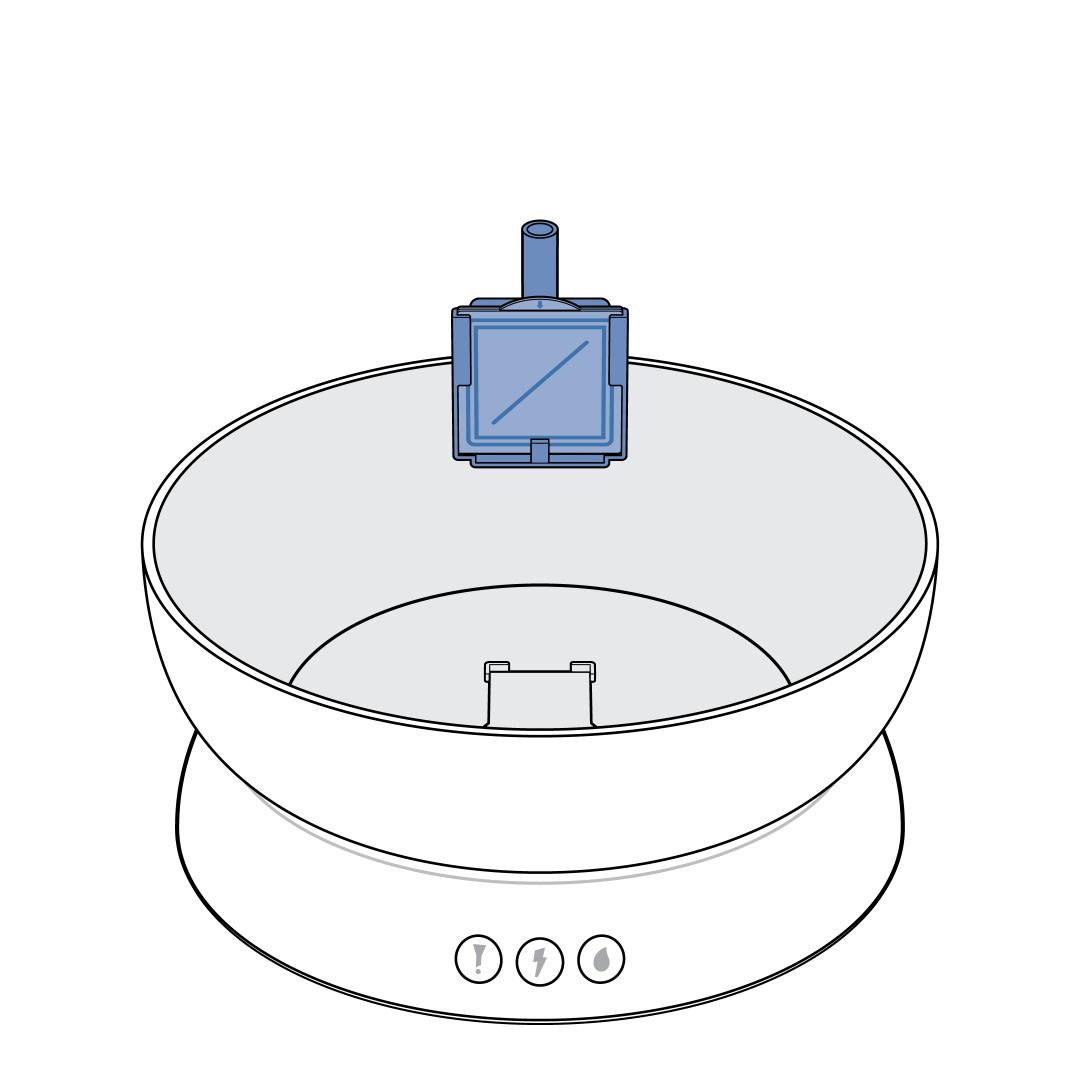
Lift the pump from the bowl and slide the filter out of the pump faceplate. Discard the used filter.
Rinse the new filter under water for 30 seconds. This will help clear loose particles so they do not appear in the bowl.
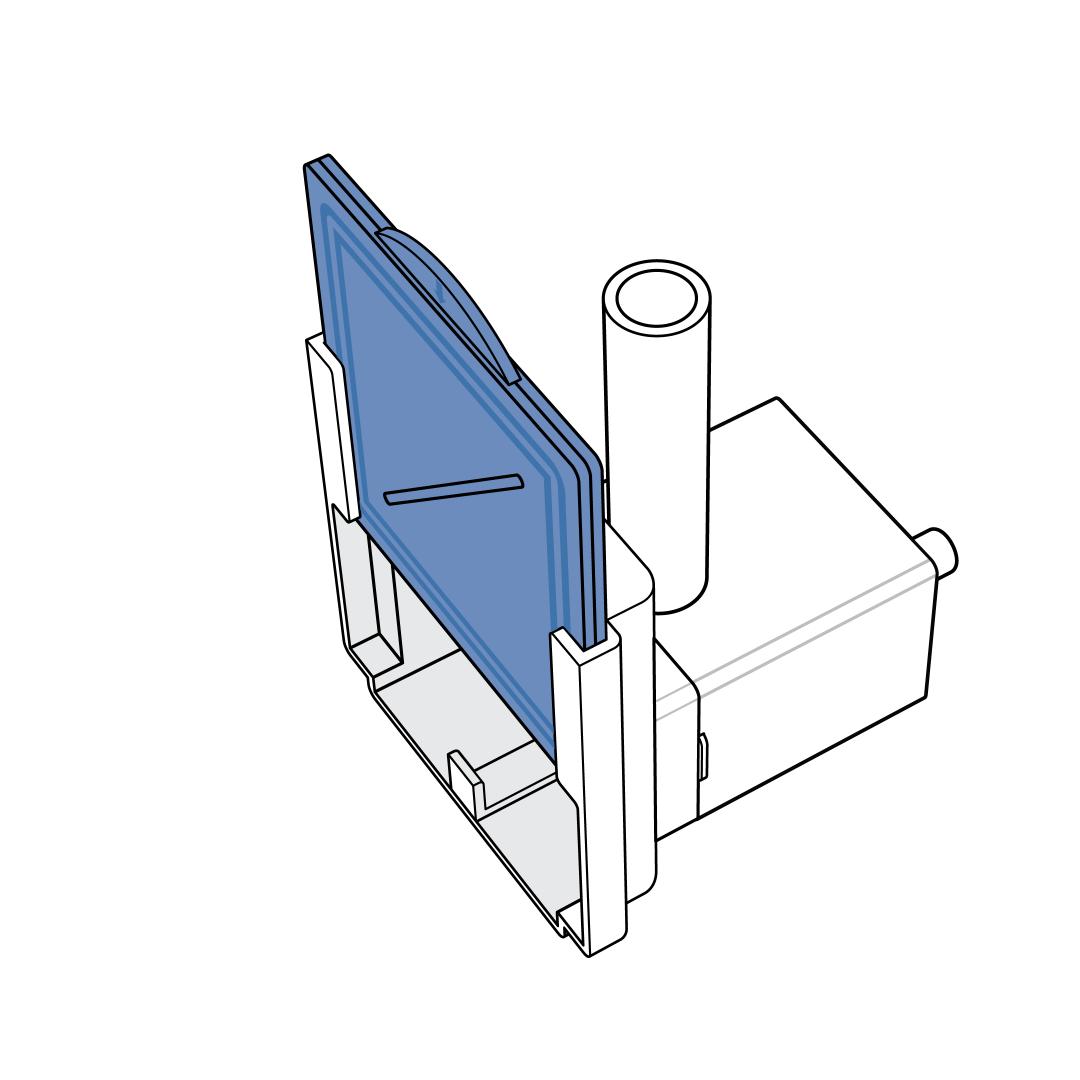
Hold the filter by the top tab and slide it in the filter bracket on the pump faceplate. The filter is reversible, so it does not matter which side (black or white) faces the pump.
Replace the pump in the recess of the bowl, then replace the splash guards and tray. Ensure the rubber gasket on the tray aligns with the tube on the pump.
Press and release the power button to turn the fountain on.
Reset the Filter Reminder
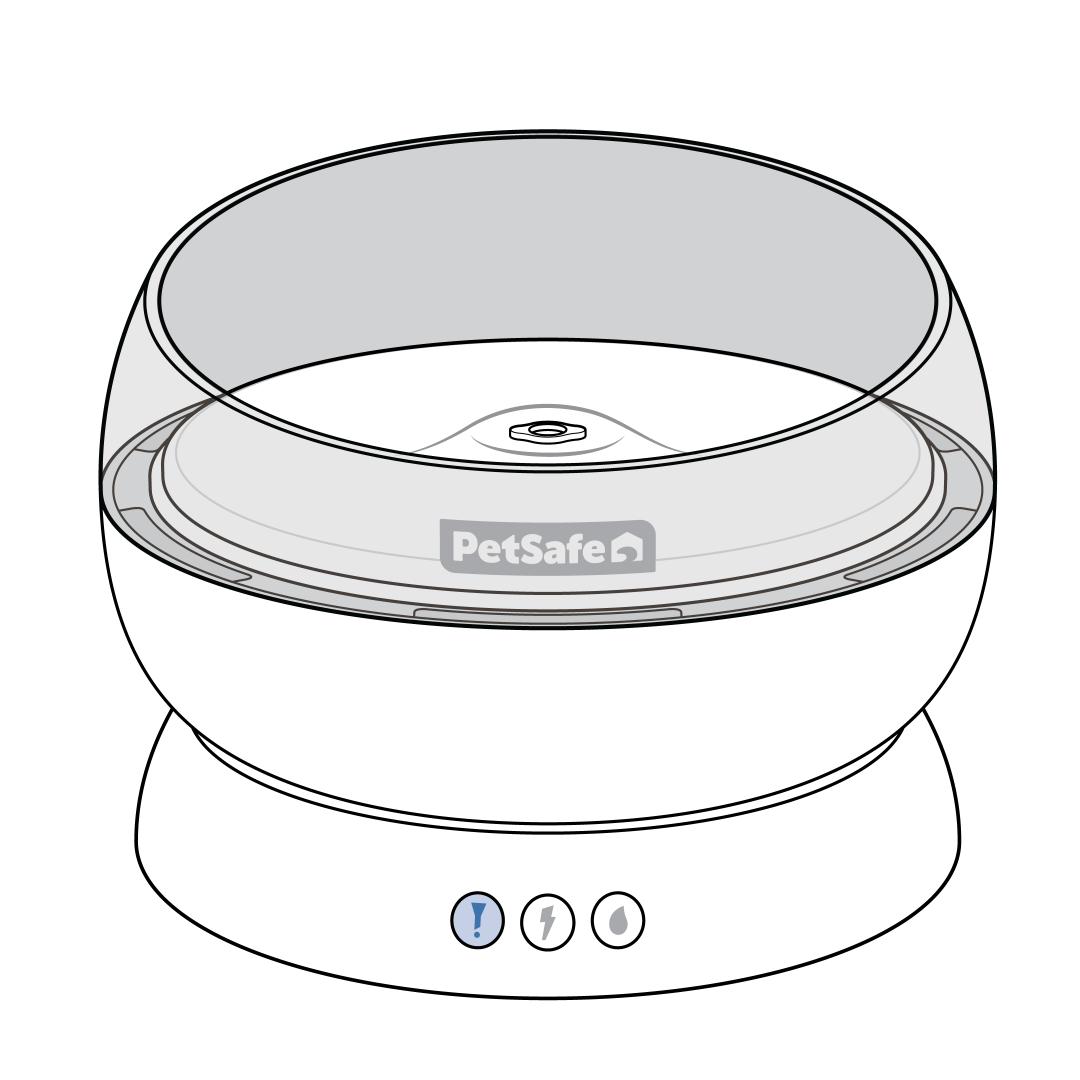
Press and hold the filter button for 3 seconds. Release the button when the light flashes blue three times to indicate the filter reminder has been reset.