How To Finish Setting Up a PetSafe® GPS Dog Tracker Subscription
What You Get with a Subscription
A subscription gives you LTE for live GPS updates and alerts, plus access to the history of your dog’s location and activity, keeping your dog safe and you worry-free!
Finish Subscription Setup

Open the My PetSafe® app and choose GPS Tracker from the product list if prompted.
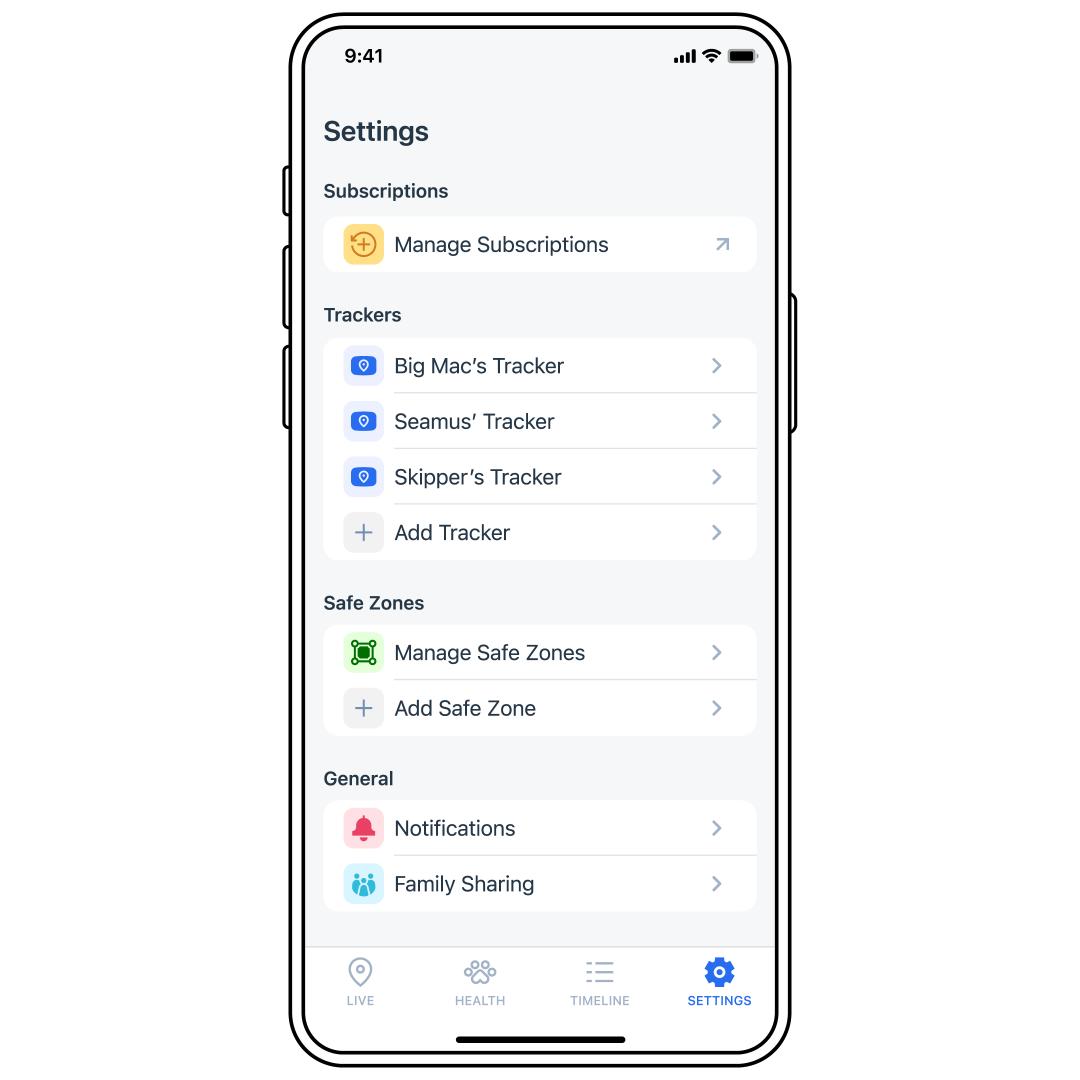
Tap SETTINGS in the bottom-right corner of the app screen.
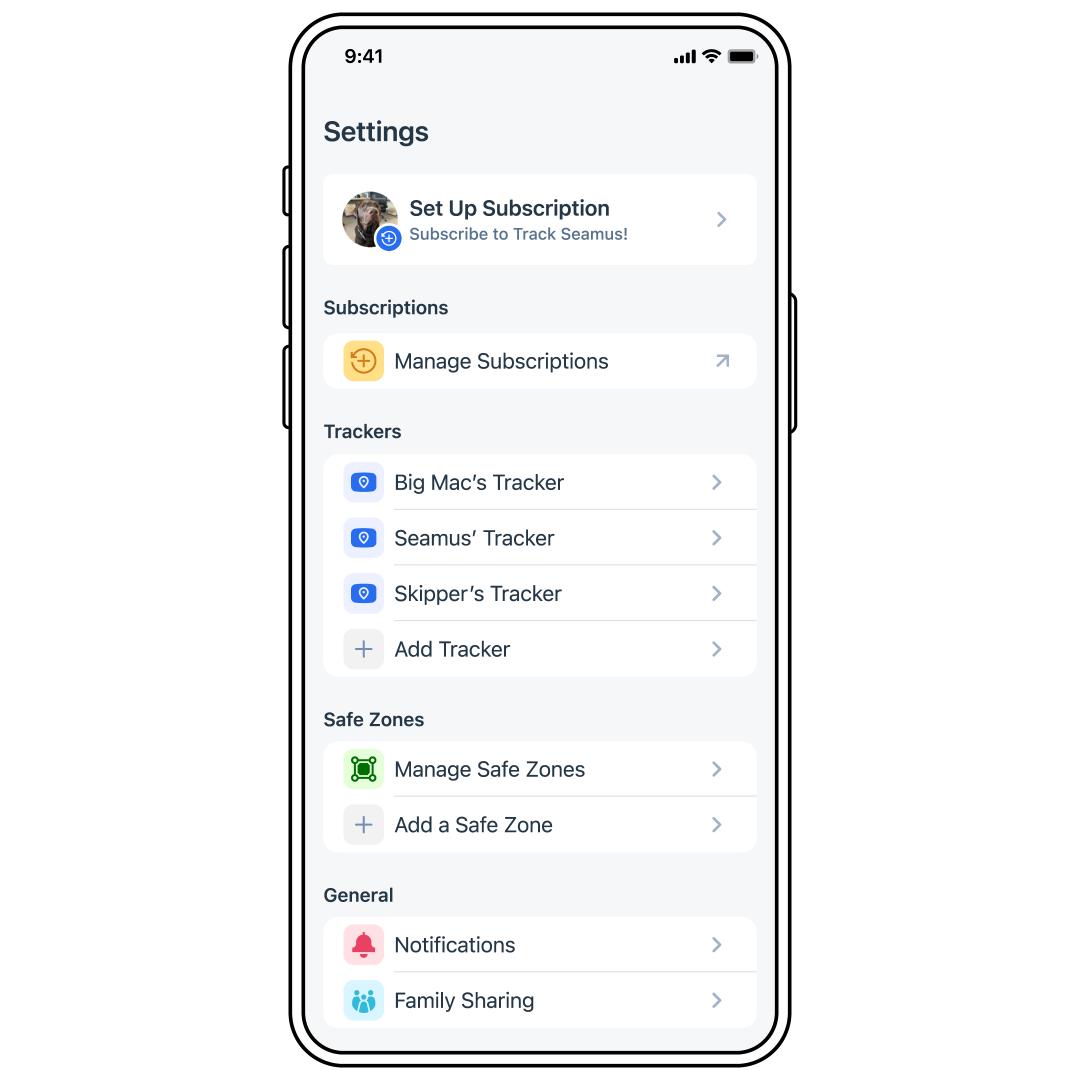
Tap Set Up Subscription.
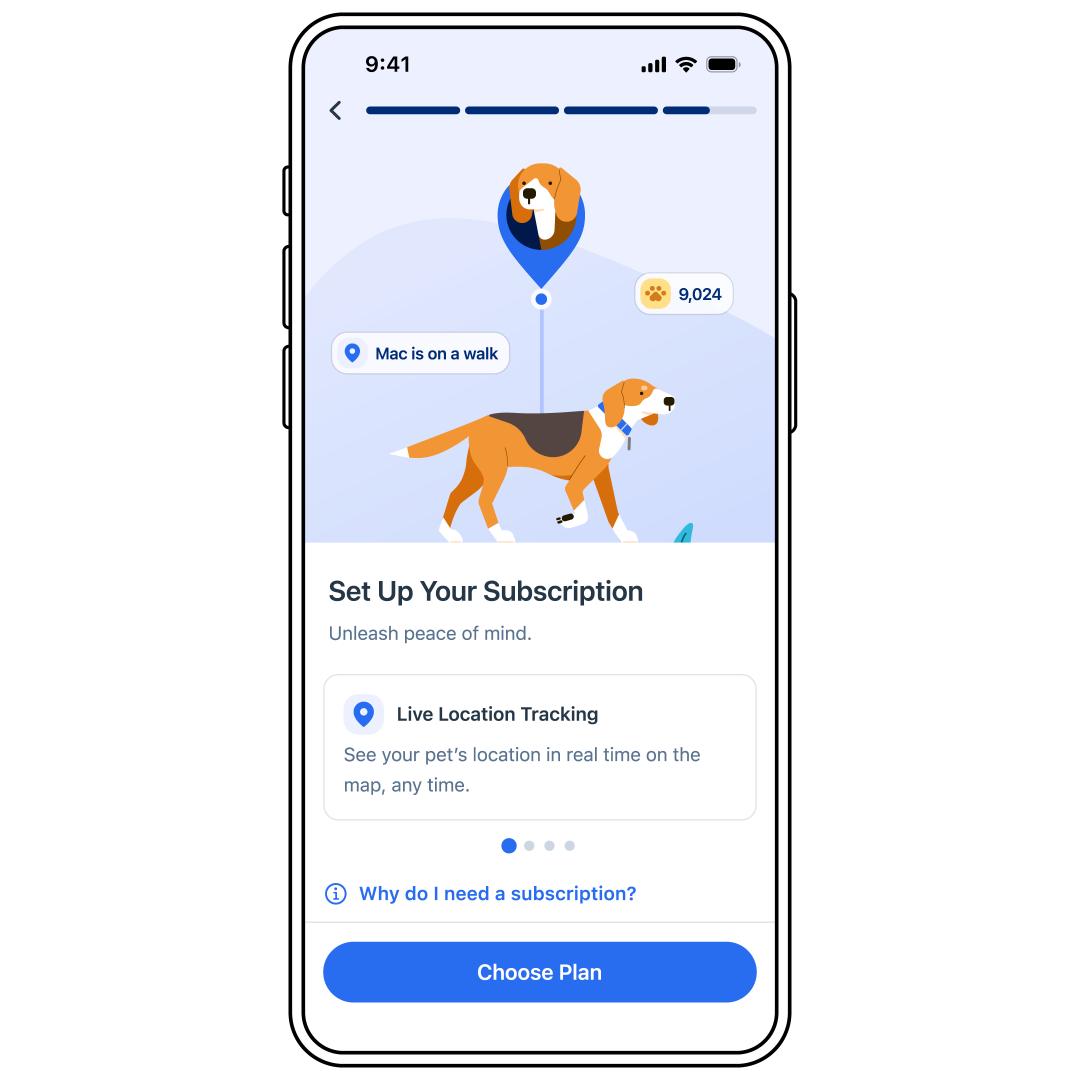
Set up your subscription by following the prompts in the app.
Important: Please note that if you are setting up multiple subscriptions, the billing frequency will differ depending on the day each subscription starts.
To access your subscription later, go to Manage Subscriptions in SETTINGS in the My PetSafe® app or visit PetSafe.com and use the same email used in the app to create or sign into an account.
- If you have never signed into a PetSafe.com account (which is separate than the My PetSafe® app account), you will need to create an account on PetSafe.com® using the same email used when signing up for your subscription.