How To Finish Setting Up a PetSafe® GPS Cat Tracker Subscription
What You Get with a Subscription
A subscription gives you LTE for live GPS updates and alerts, plus access to the history of your cat’s location and activity, keeping your cat safe and you worry-free!
Finish Subscription Setup

Open the My PetSafe® app and choose GPS Tracker from the product list if prompted.
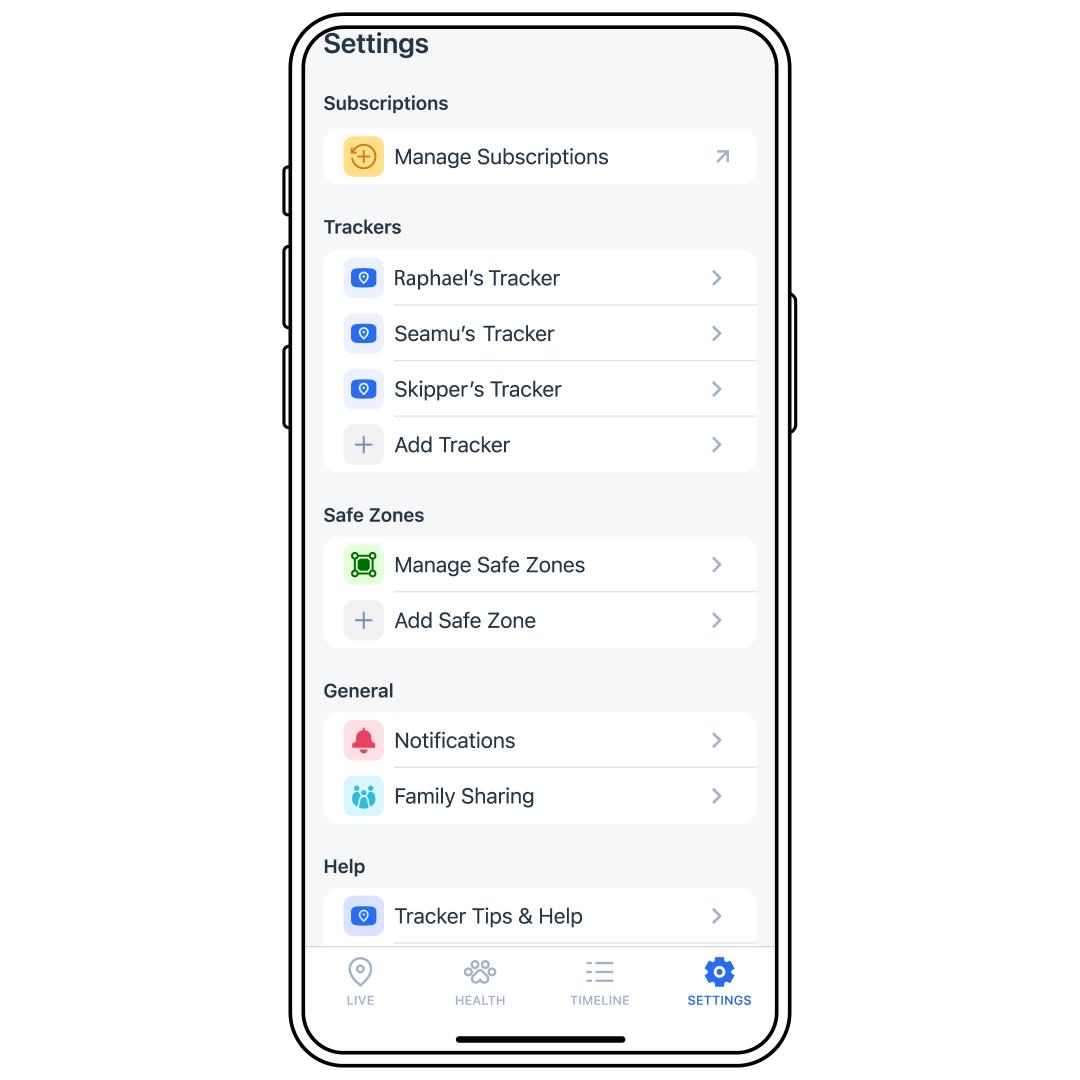
Tap SETTINGS in the bottom-right corner of the app screen.
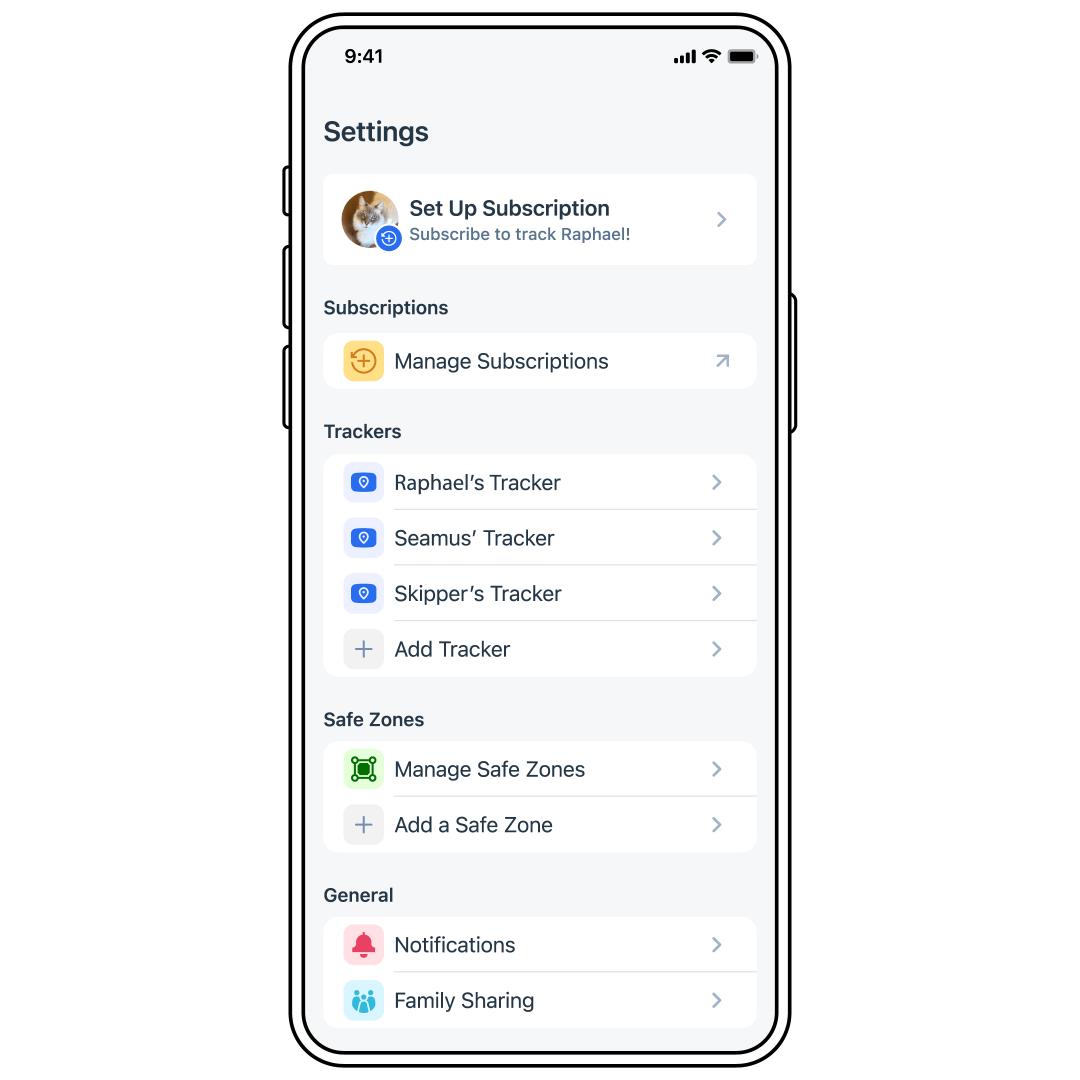
Tap Set Up Subscription.
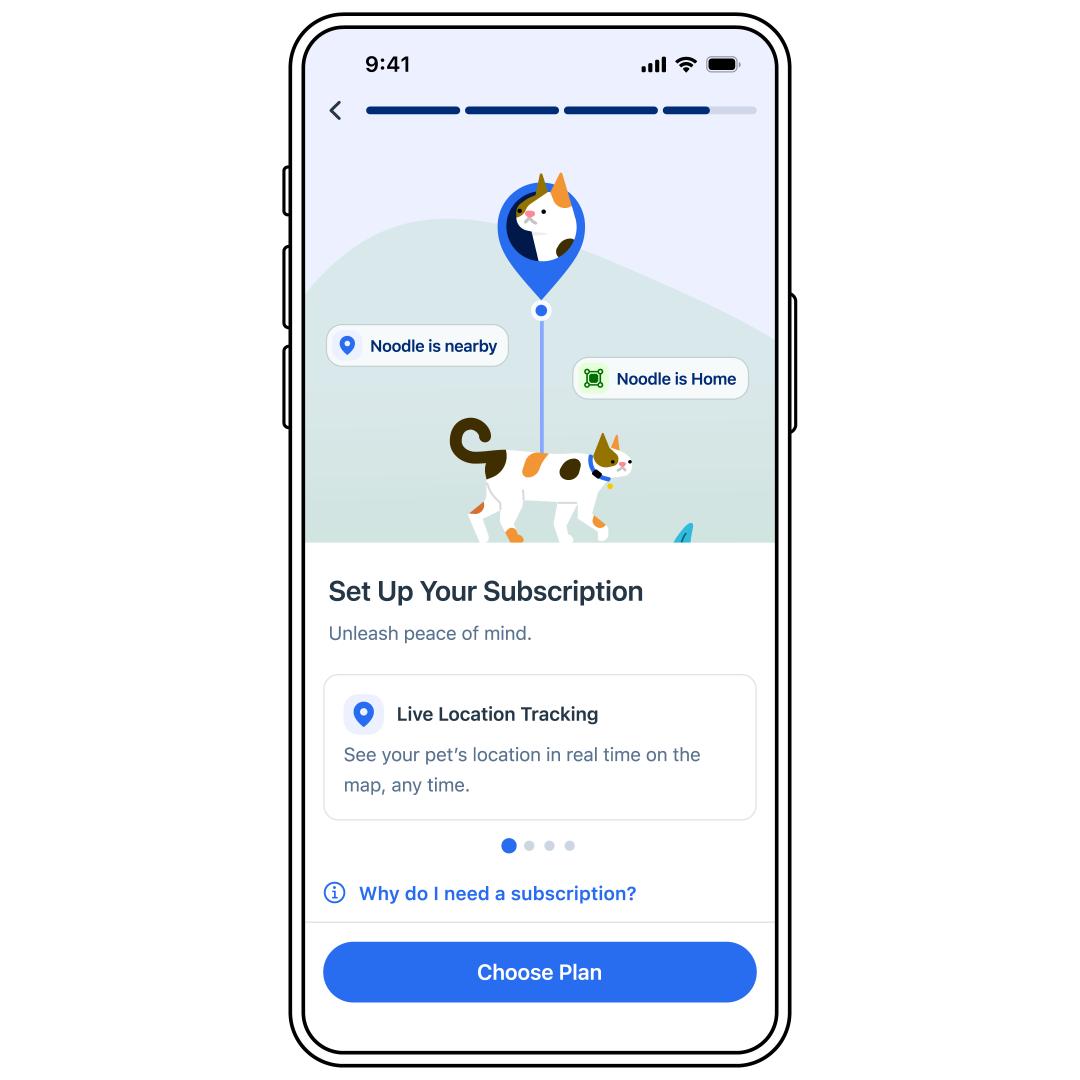
Set up your subscription by following the prompts in the app.
Important: Please note that if you are setting up multiple subscriptions, the billing frequency will differ depending on the day each subscription starts.
If you need further access to your subscription later, tap Manage Subscriptions in SETTINGS or log into your account at Petsafe.com using the same email address used when signing up.