How to Change the Battery in the ScatMat® Indoor Training Mat
Uses one 9 Volt battery (not included). Average battery life is 6 months, depending on use.
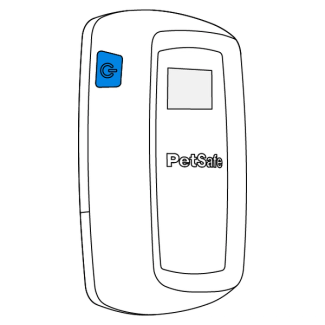
Press and hold the power button for three seconds to turn the controller off.
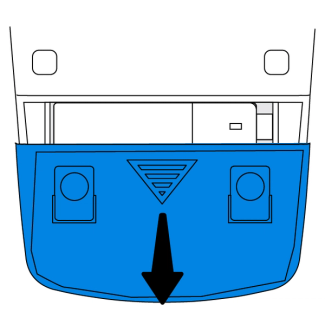
Locate the battery door on the bottom of the controller. Slide down and remove.
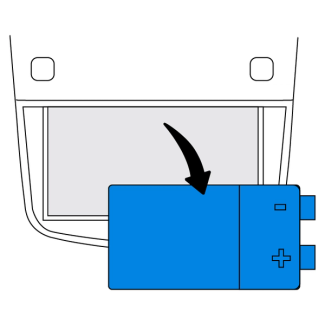
Remove the battery.
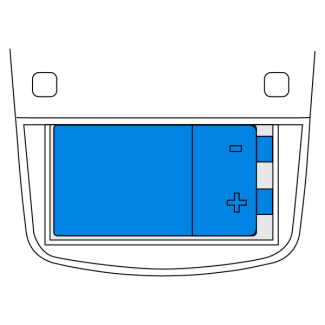
Insert a new 9 volt alkaline battery.
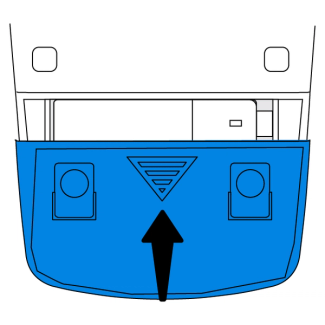
Replace the battery door.
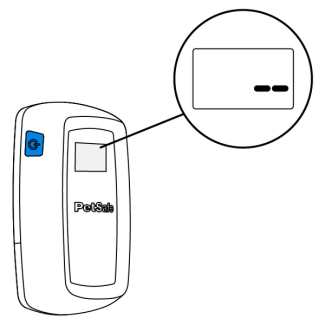
Press the power button to turn on your ScatMat®. Two dashes will appear on the screen indicating the controller is calibrating.
Note: The controller will continue to calibrate for 5 minutes after powering on. The mat may activate during this time.
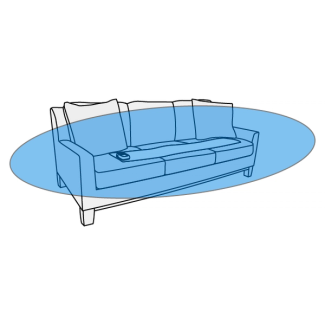
Move away at least 3 feet while the controller calibrates. When finished, the screen will display the correction mode.
Important: Make sure nothing is set on the mat during calibration.
Any time the mat is moved to a new location press and hold the power button to turn the mat off before moving. Turn the mat on once positioned to repeat calibration.
Contact Customer Care
If you need further assistance, please contact our customer care team.