How To Activate the Tone on My PetSafe® GPS Cat Tracker

Open the My PetSafe® app and choose GPS Tracker from the product list if prompted.
- In most cases, the app will open directly to the Live Dashboard.
If you do not see the Live Dashboard, tap LIVE at the bottom of the app screen.
Tap the desired Tracker.
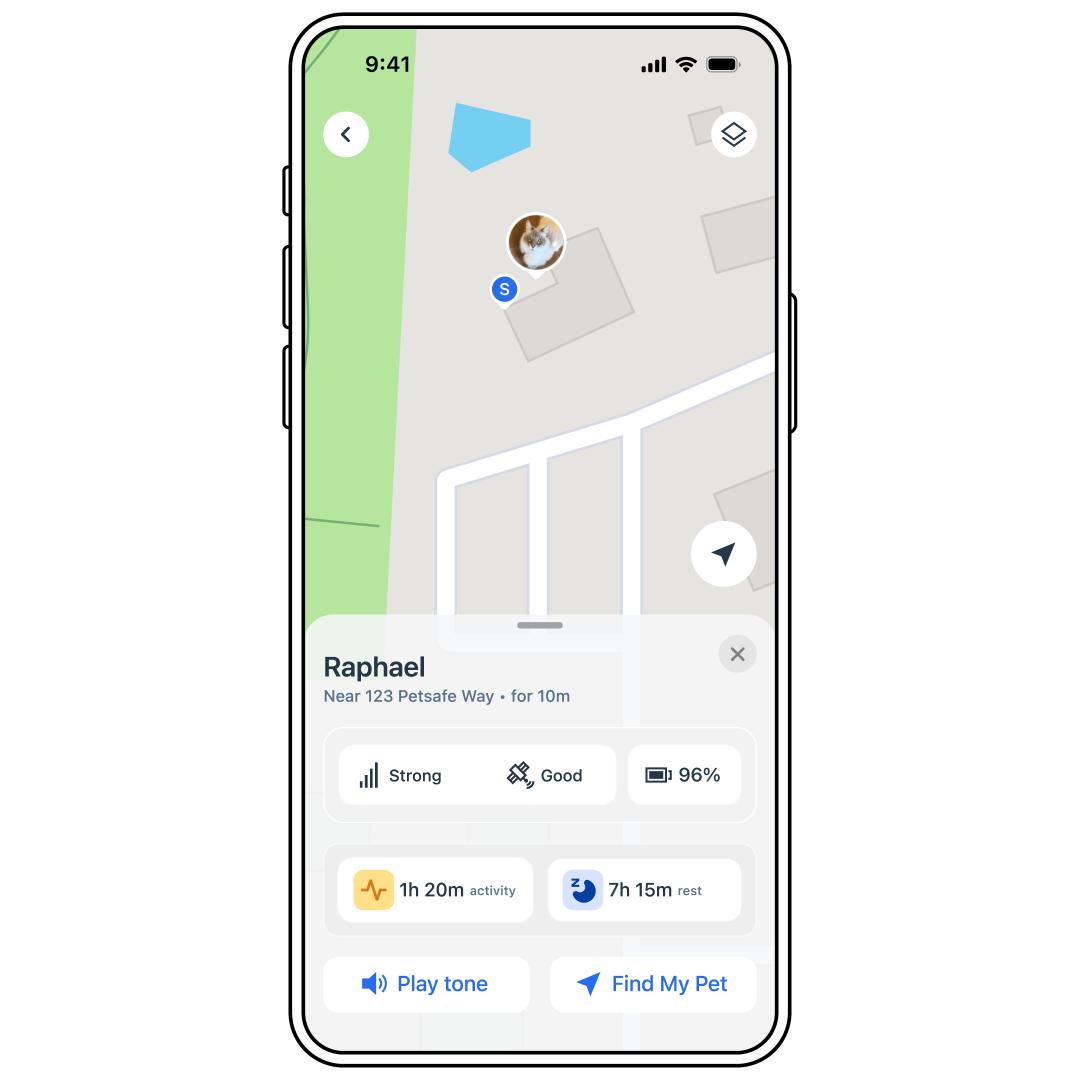
Tap Play next to Play Tone.