Dog Left the Safe Zone - PetSafe® GPS Dog Tracker
Please note that Safe Zone alerts are only available with an active subscription.

Open the My PetSafe® app and choose GPS Tracker from the product list if prompted.
- In most cases, the app will open directly to the Live Dashboard.
- If you received a push notification, tap on it and it will immediately take you to that Tracker on the Live Dashboard. Skip to step 4.
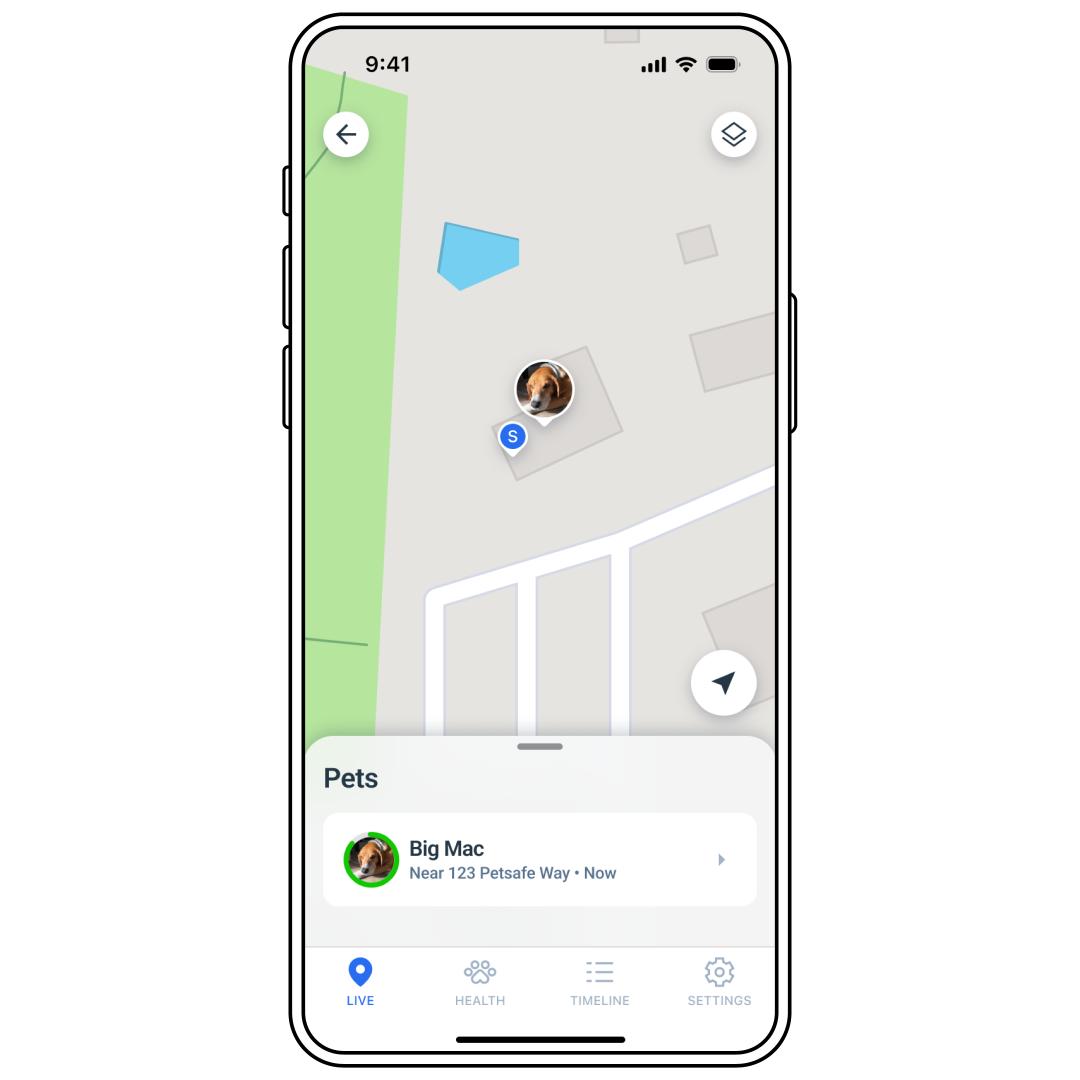
If the Live Dashboard is not visible on the screen, tap LIVE in the bottom-left corner of the app screen.
Tap the desired Tracker to be located.
The location will already be visible from the Live dashboard. However, Find My Pet mode provides a more focused view and access to map directions.
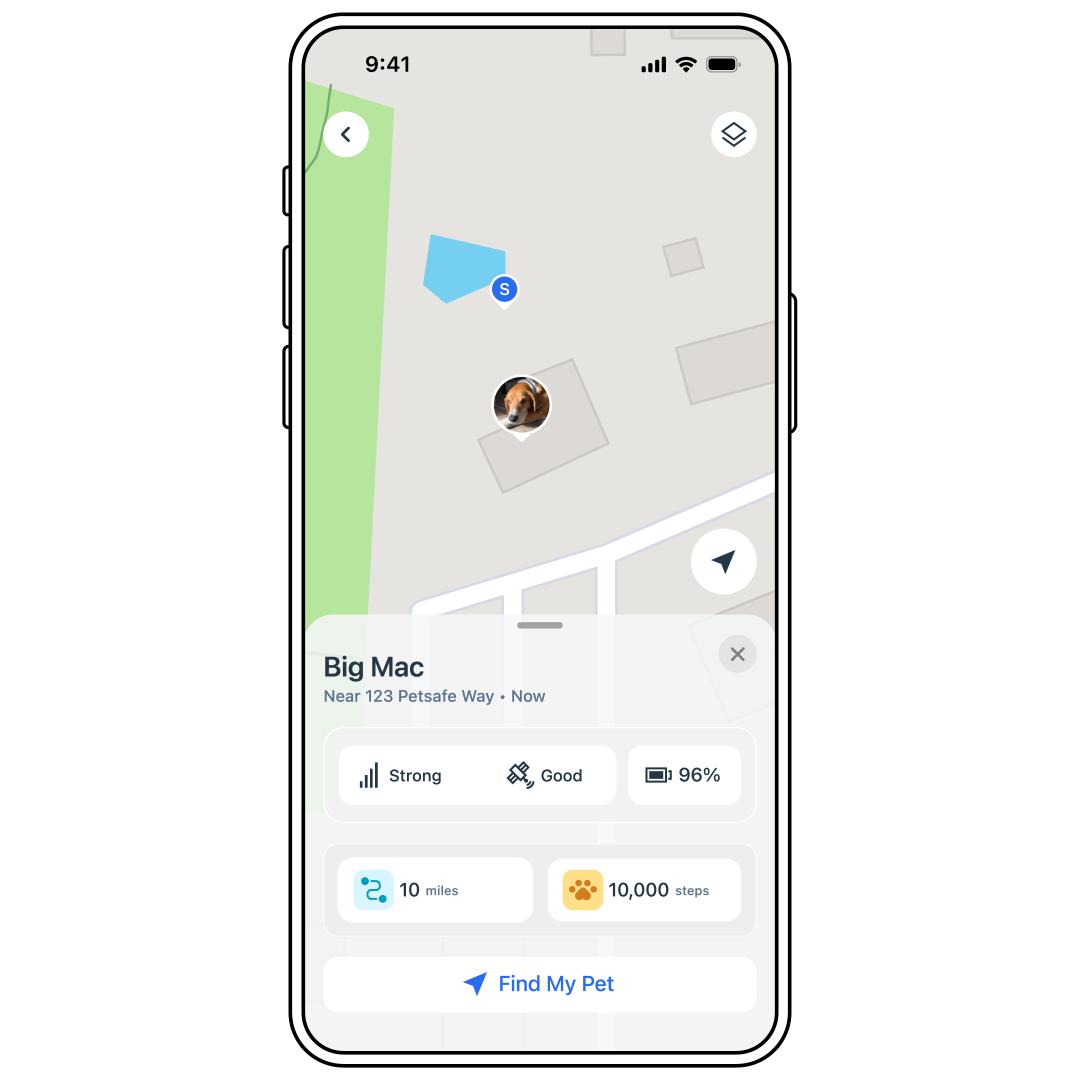
Select Find My Pet.
The app shows your Tracker’s current location on the map. Tap Get Directions to open directions on your phone’s map app.
- Please note that because this opens directions in a different app (Apple Maps, Google Maps), you will not get real-time updates. It will instead take you to the last-known location. To find your pet’s updated location, you will have to go back to the My PetSafe® app.
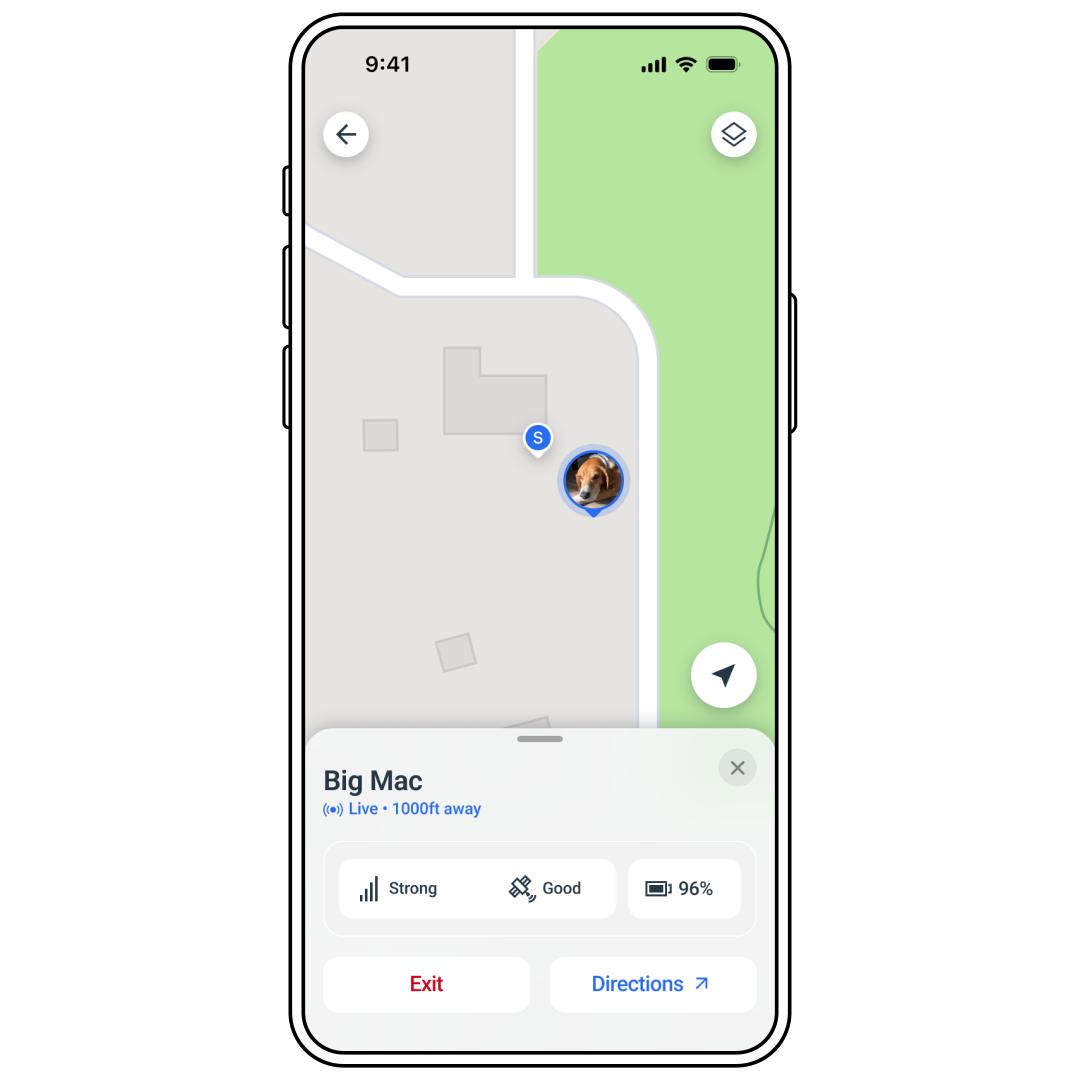
Tap Exit Find My Pet Mode or Yes, I found my dog when finished. Alternatively, if the Tracker reenters a Safe Zone or Base Sync, the app will automatically end Find My Pet Mode.
Please note that Find My Pet Mode is only available with an active subscription.