Does Not Have Power or Will Not Charge - PetSafe® GPS Customizable Dog Fence
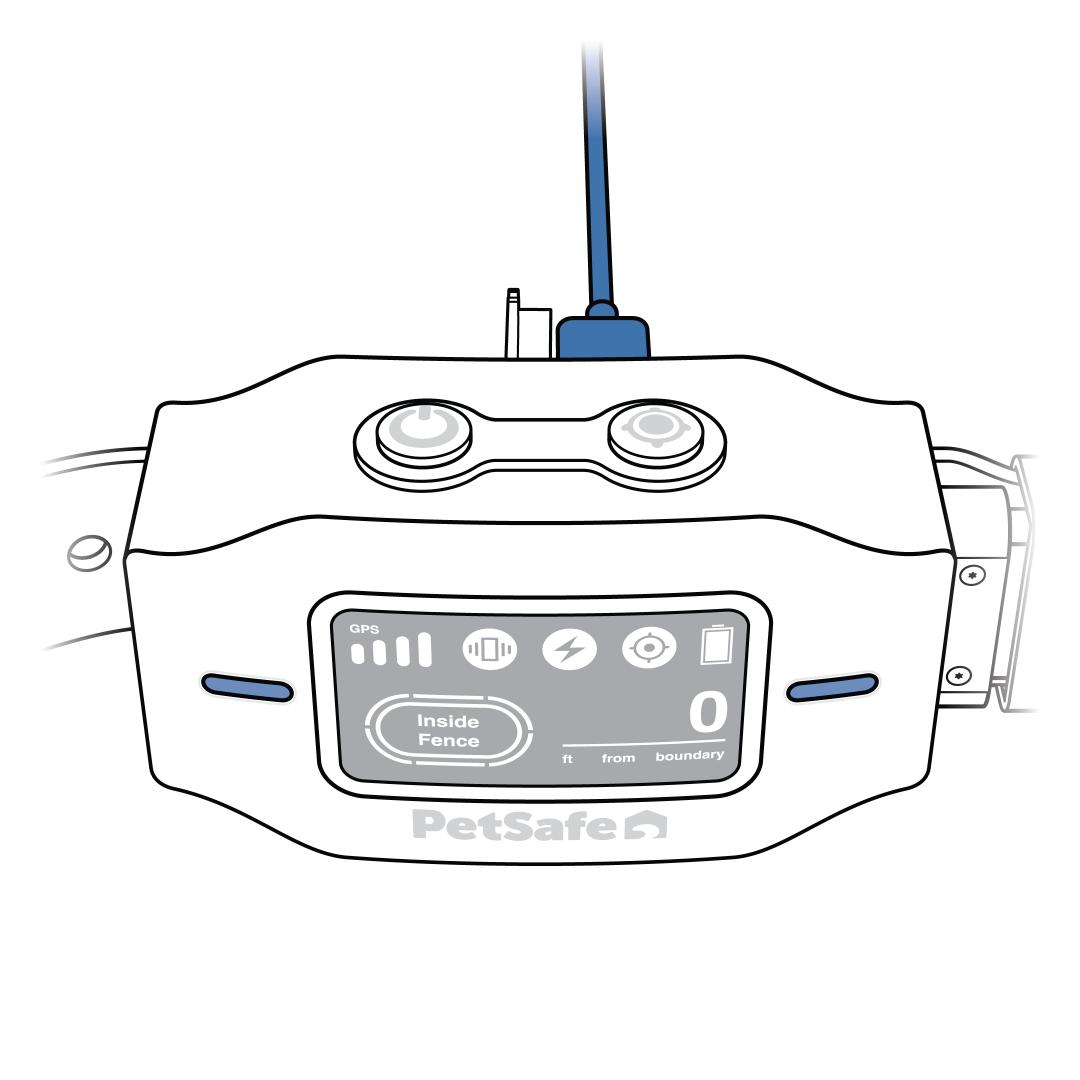
If your collar has no power, charge it. For more information on charging, visit How To Turn On, Turn Off and Charge My PetSafe® GPS Customizable Dog Fence.
- Press the power button on the top-left corner to turn on or wake up the collar.
- The collar can take 2-3 hours to fully charge.
- If your collar will not charge, continue to step 2.
- If your collar indicates it is charging (the screen displays a battery filling up) but still does not have power after it is fully charged and removed from the charger, reset the collar.
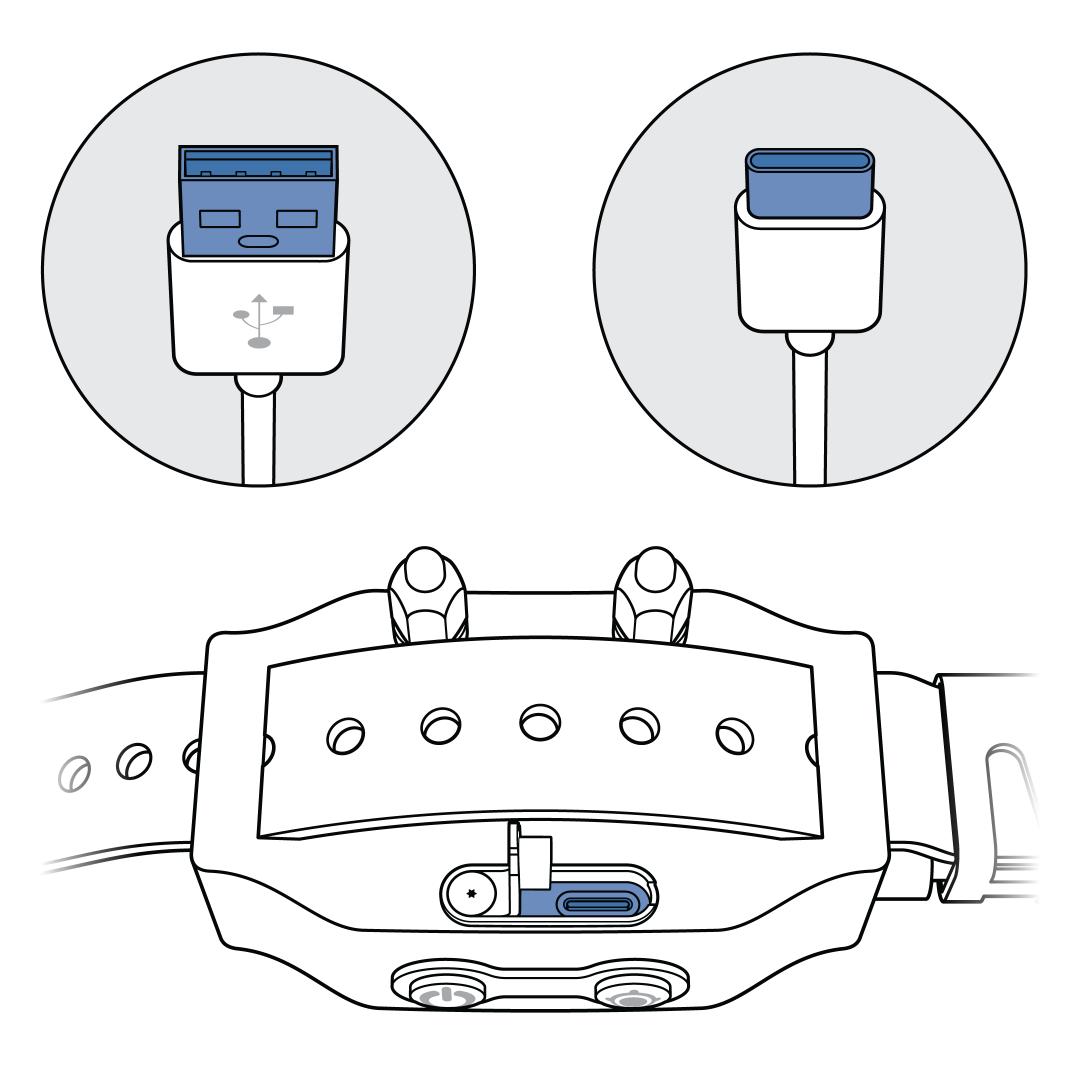
Make sure the charging ports are clean, and the cord is fully inserted into the collar.
Check for damage on the collar, cord and adaptor.
Plug the adaptor into a different wall outlet.
Plug another device, such as a lamp, into the same outlet to check the outlet for power.
If available, try another USB-C cord and 5V 1A power adaptor.