Collar Is Activating In Places It Shouldn’t - PetSafe® GPS Customizable Dog Fence
Remember to remove the collar from your pet whenever you take them out of the pet area or in a vehicle. Also, remove the collar when your pet is inside the home.
Confirm the boundary is a minimum of 3/4 acre.
Check the environment where the collar is activating.
- Use the collar in an open outdoor area with clear view of the sky.
- Avoid areas near buildings, covered patios or dense trees.
- Avoid sharp corners in your layout.
- Works best when boundary is at least 25 feet per story away from your house or any other large building. Ex: The boundary should be at least 50 feet from a two-story house.
- Confirm the collar has acquired a GPS signal before use. If it has not, visit Will Not Acquire GPS Signal - PetSafe® GPS Customizable Dog Fence.
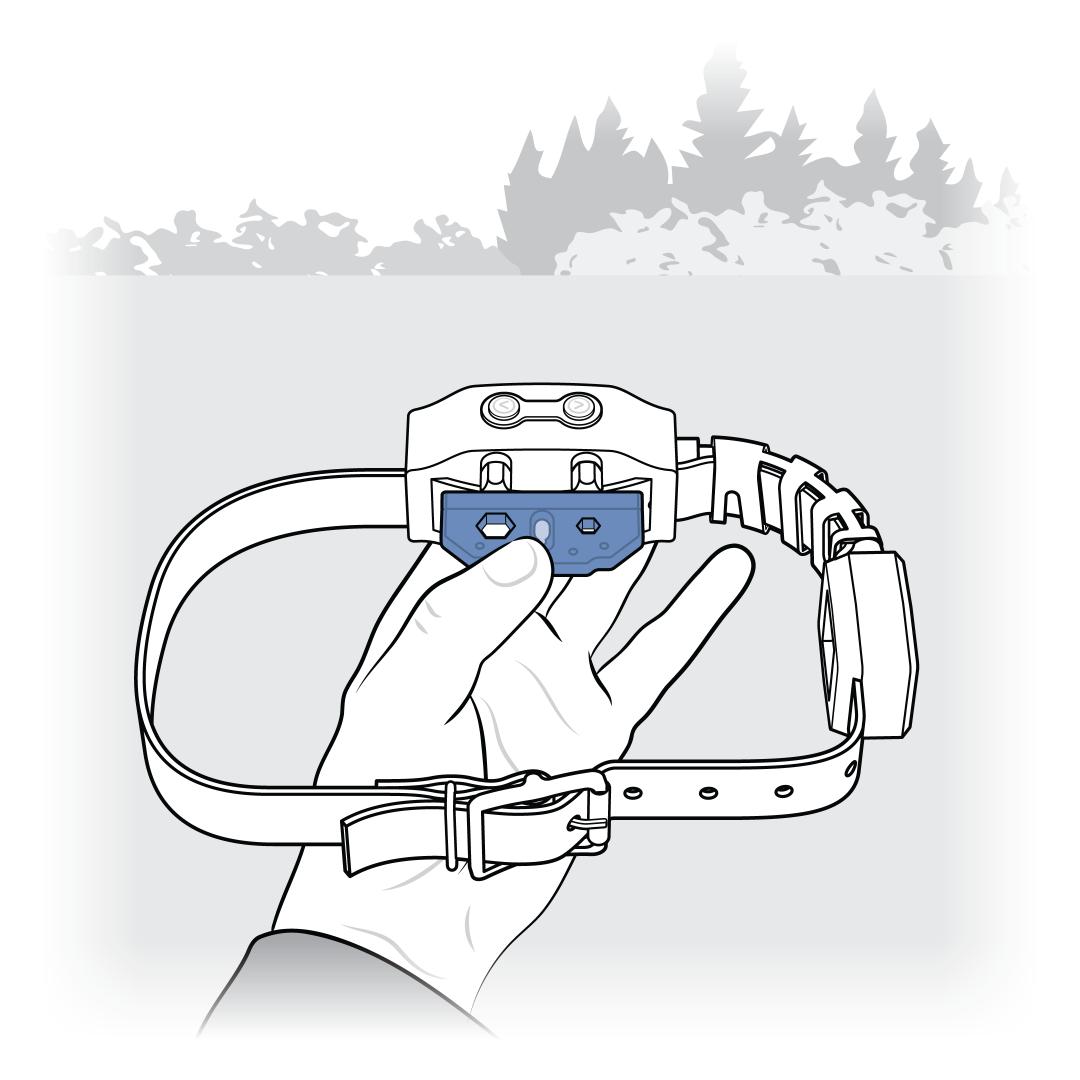
Check that the collar activates at the boundary.
- Start inside the boundary and confirm “Inside Fence” is on the display.
- Hold the Test Light Tool to the Contact Points and walk the collar toward each side of the boundary.
- Confirm the home screen changes from “Inside Fence” to “Near Fence” and then “Outside Fence” at the expected location.
- Confirm the collar activates the selected tone, vibration or static correction at the boundary.
- For more information, visit How To Test My PetSafe® GPS Customizable Dog Fence for Correction.
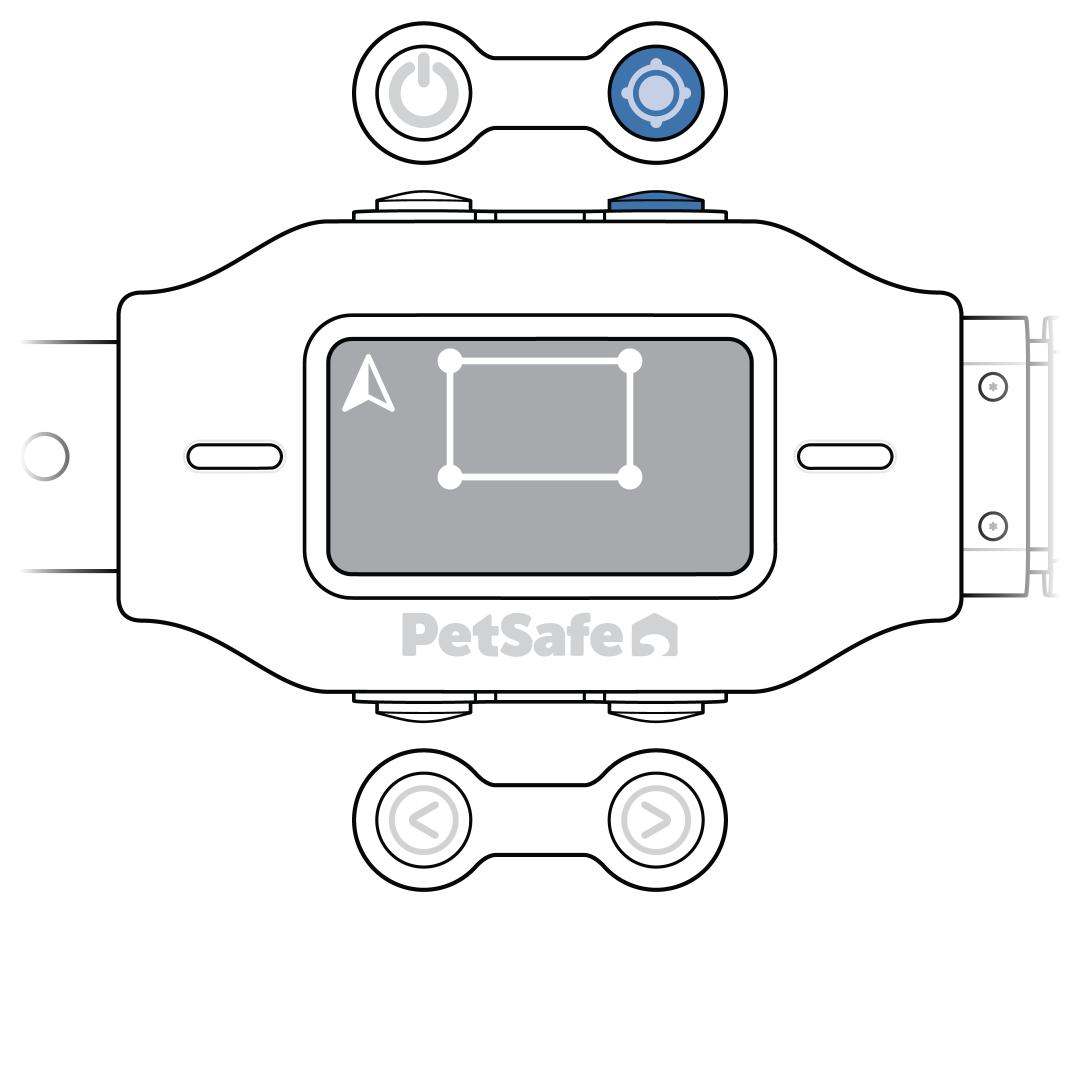
Reset the fence if the collar doesn’t correct at the boundary zone.
- For more information, visit How To Create or Reset a Fence For My PetSafe® GPS Customizable Dog Fence.
Test the fence again after recreating the boundary.
- Walk the collar around the safe area and toward each side of the boundary.
- If the collar activates only at the boundary, the issue is resolved.